Learn the Basics

Choose Your Diagnostic Level

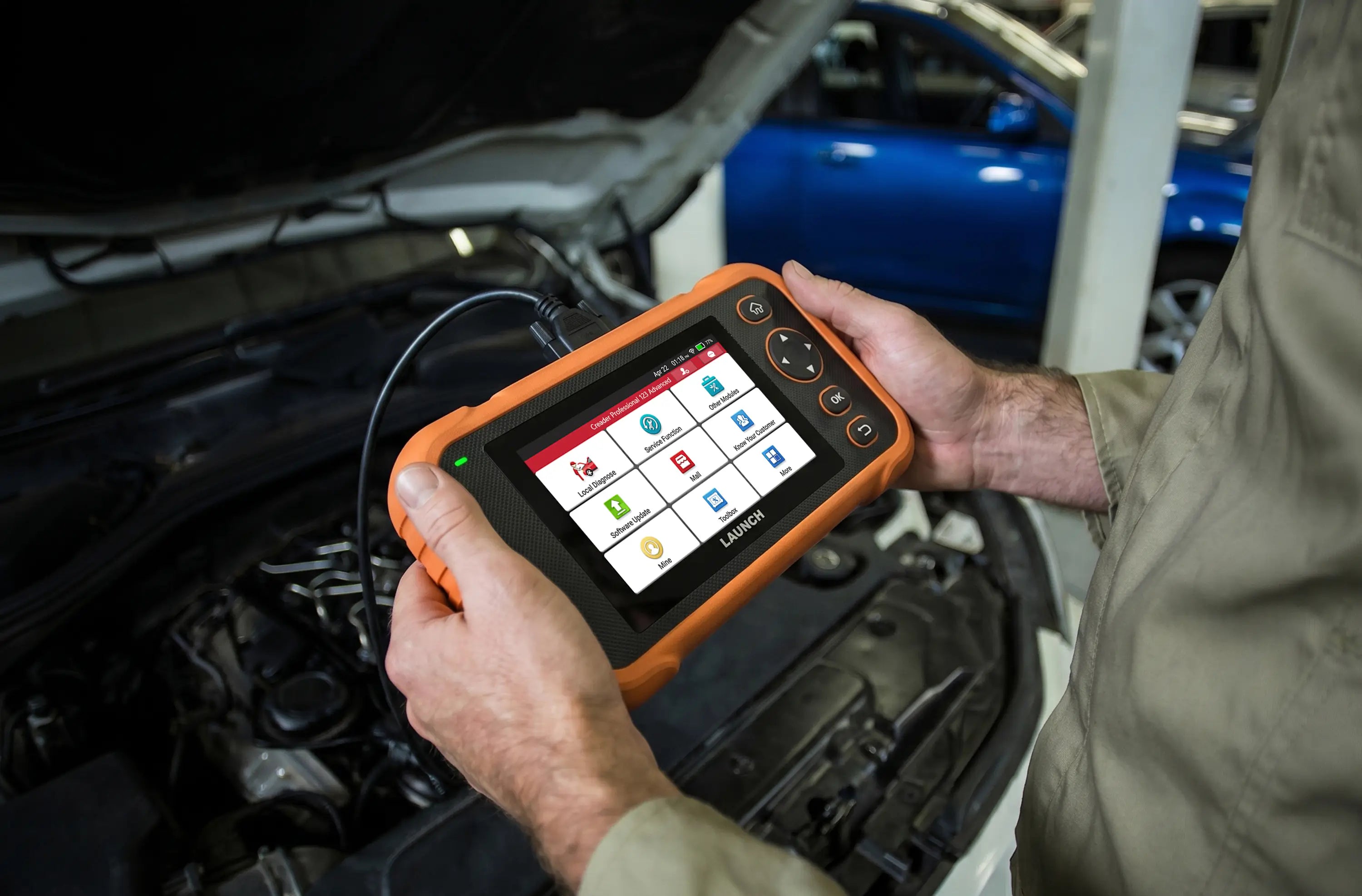
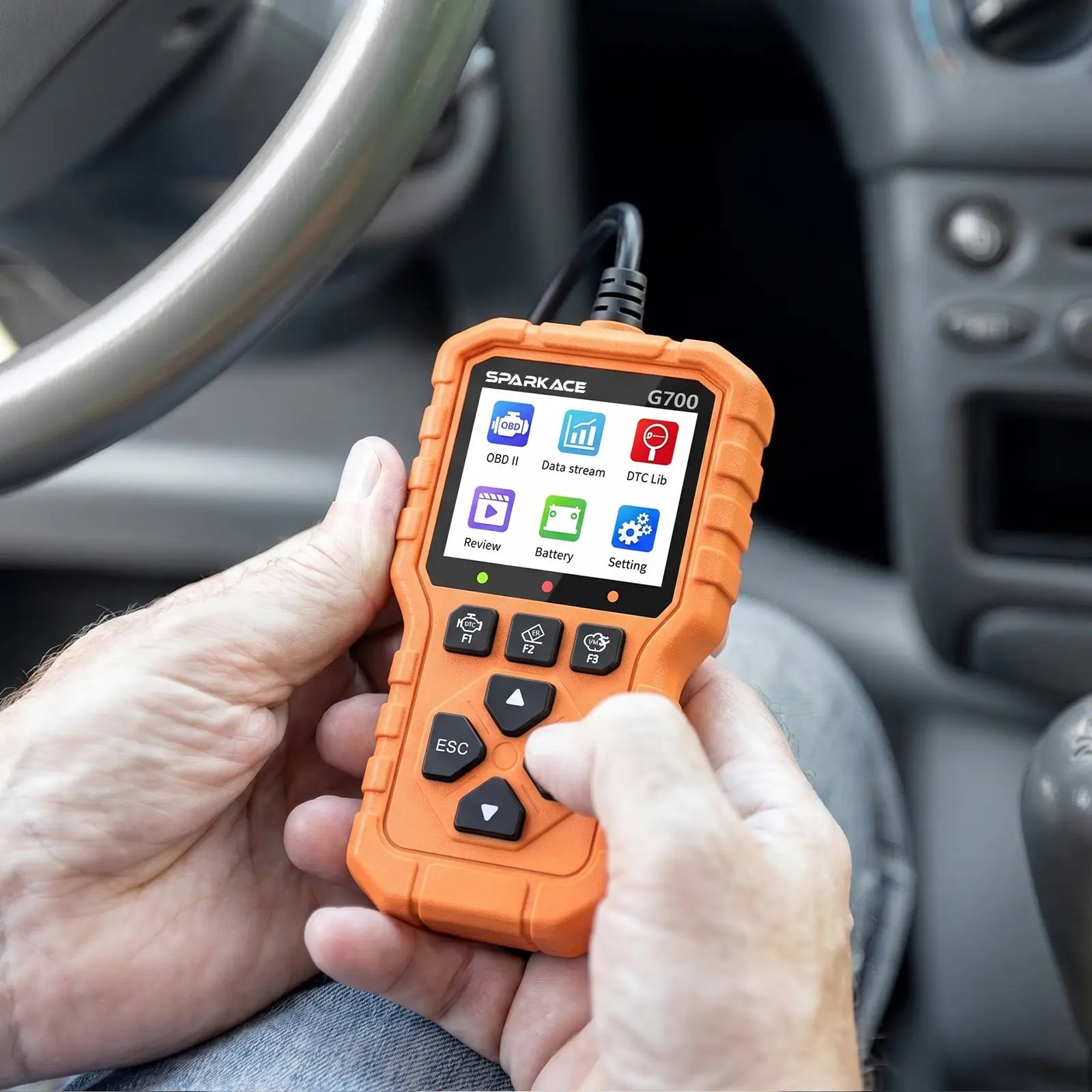
  • This image shows a person's hands holding and operating a Sparkace G700 diagnostic scanner inside a car. The handheld device is powered on, displaying its main menu while being used for vehicle troubleshooting.
    This image shows a person's hands holding and operating a Sparkace G700 diagnostic scanner inside a car. The handheld device is powered on, displaying its main menu while being used for vehicle troubleshooting.
    Creader G700
    A simple and reliable OBD2 code reader for quick check engine diagnostics and live data monitoring.
    Starting at RM139

How To Use It

Start diagnosing your vehicle in just a few simple steps.

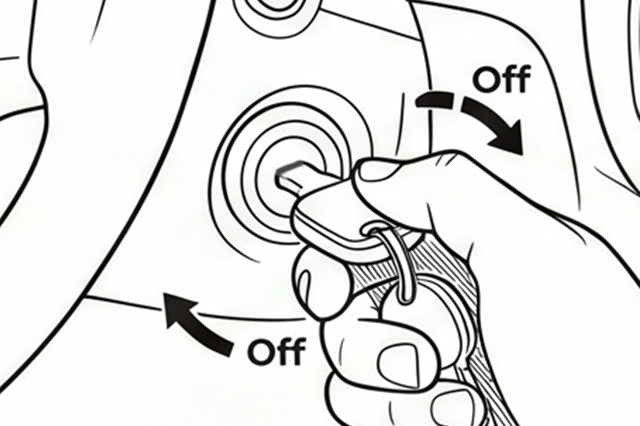
Turn the ignition off.

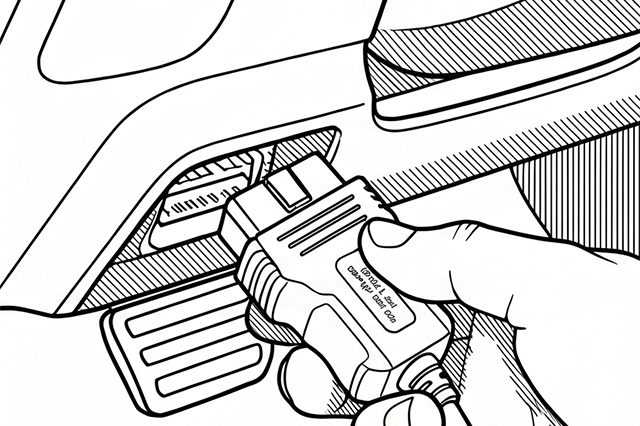
Locate the vehicle’s 16-pin Data Link Connector (DLC).

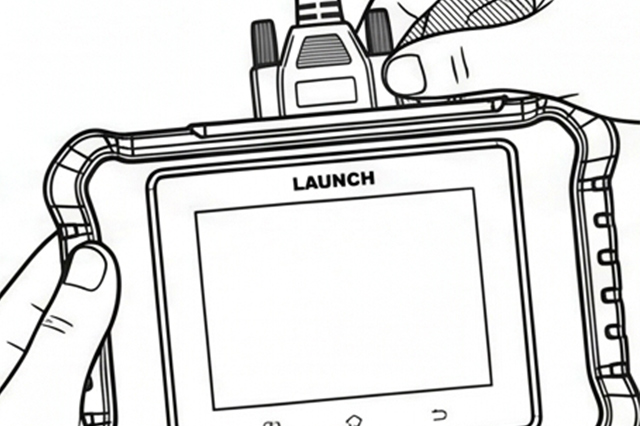
Plug one end of the diagnostic cable into the vehicle’s DLC port, and the other end to the DB-15 diagnostic connector of the tool, and then tighten the captive screws.

*Notes: A plastic DLC cover may be found for some vehicles and you need to remove it before plugging the diagnostic cable. The cable connector is keyed and will only fit one way. If you have problems connecting the cable connector to the DLC, rotate the connector 180° and try again.

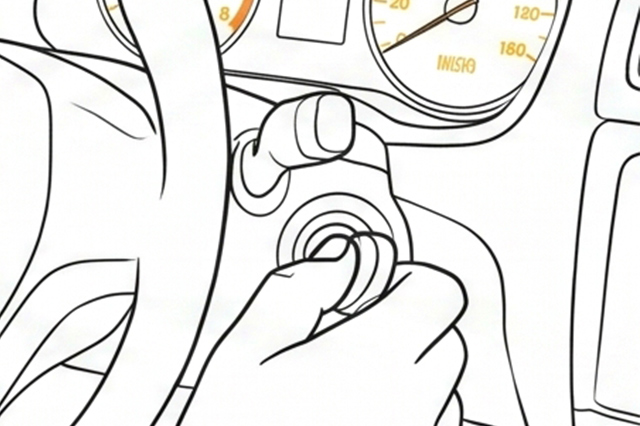
Turn the ignition on. Engine can be off or running.

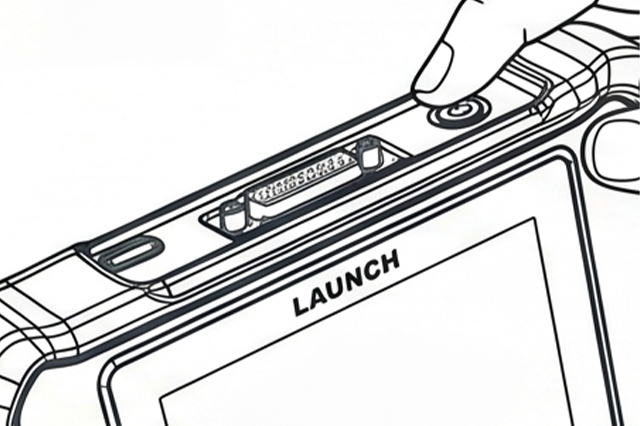
Press the power button for several seconds to turn the tool on and enter the Main Menu.

Expand Anytime

Expand As Your Needs Grow

--6

Tips for Expanding Later

Expand with Software Upgrades

Unlock additional diagnostic capabilities through software upgrades, including advanced service functions, enhanced system access, and specialized vehicle features. Upgrade only when you need it—no need to replace your hardware.

Extend Your Vehicle Coverage

Add support for additional vehicle makes and models as your needs grow. Whether you're working on more brands or expanding your workshop capabilities, coverage upgrades ensure your tool evolves with your garage.

Unlock Advanced Service Functions

Activate additional reset, calibration, and adaptation functions tailored to specific systems. From injector coding to transmission relearn, expand your tool’s capabilities without upgrading to a new device.

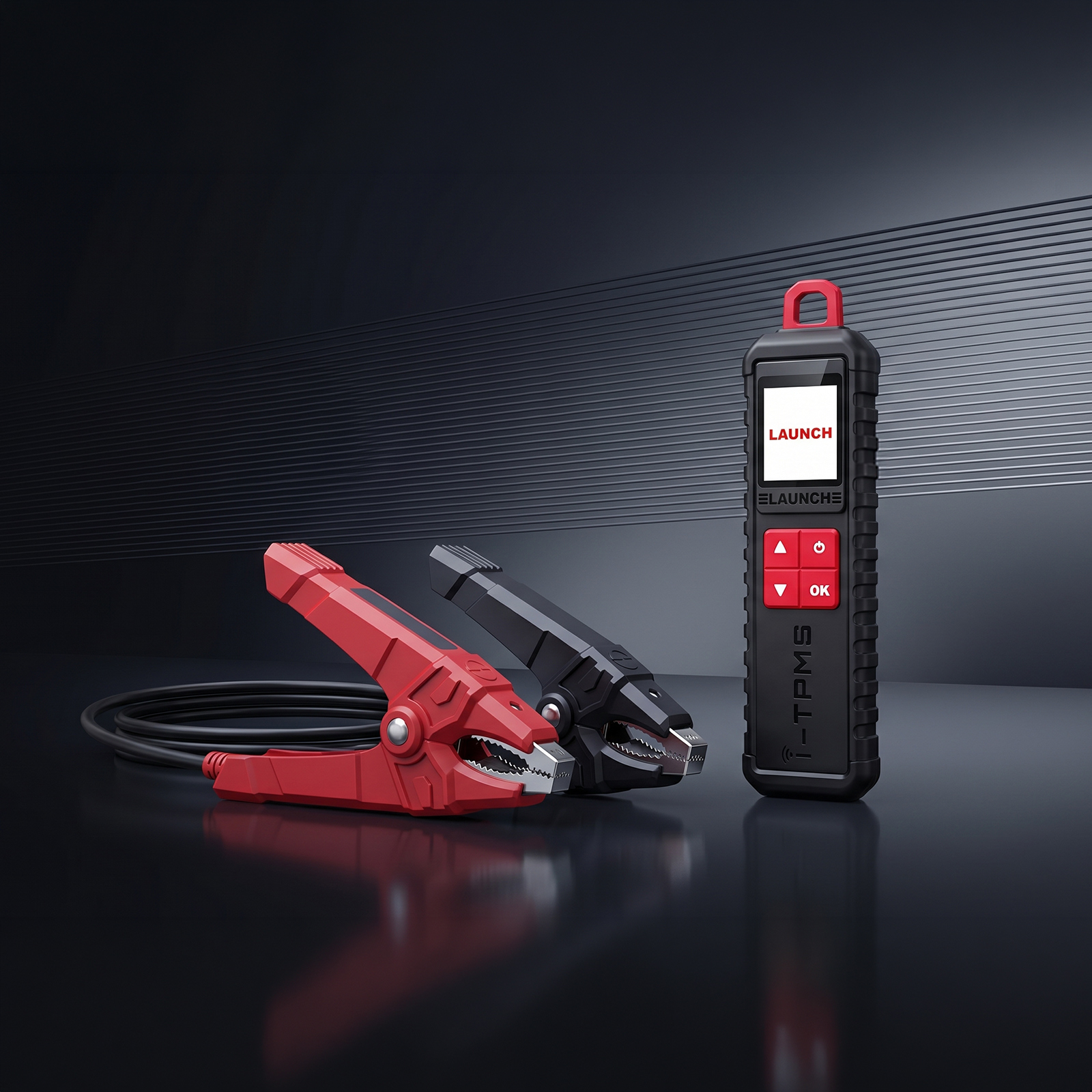
TPMS Programming Tool

Expand your diagnostic capabilities with dedicated TPMS service support. When paired with your diagnostic device, this tool enables sensor activation, relearn procedures, and new sensor programming, giving you full control over tire pressure systems during replacements, seasonal swaps, or warning light troubleshooting—without relying on dealership service.

Battery Tester Module

Connect with a compatible battery tester to perform battery health checks, cranking tests, and charging system analysis. Diagnose battery-related issues quickly and prevent unnecessary part replacements.

Videoscope (Inspection Camera)

Pair your scanner with a digital inspection camera to visually check hard-to-reach areas such as cylinders, intake manifolds, or HVAC ducts. Combine fault codes with visual confirmation for faster, more accurate diagnostics.

Upgrade to Advanced Signal Analysis

Expand into deeper diagnostics with oscilloscope capability. Analyze sensor waveforms, ignition patterns, and electrical signals in real time—ideal for complex troubleshooting and professional-level repair.

Getting Started Guides

Getting Started
Why ls My Check Engine Light on? (And ls lt Serious?)
Getting Started
Can l Use an OBD2 Scanner lf I'm Not a Mechanic?
Getting Started
How to Scan Your Car in 3 Minutes (Step-by-Step Guide)
Getting Started
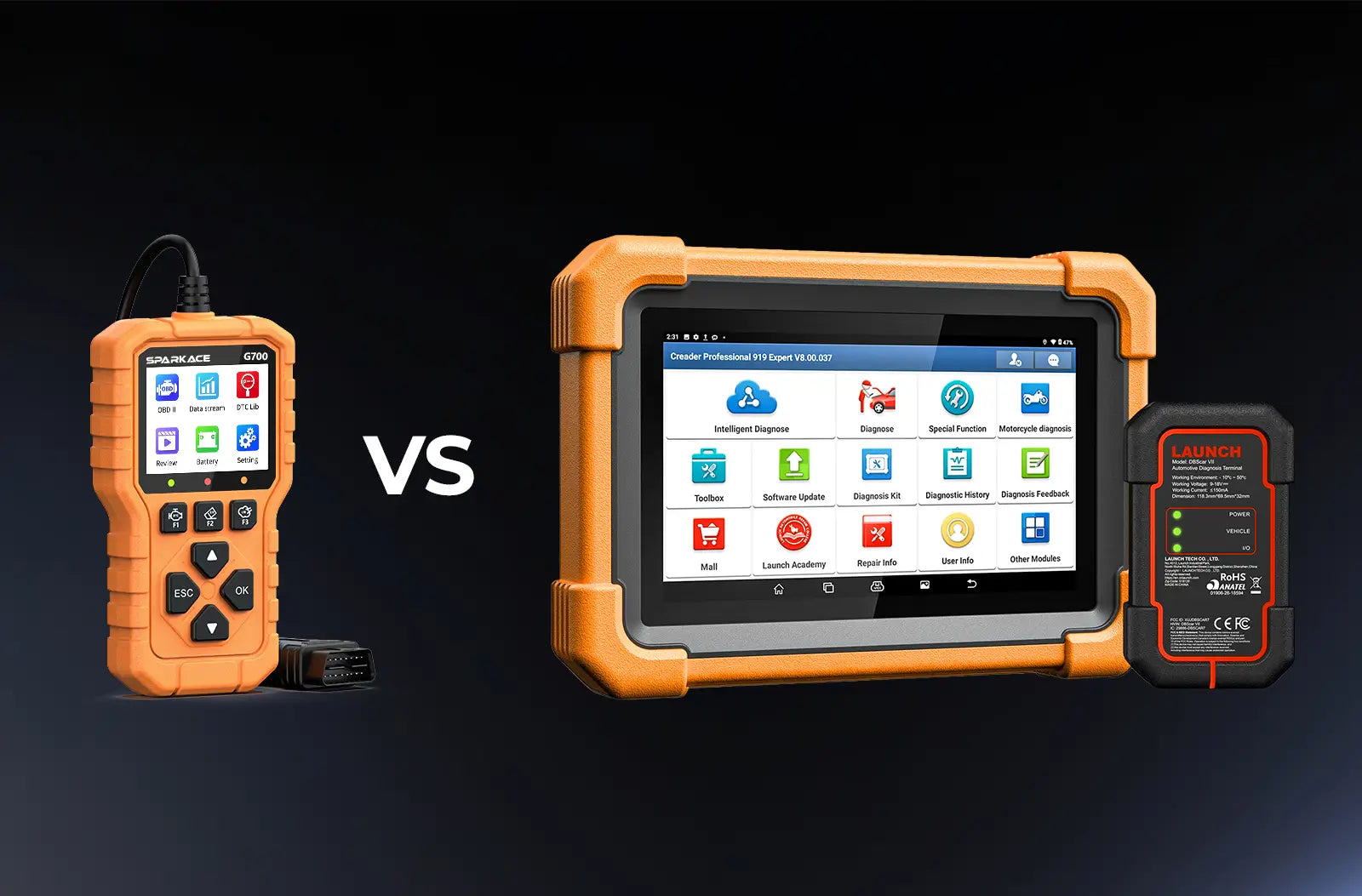
Basic Code Reader vs.Full-System Scanner: What's the Difference?
Getting Started
Why ls My Check Engine Light on? (And ls lt Serious?)
Getting Started
Can l Use an OBD2 Scanner lf I'm Not a Mechanic?
Getting Started
How to Scan Your Car in 3 Minutes (Step-by-Step Guide)
Getting Started
Basic Code Reader vs.Full-System Scanner: What's the Difference?
Have a specific question?
Please feel free to contact us at hello@launchauto.com. We are always here to help you!
Fast & Loacl Delivery
Pay Easily and Flexibly
30-Day Money-Back Guarantee
Lifetime Customer Support

Cart

loading