
Home / Compare Products / LAUNCH CRP 919 Advanced OBDII Sacnner Full System Diagnostic Tool
1 / 6
6000mAh
Battery
7 Inches
Touch Screen
Rear 8MP
Camera
Android 10.0
Operating System
2.0GHz 4-core
Processor
4GB + 64GB
Memory
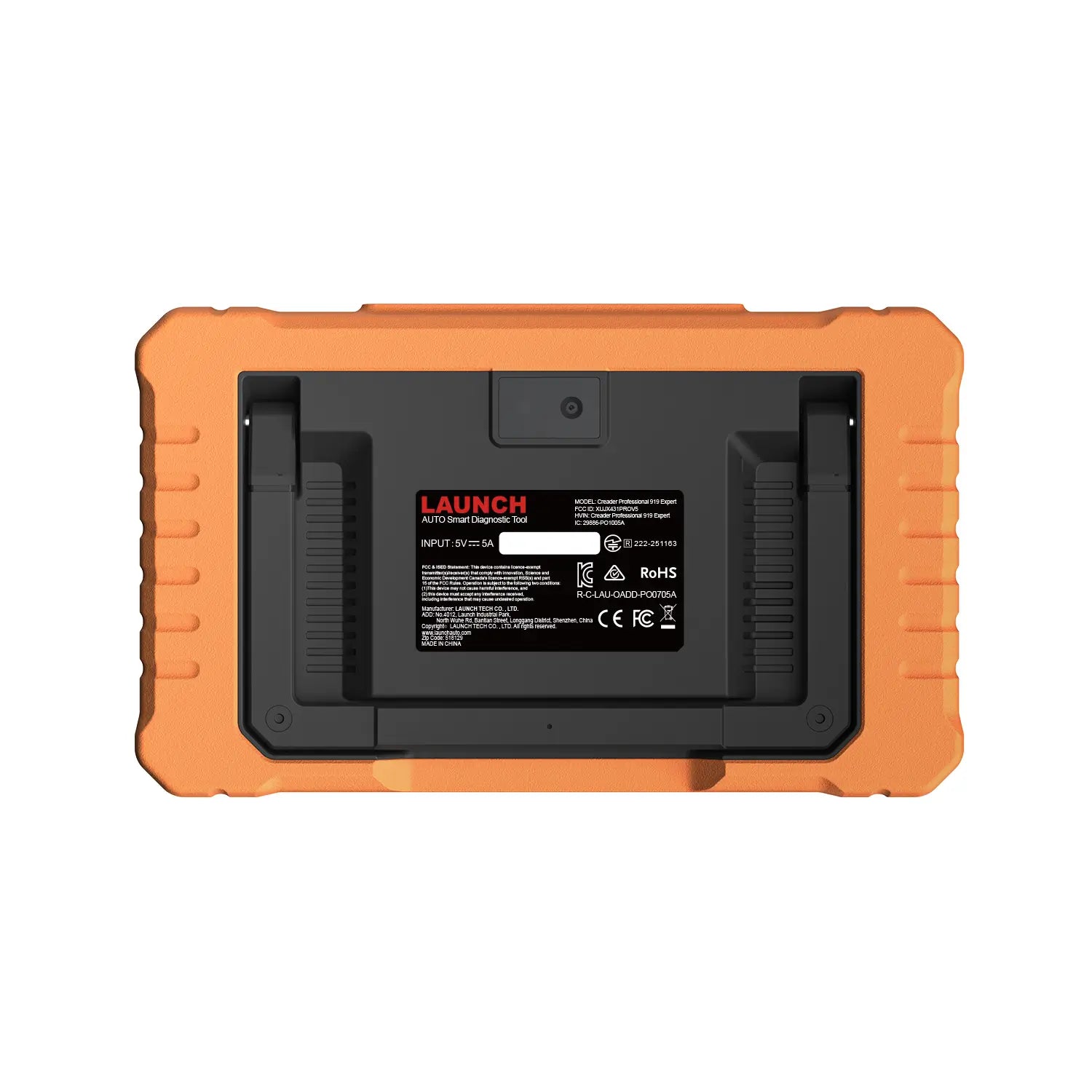
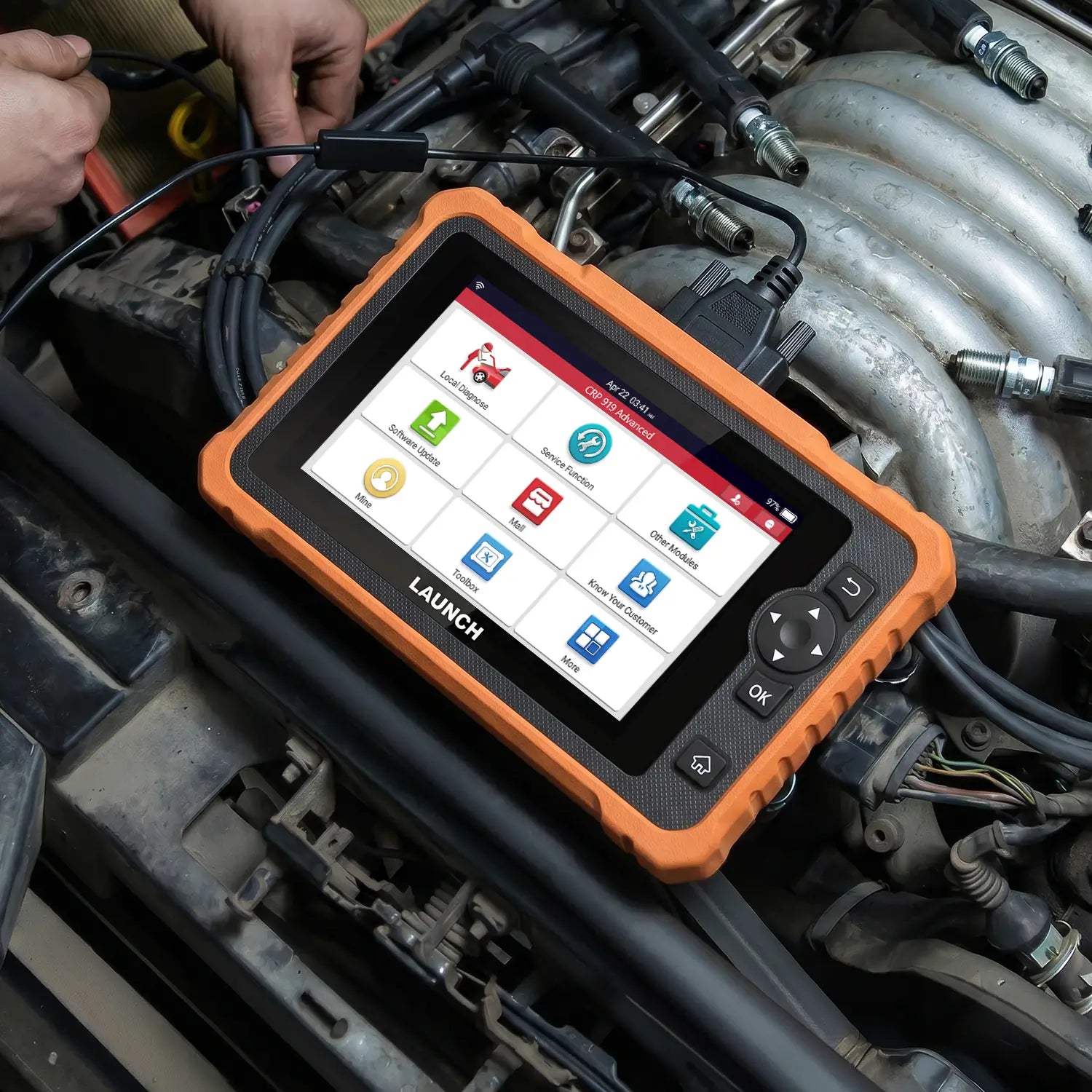
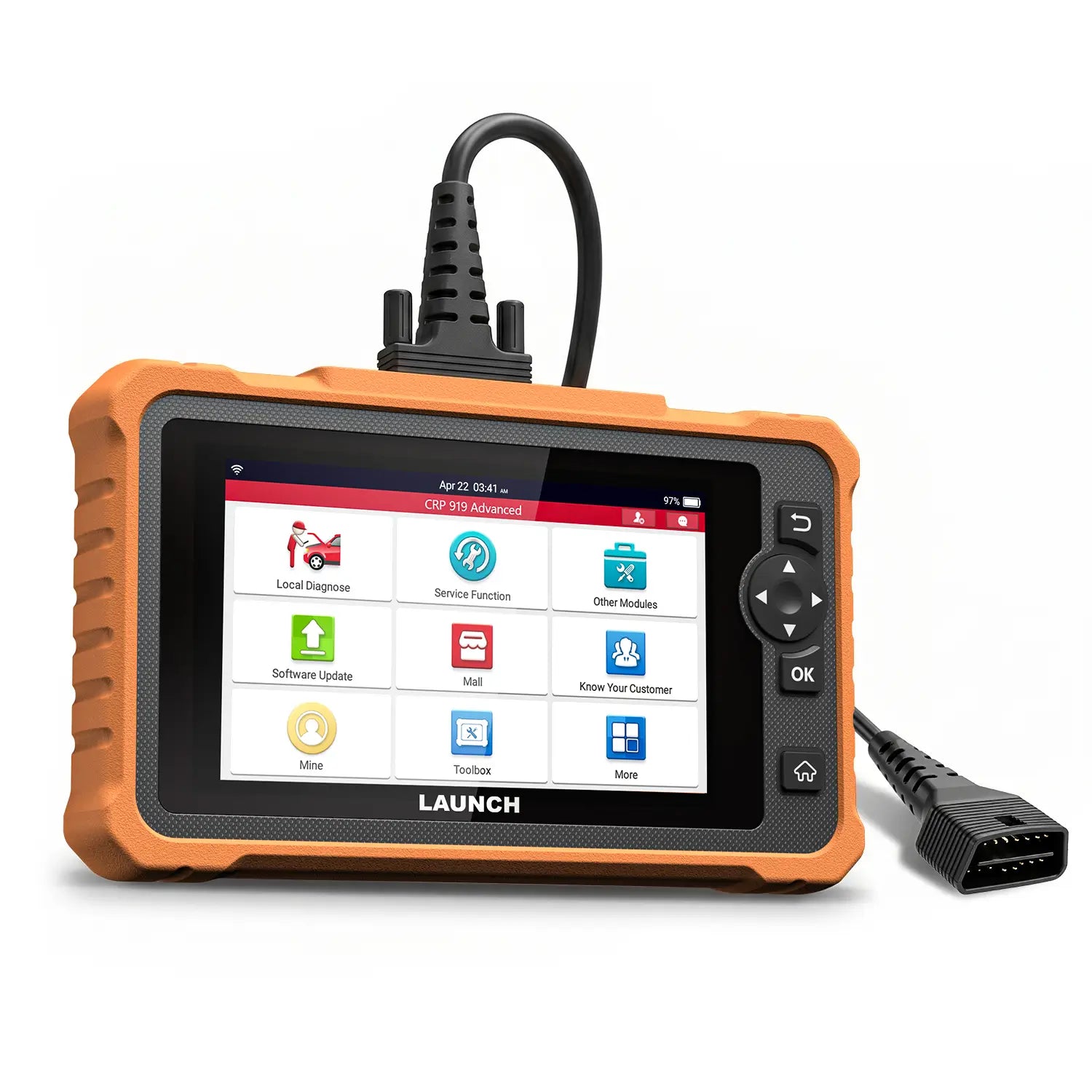
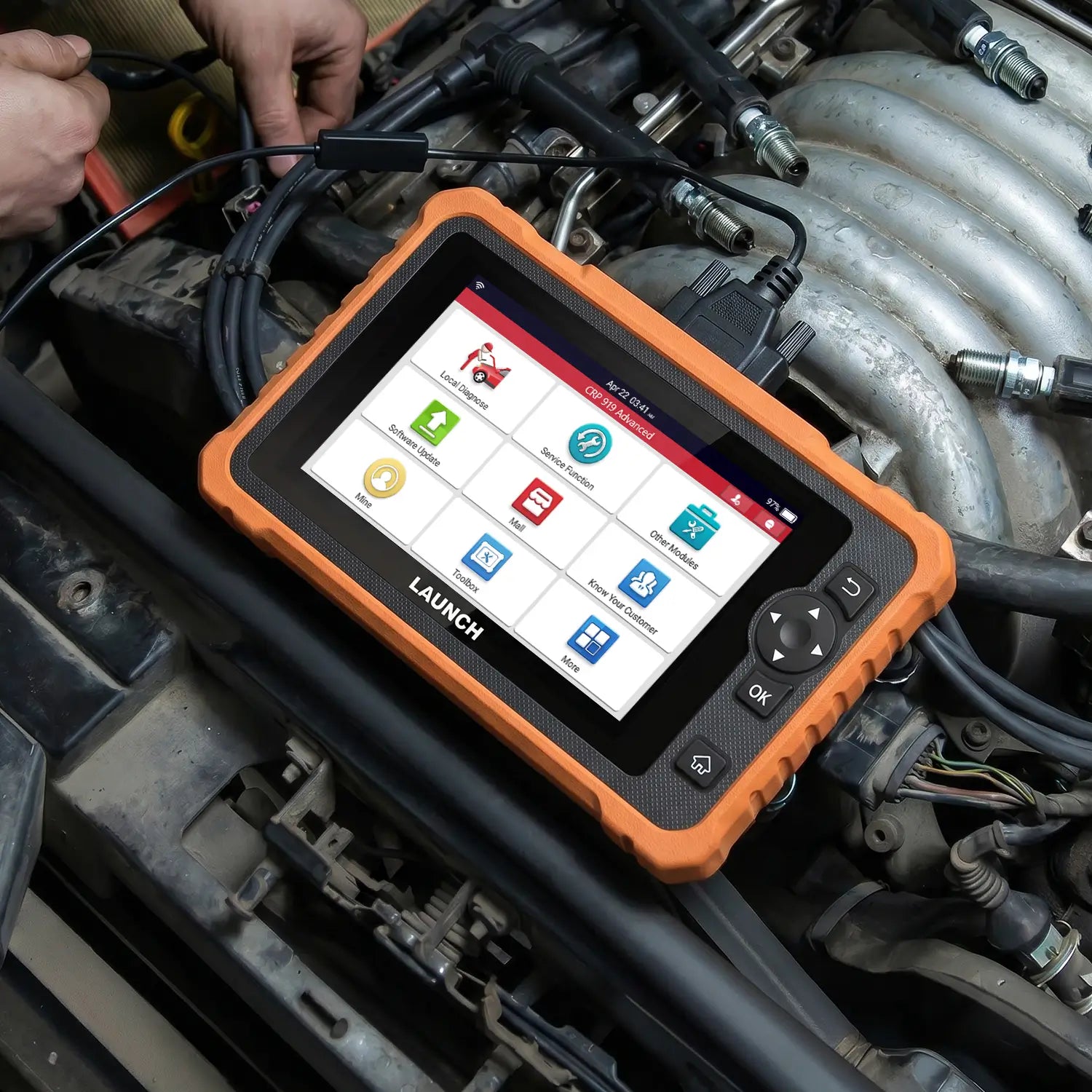
LAUNCH CRP 919 Advanced OBDII Sacnner Full System Diagnostic Tool
RM489.90 MYR
Shipping fees will be calculated at checkout.
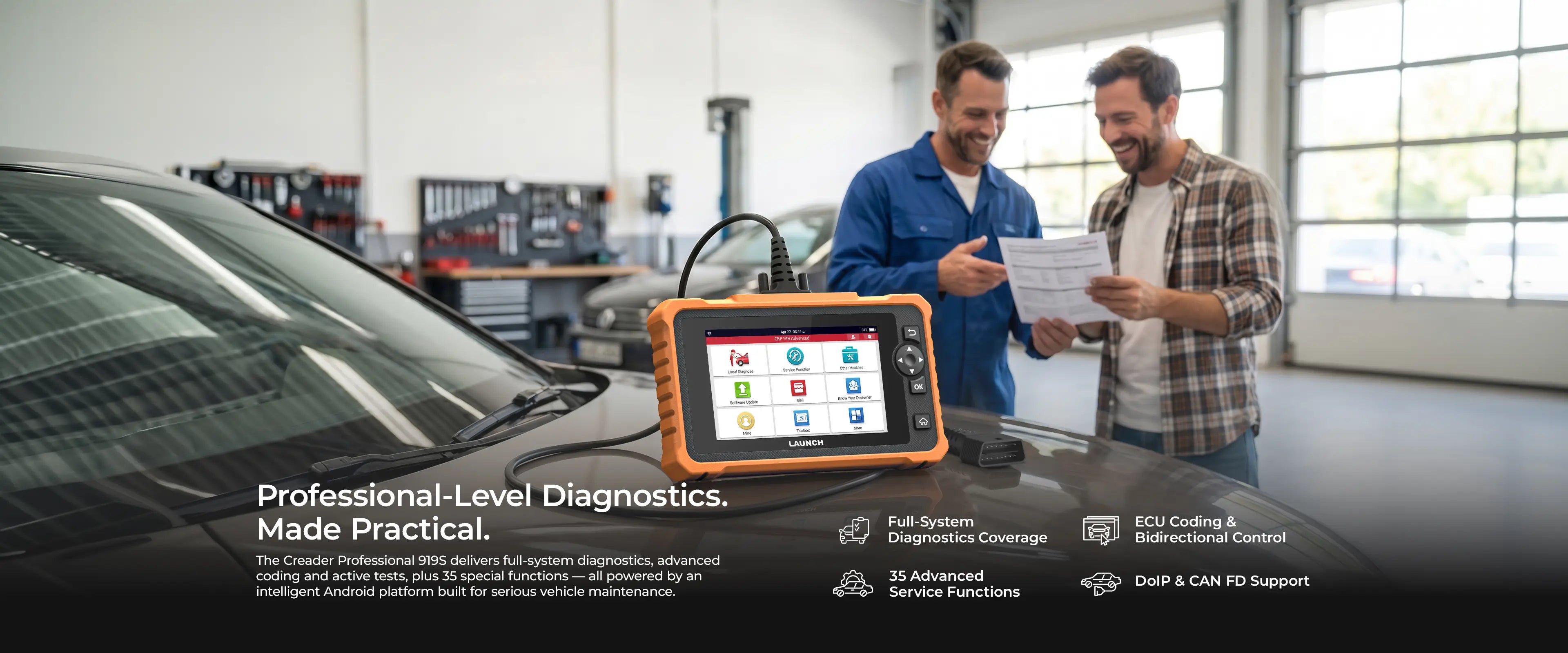
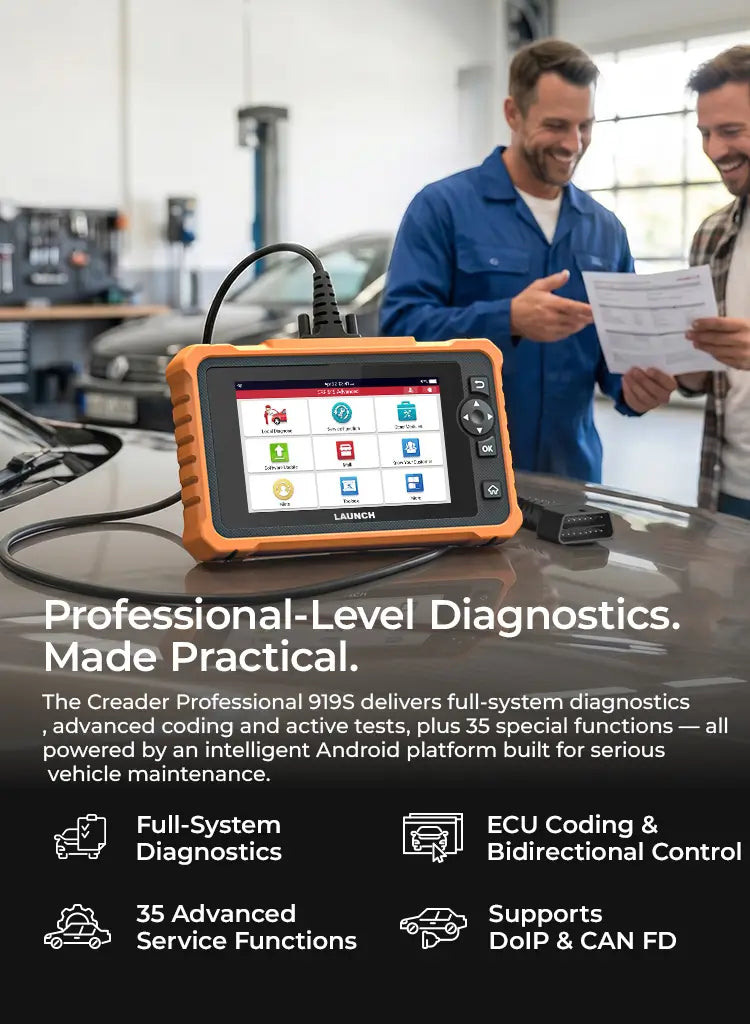
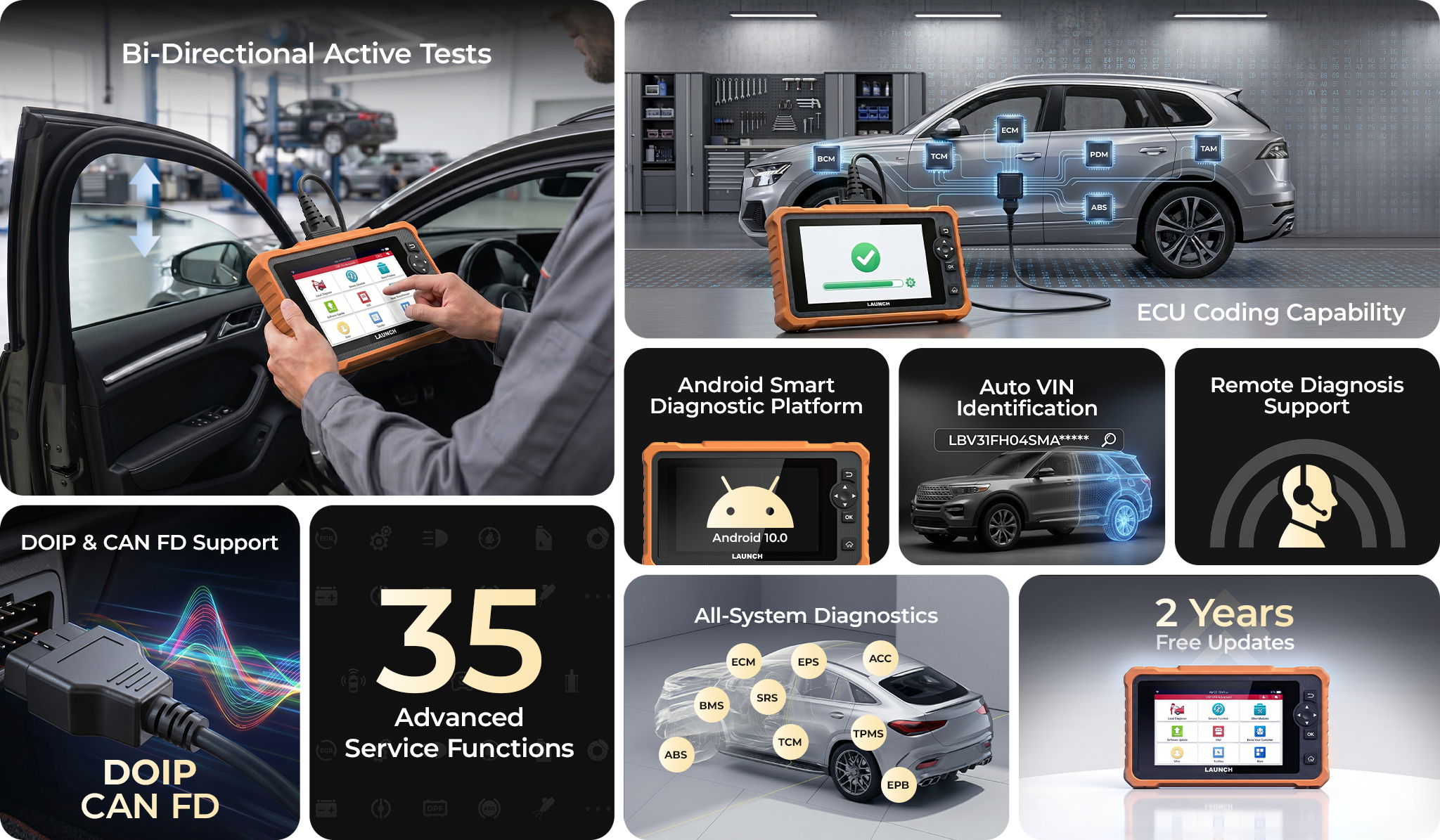
OE-Level Full-System Diagnostics: Scans all car modules to read/clear codes and monitor real-time vehicle health.
CAN FD & DoIP Protocol Support: Supports the latest high-speed communication protocols to diagnose 70+ modern vehicle brands with ease.
Bi-Directional Control & ECU Coding: Commands car parts directly via active tests and unlocks advanced ECU customization.
Smart One-Click PDF Reporting: 
Generates a comprehensive health report instantly to share via email with a single tap.
One-Touch Wireless Updates: One-tap to automatically detect, download, and update all software without manual hassle.
Quantity
Description
Safety & Certification
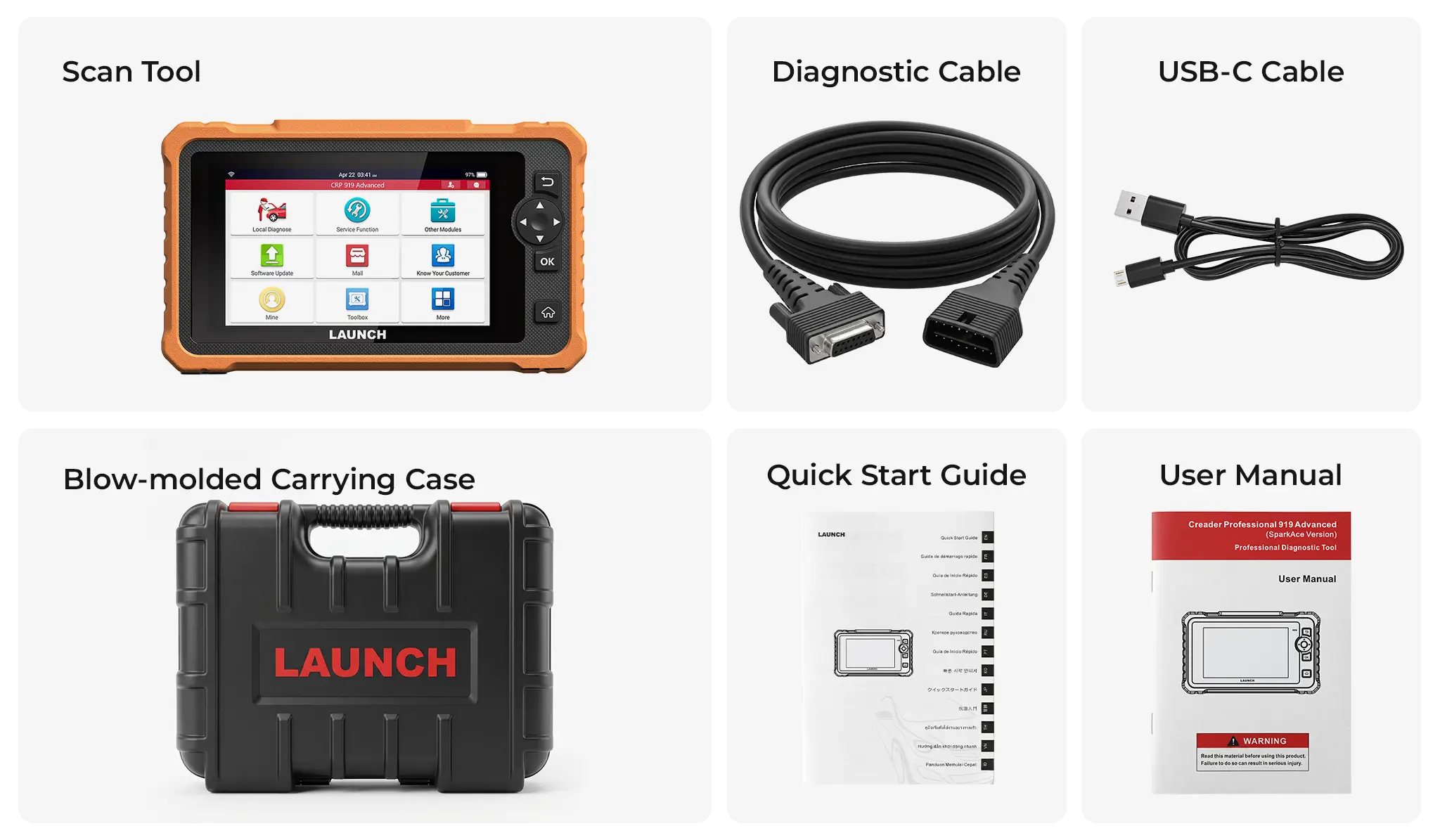
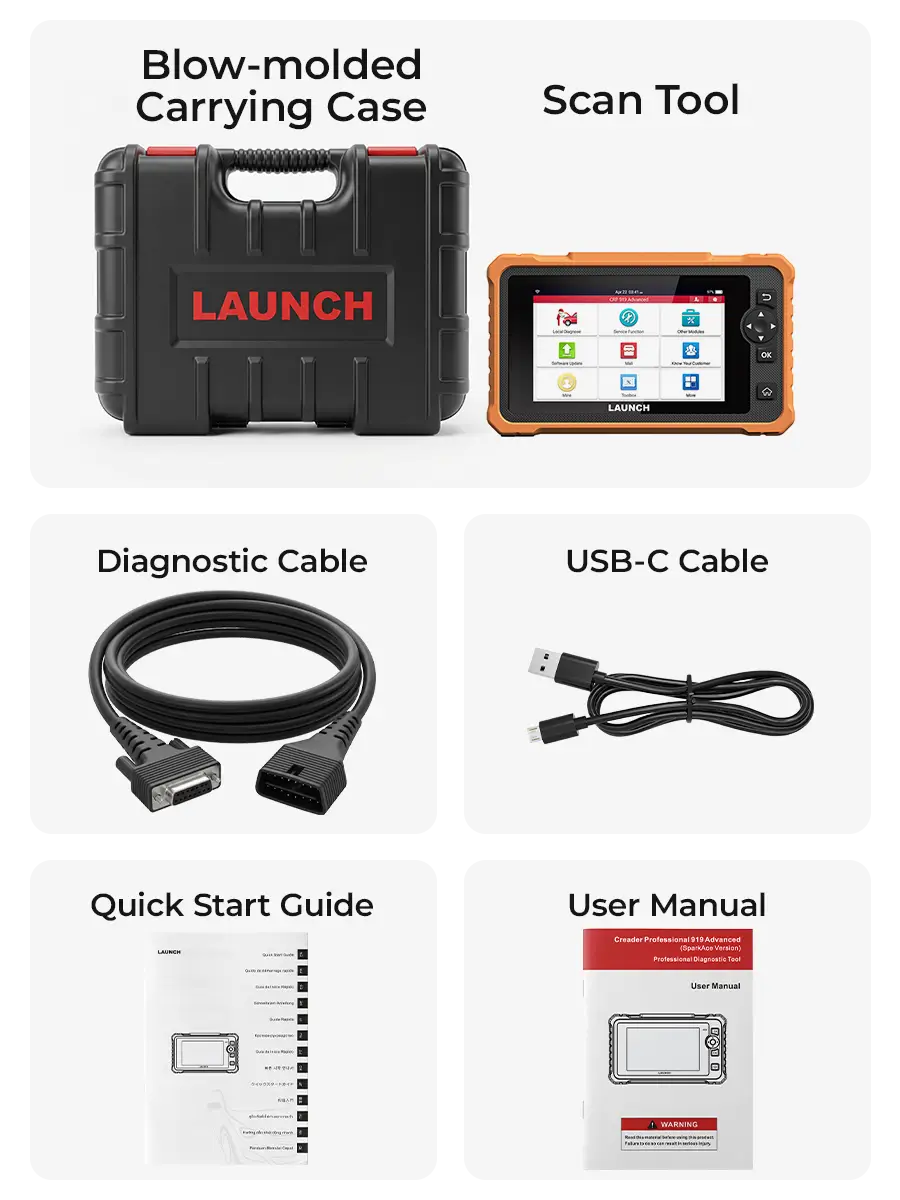
What's in the Box?
2-Year Warranty
30-Day Return
Free Shipping
2-Year Industrial Warranty backed by free lifetime technical support to guarantee zero workshop downtime.
30-Day Risk-Free Field Test: 100% refund if it fails to protocol-match your workshop's specific vehicle database.
Free shipping on all orders—no hidden fees, no extra costs.

All‑In‑One Diagnostic Solution

Complete Vehicle System Diagnostics

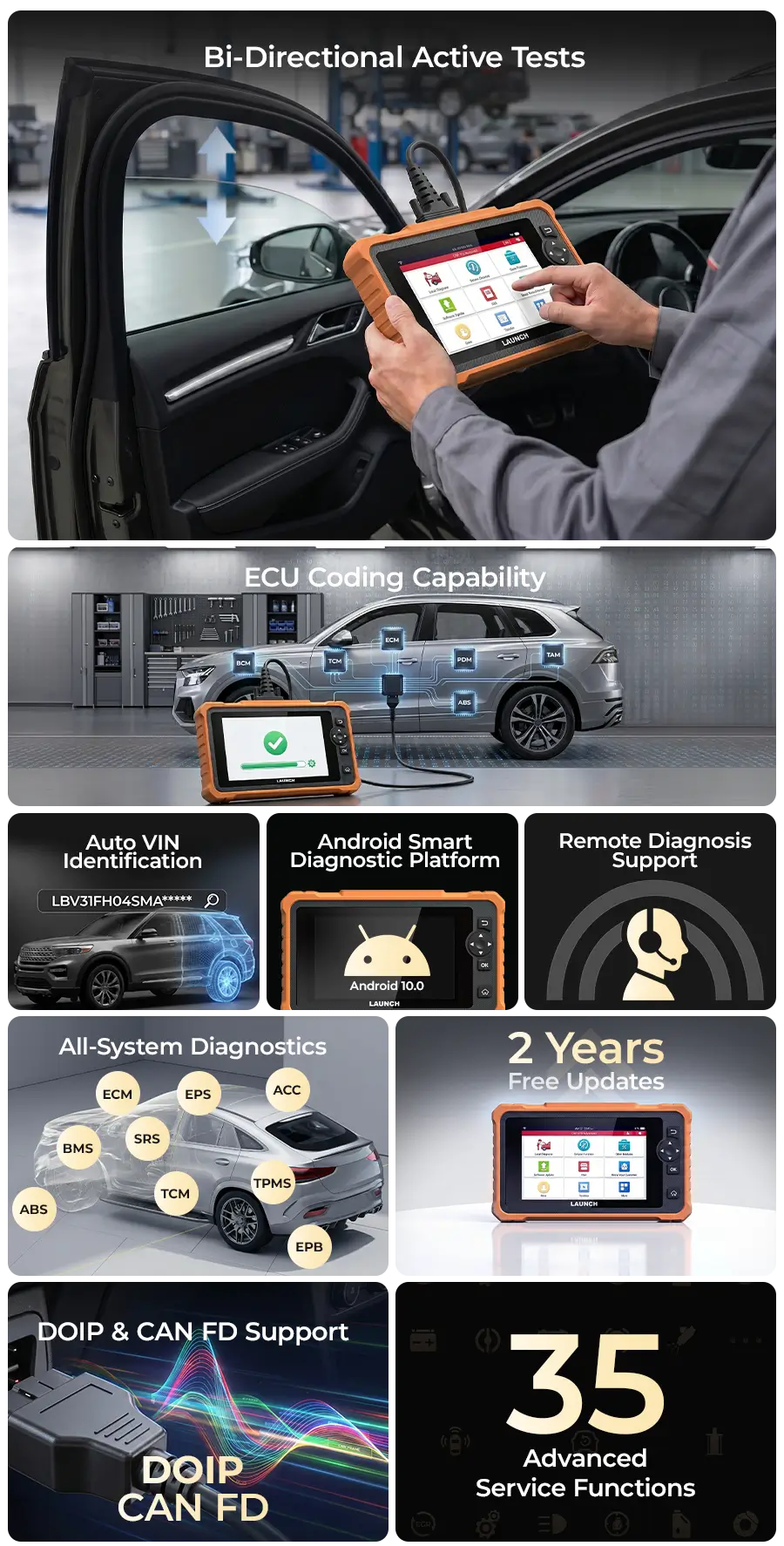
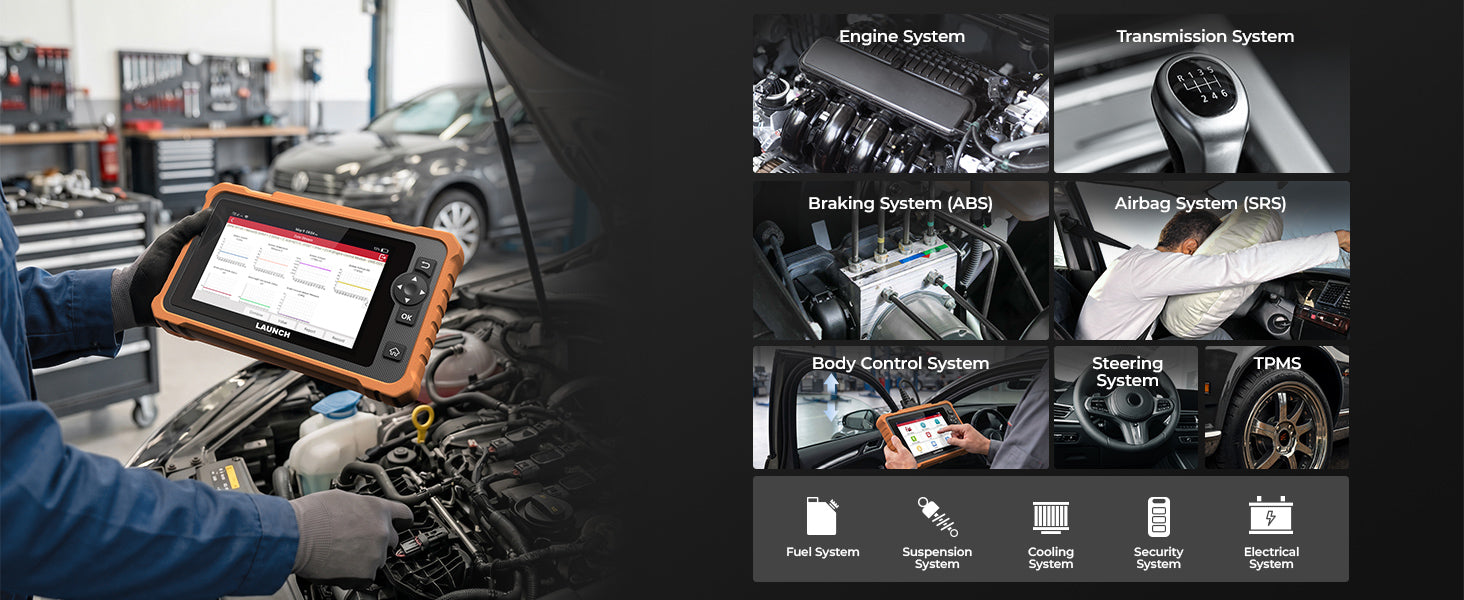
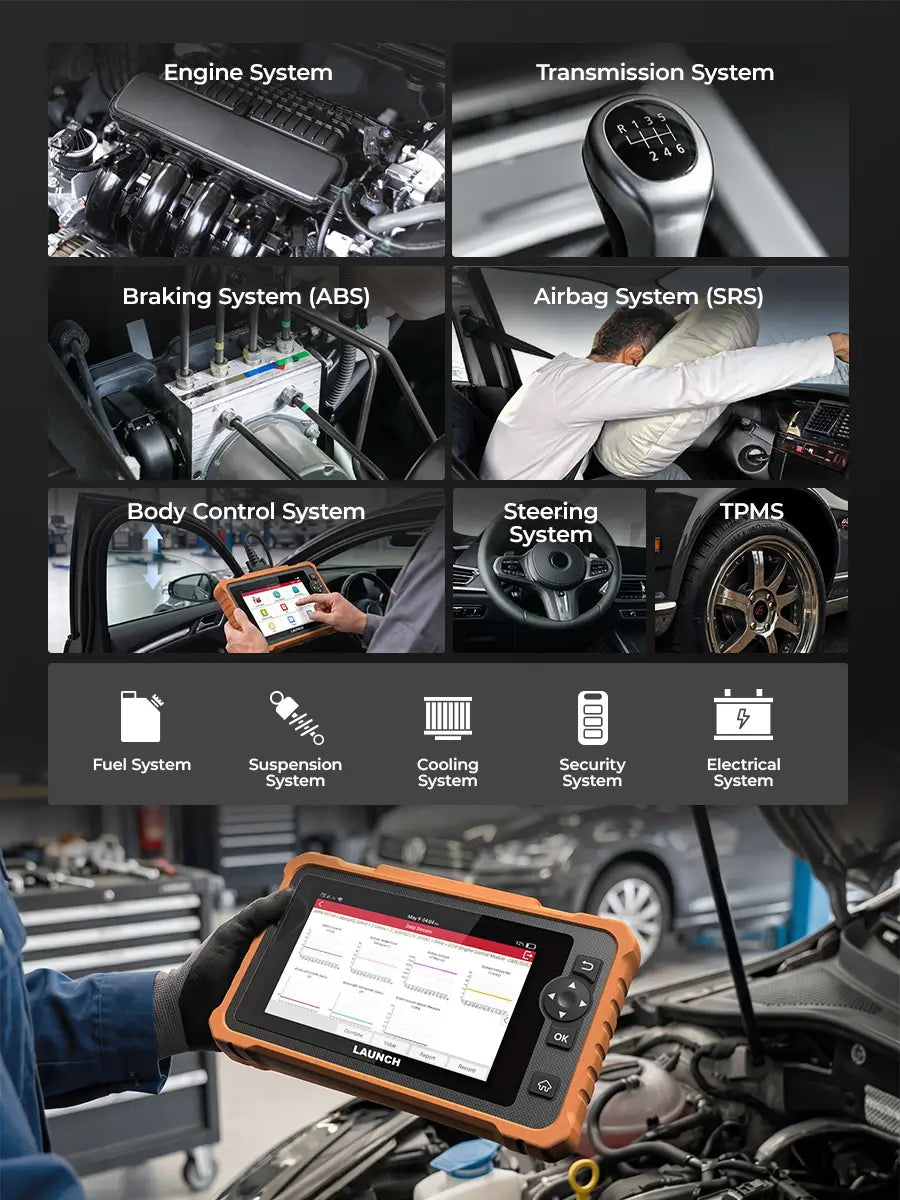
Diagnose Engine, Transmission, ABS, SRS, Body, and all other onboard systems with complete vehicle coverage.

Complete Diagnostic Functions

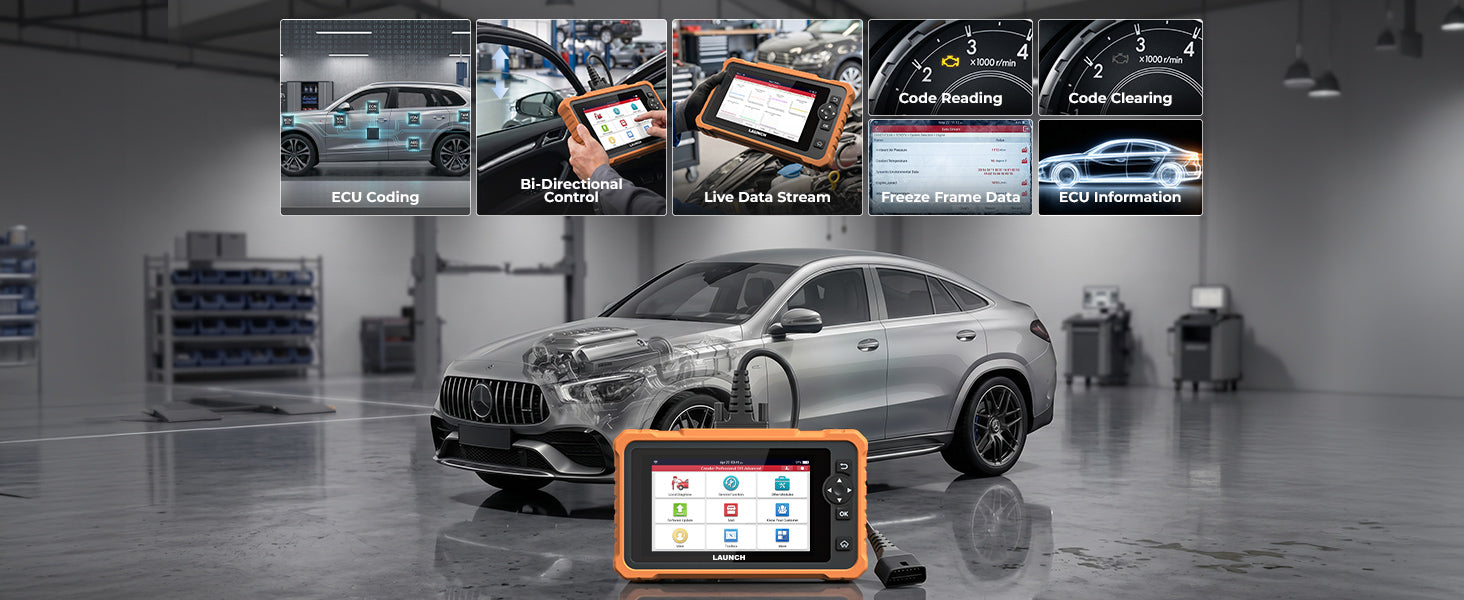
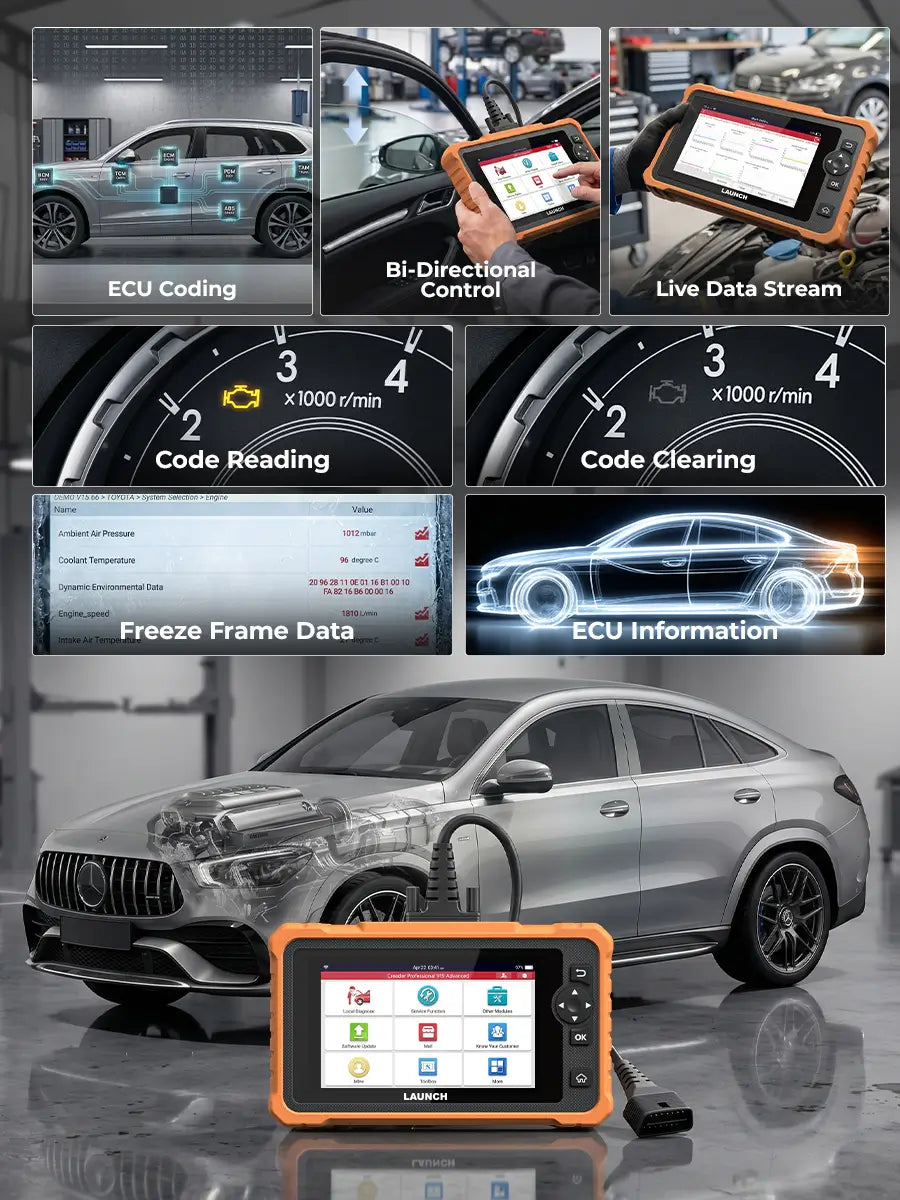
Perform full-spectrum diagnostic operations including reading and clearing fault codes, accessing ECU version information, viewing live data streams, executing active tests, and performing coding functions — all designed to deliver accurate analysis and efficient repairs.

Advanced Service & Maintenance Functions

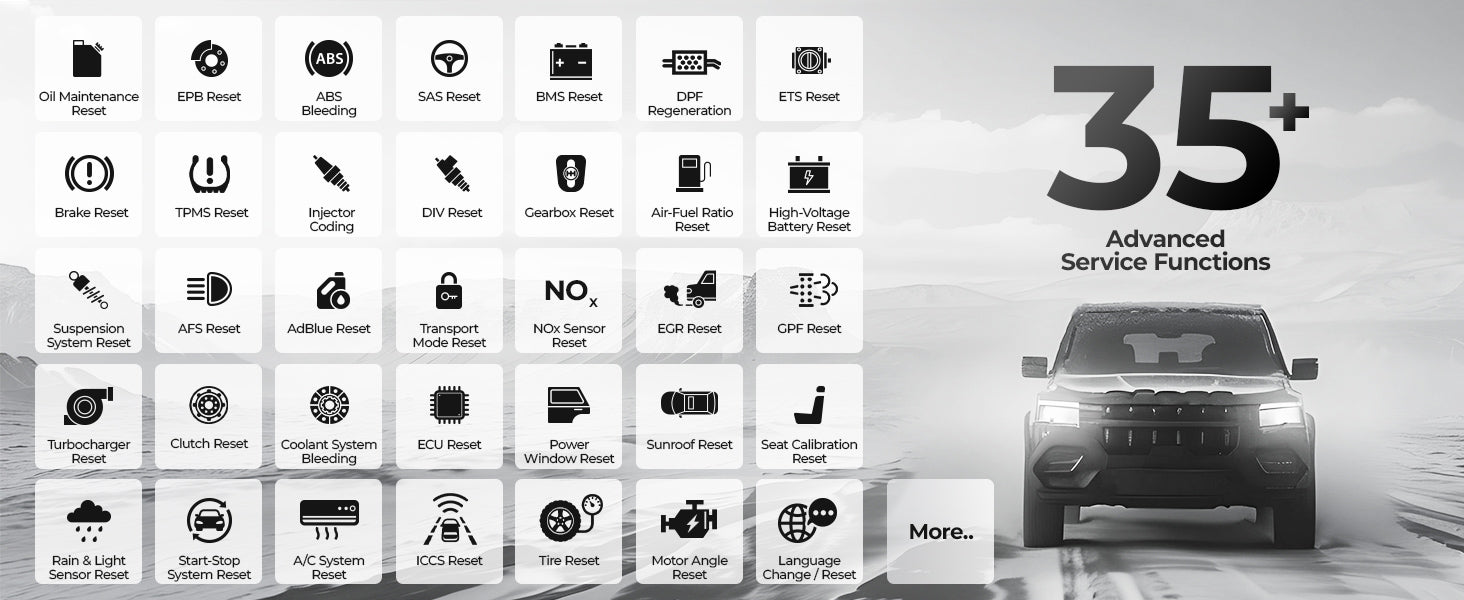
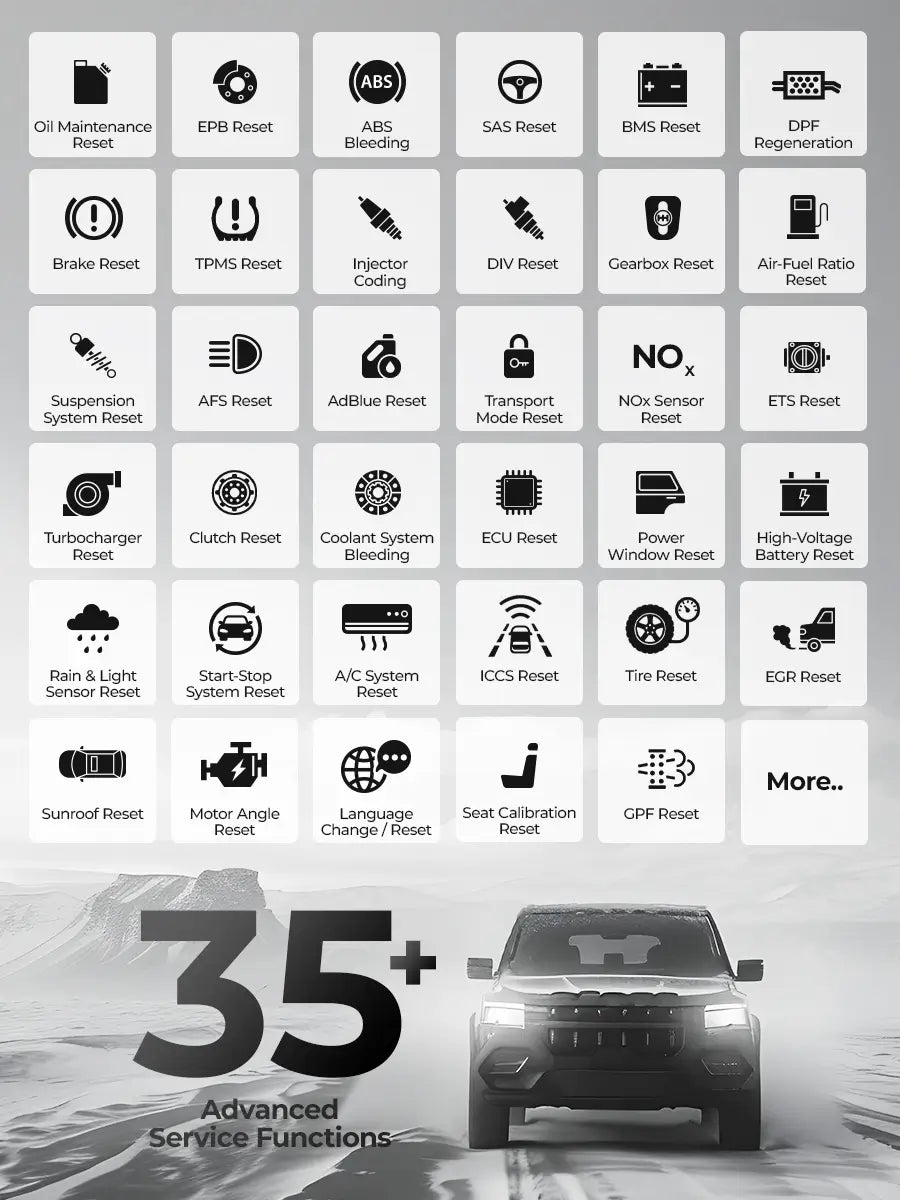
Supports over 35 service functions such as resets, relearns, coding, and ABS bleeding. These tools help restore vehicle systems after maintenance or part replacement to restore vehicle systems after repairs or part replacement.
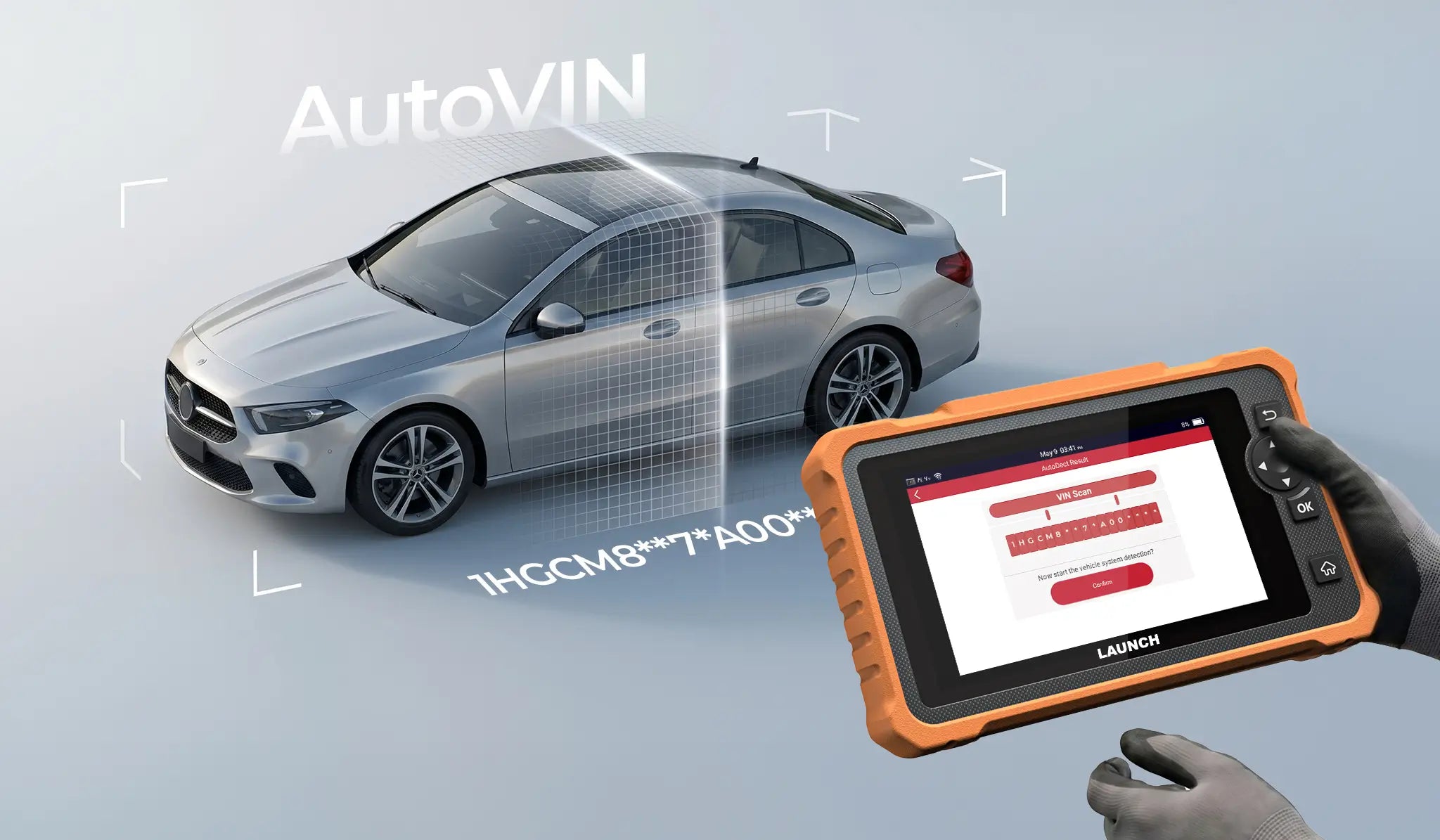
Auto VIN Identification

Automatically detect your vehicle’s VIN and retrieve essential vehicle information in seconds. Quick and accurate identification reduces manual input and helps you start diagnostics faster.

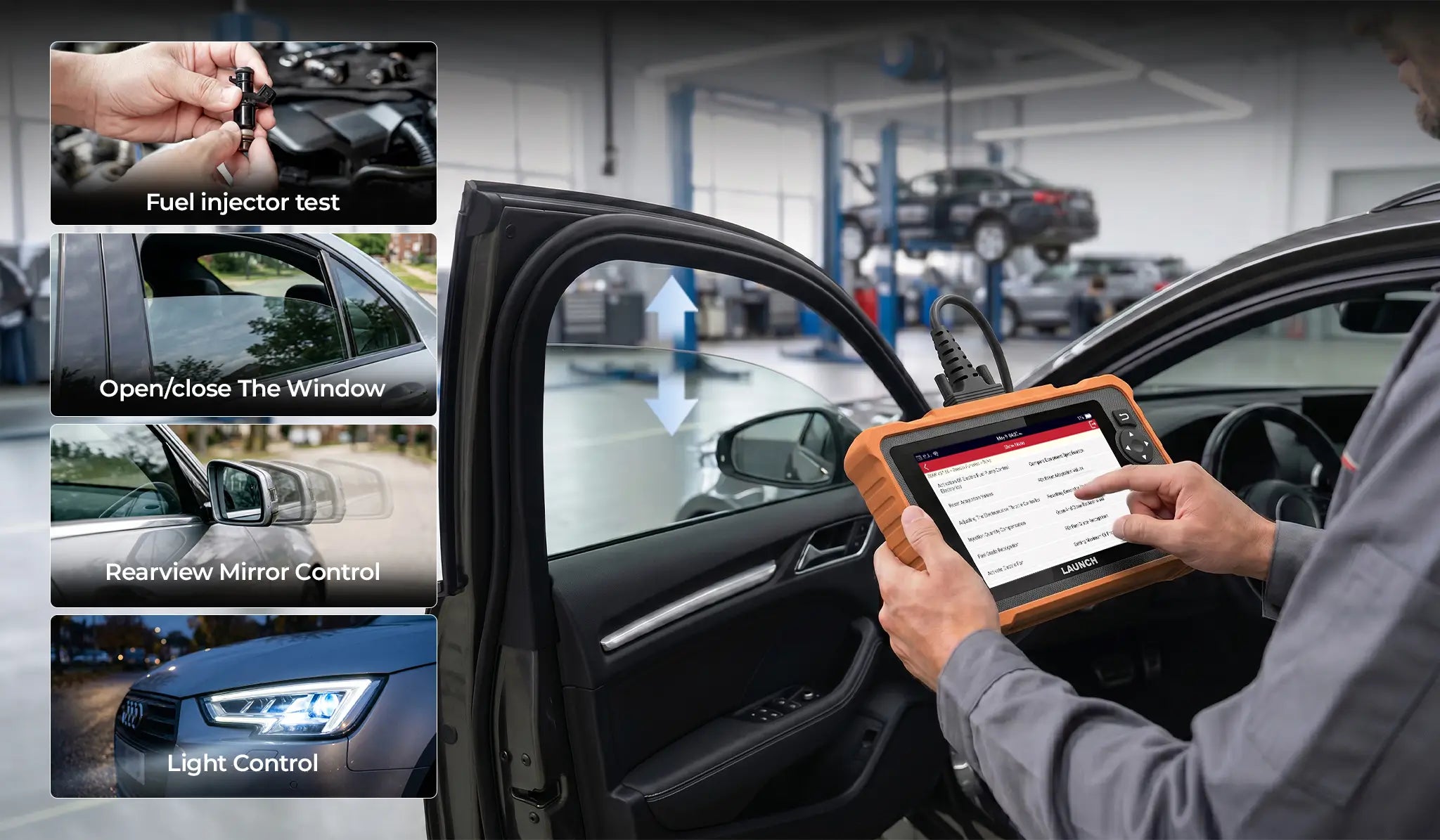
Bi-Directional Control to Identify Problems Accurately

The CRP919 Advanced lets you send commands directly to vehicle components such as pumps, valves, injectors, and actuators. Run active tests to check if each part is working properly, quickly locate faults, and confirm repairs with confidence.

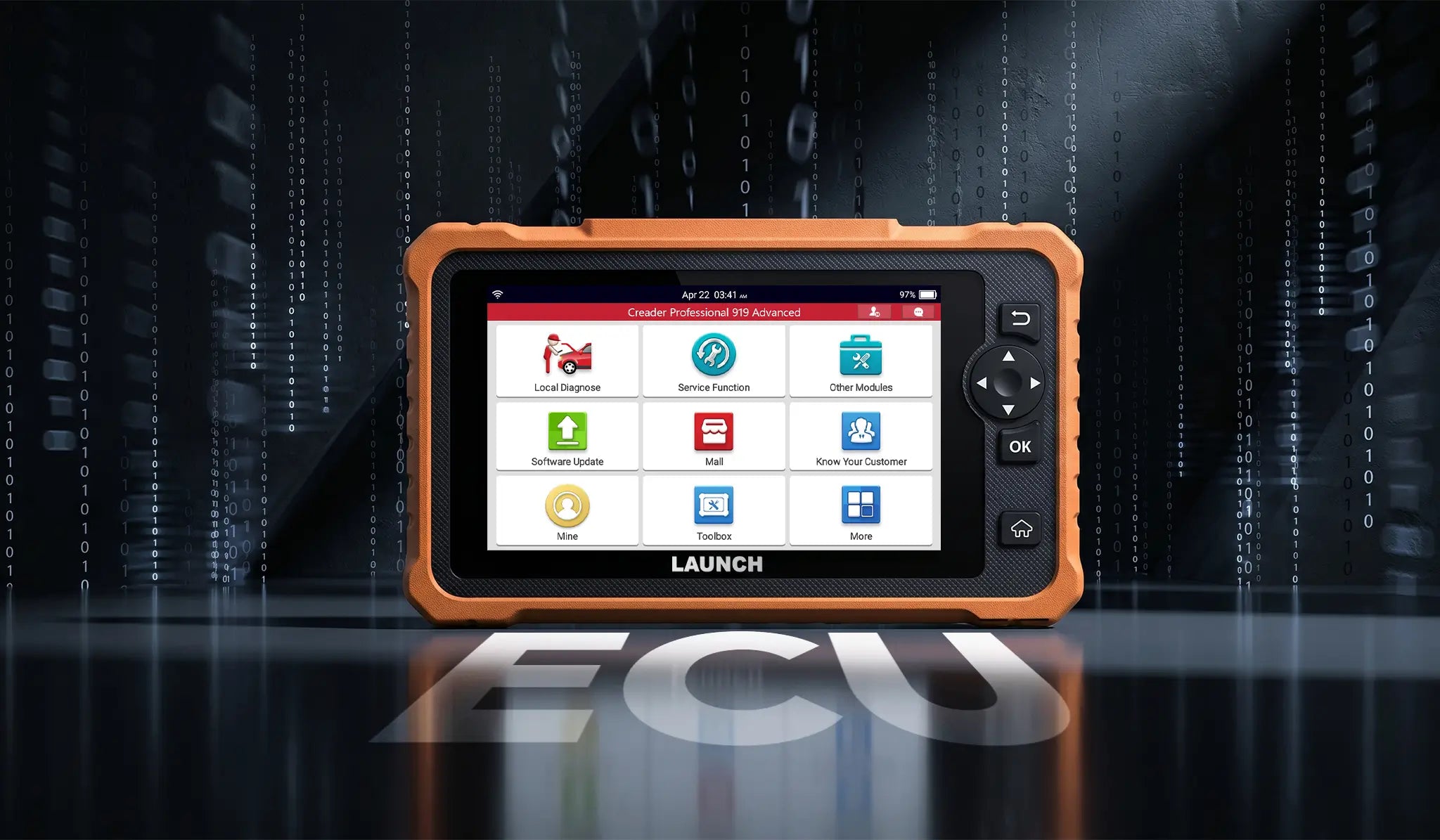
ECU Coding

CRP 919 Advanced enables ECU coding to customize vehicle settings, optimize systems, and activate hidden features.

VW/Audi/Skoda Guided Functions

Supports guided functions for Volkswagen, Audi, Skoda, and other VAG vehicles, providing step-by-step instructions for faster and more accurate maintenance.

Extensive Compatibility for Most Vehicles on the Road

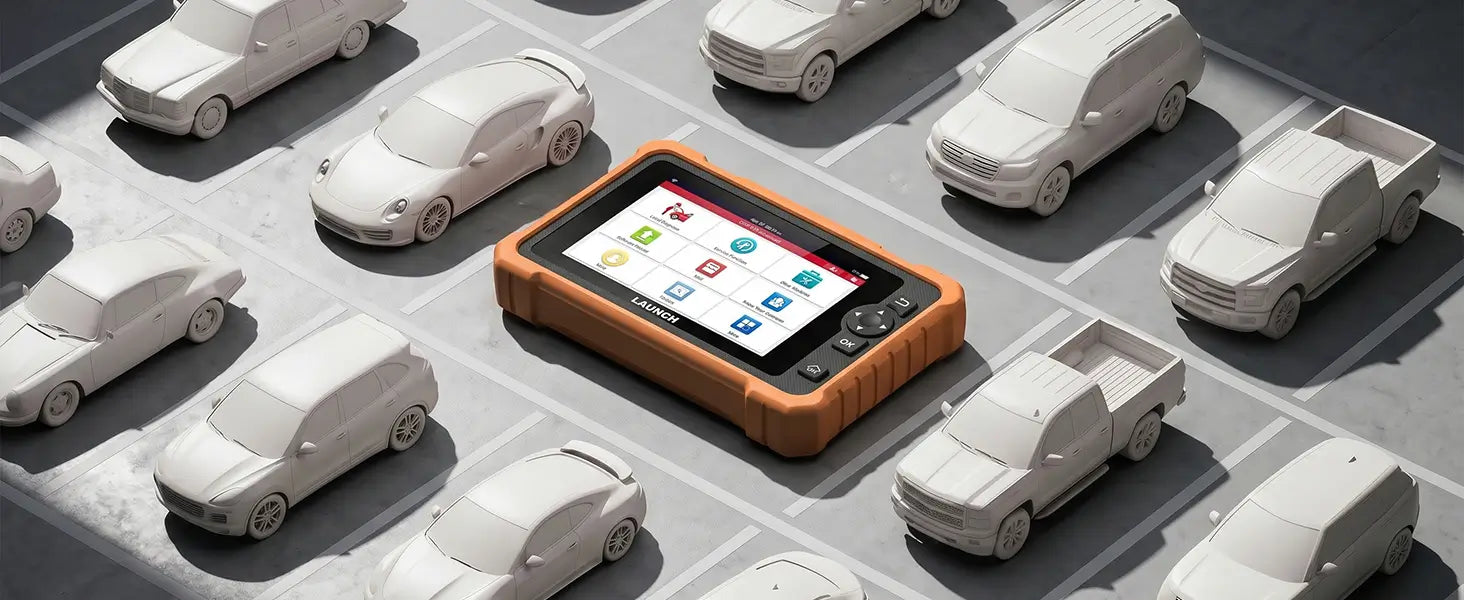
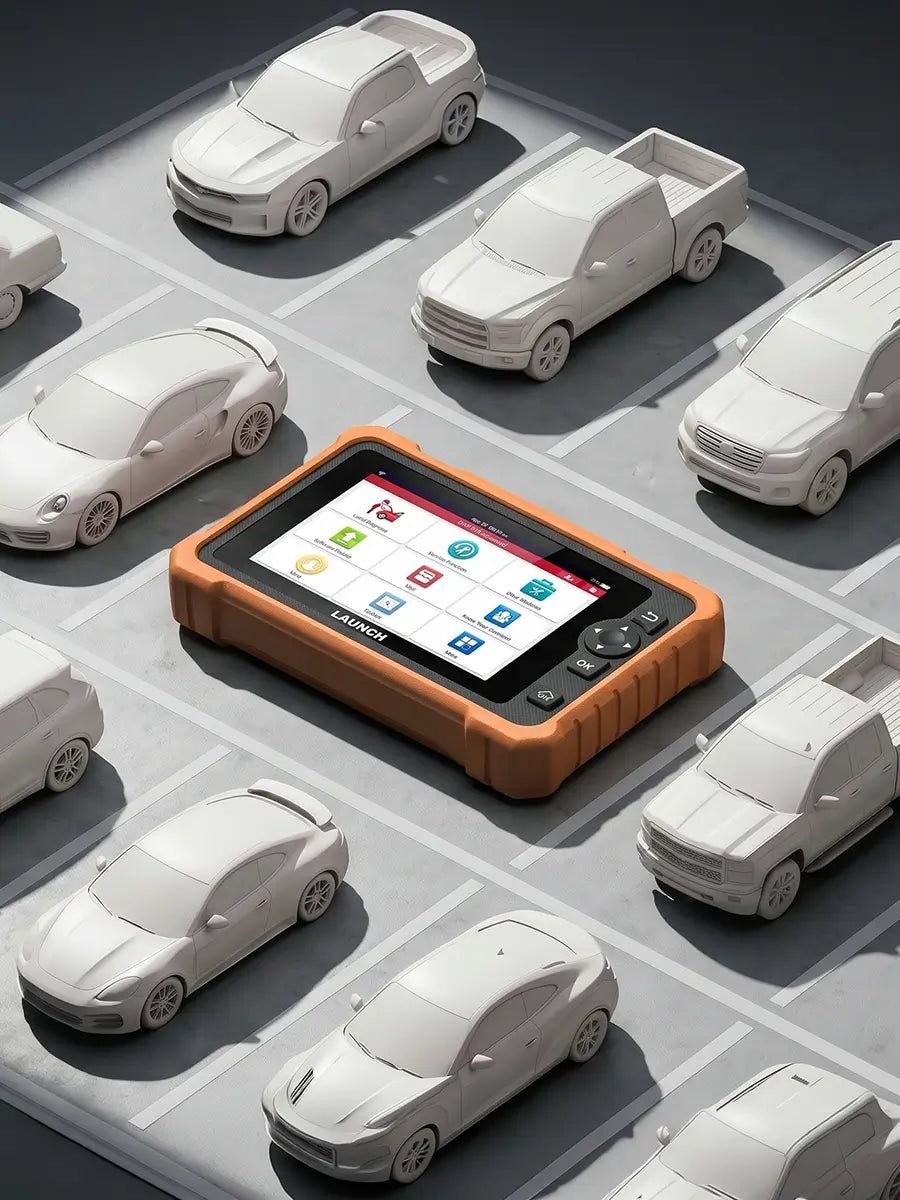
Supports the latest CAN FD and DoIP protocols, covering most American, European, and Asian vehicles from 1996 to today for broad diagnostic compatibility.

Smart Diagnostic Reports

Easily generate and access detailed diagnostic reports after each scan. Review fault codes, system status, and test results anytime. Capture screenshots and instantly share reports for faster communication and service transparency.

Power to Expand & Upgrade

  • image
    image
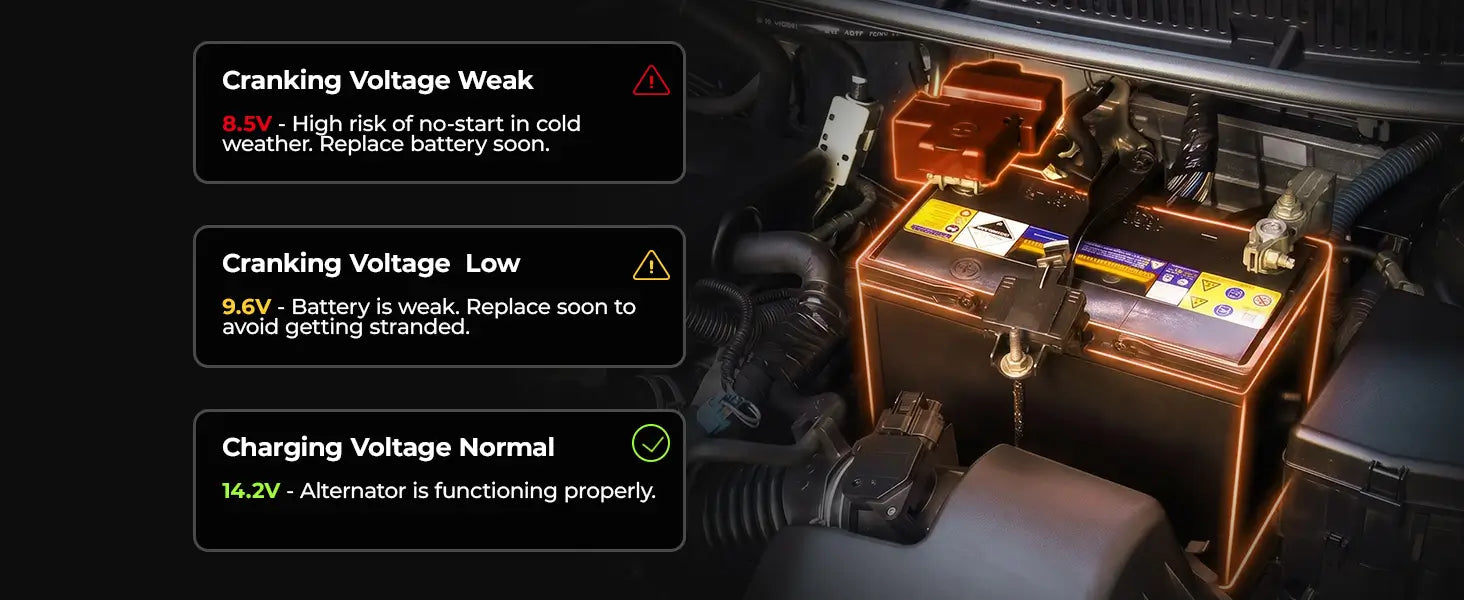
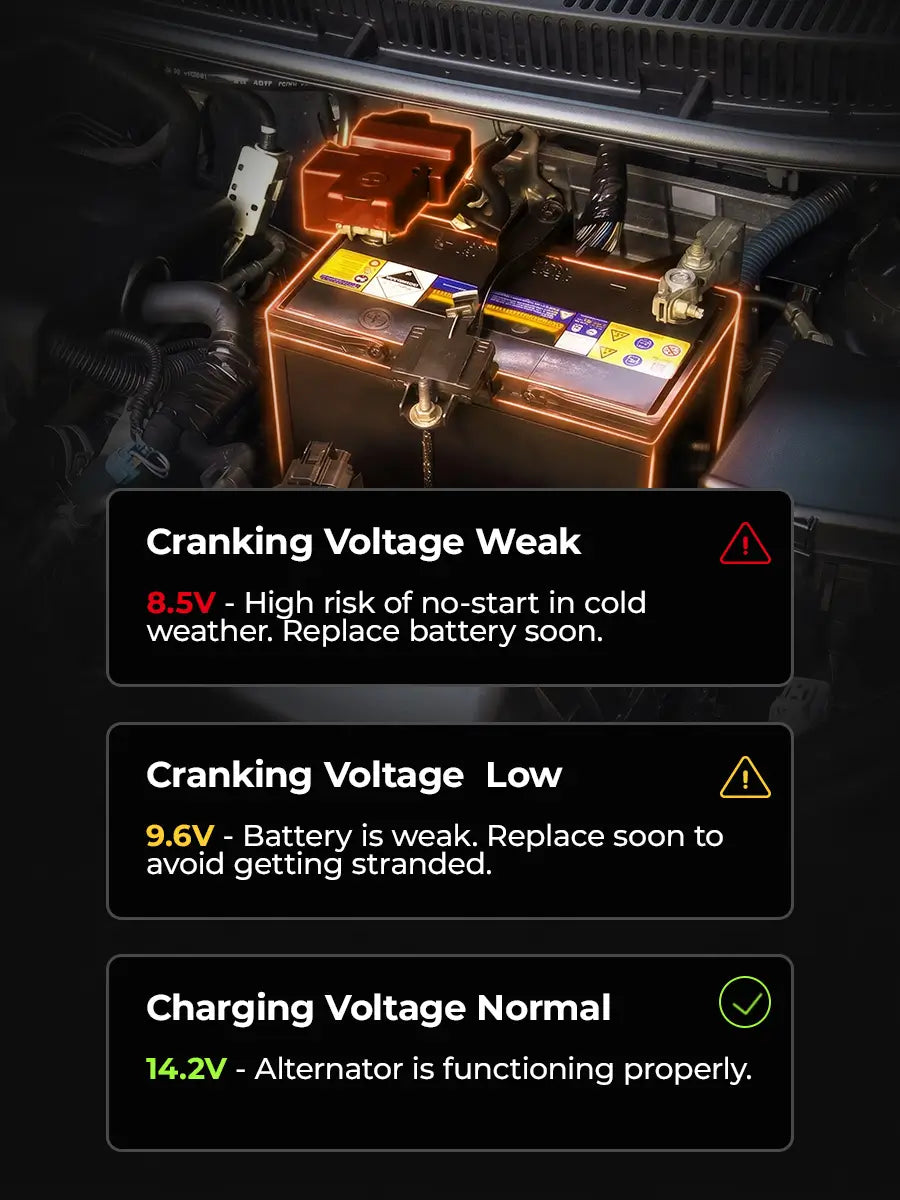
    Supports battery voltage detection and real-time battery status monitoring.

Powerful Hardware, Smooth Performance

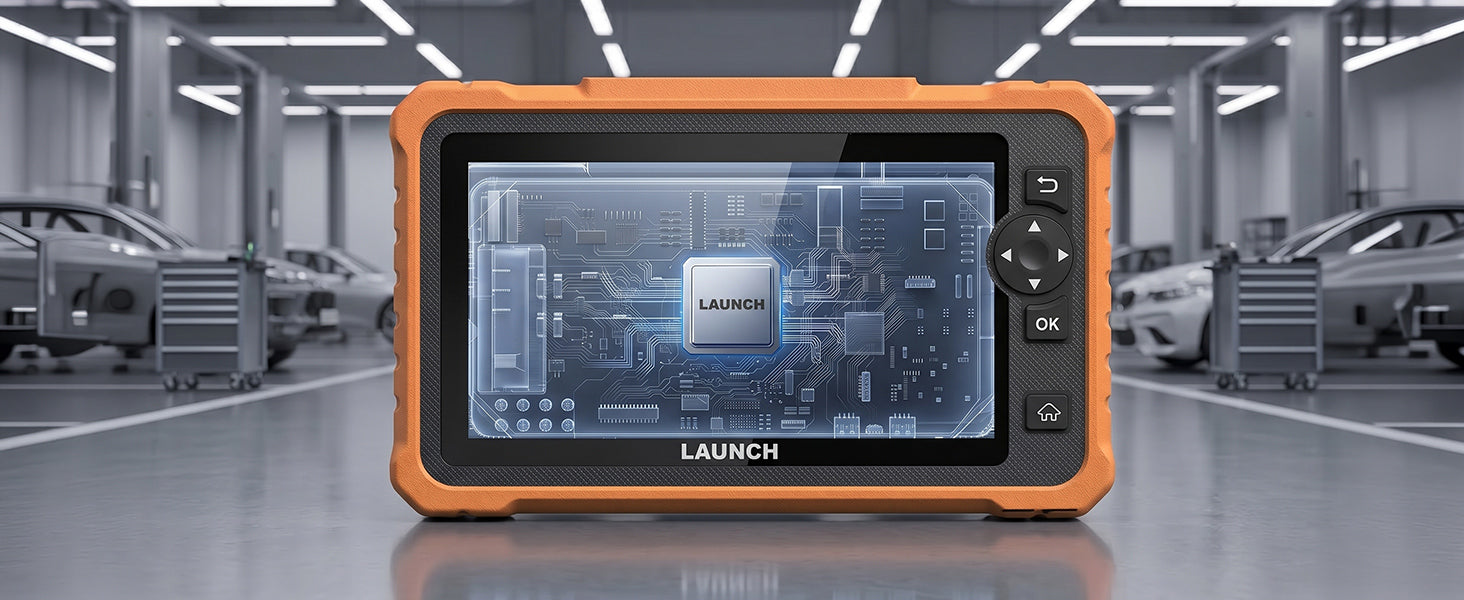
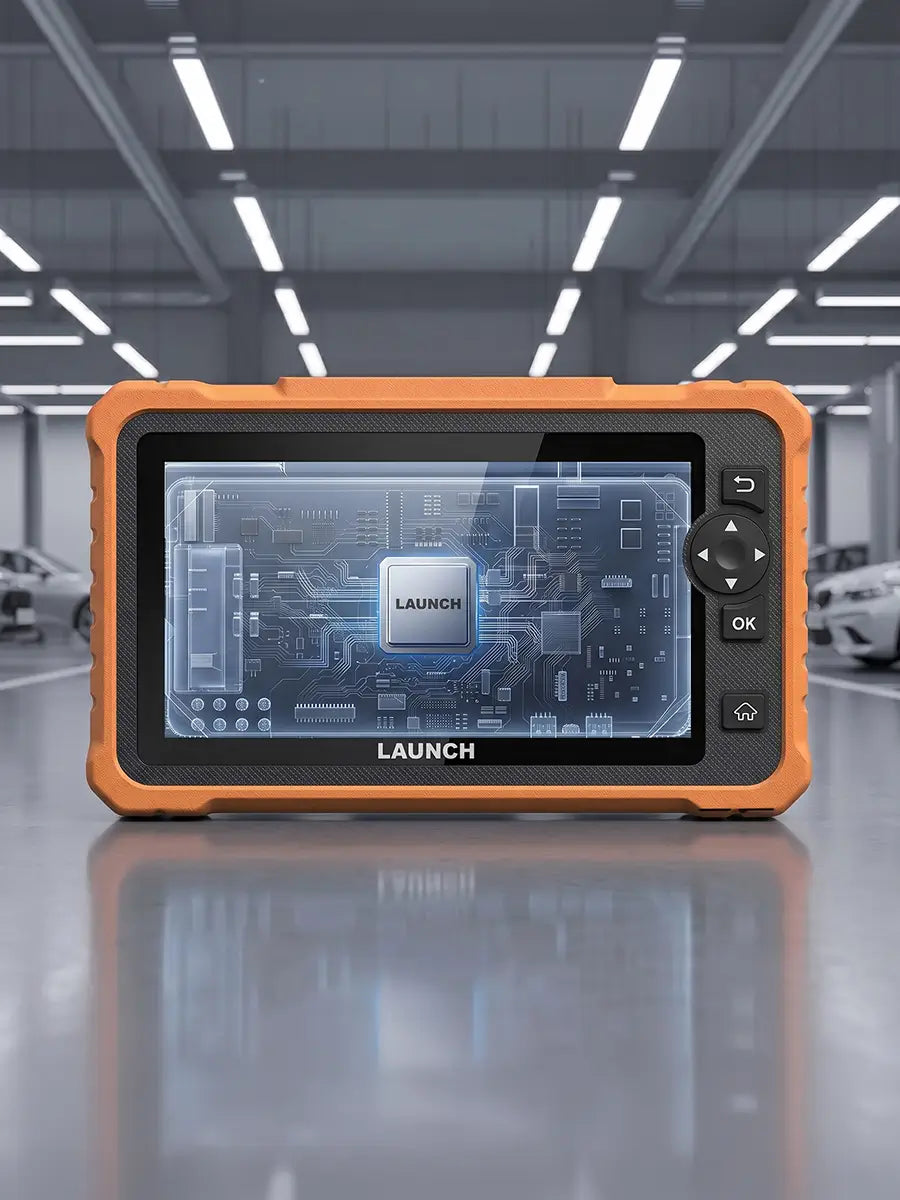
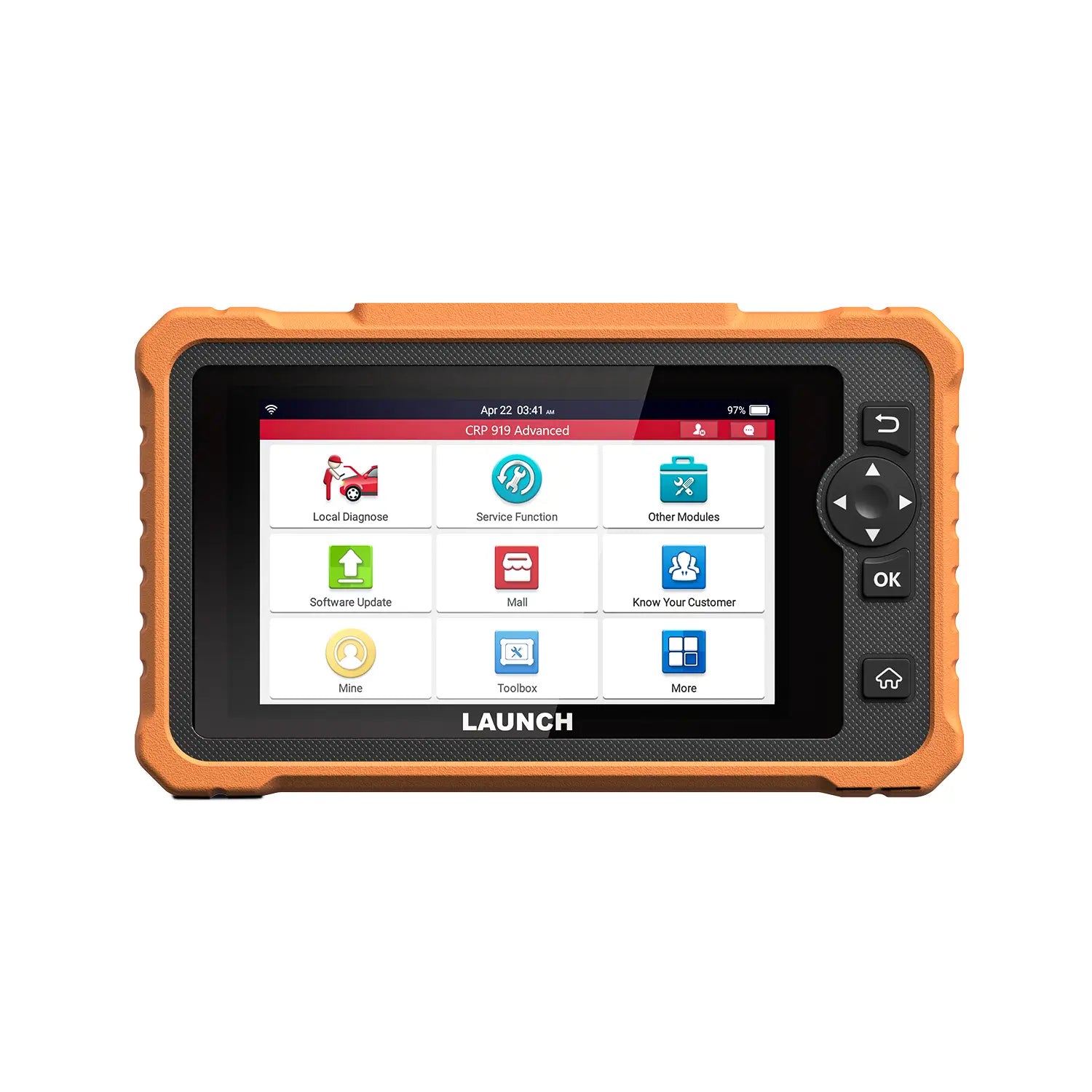
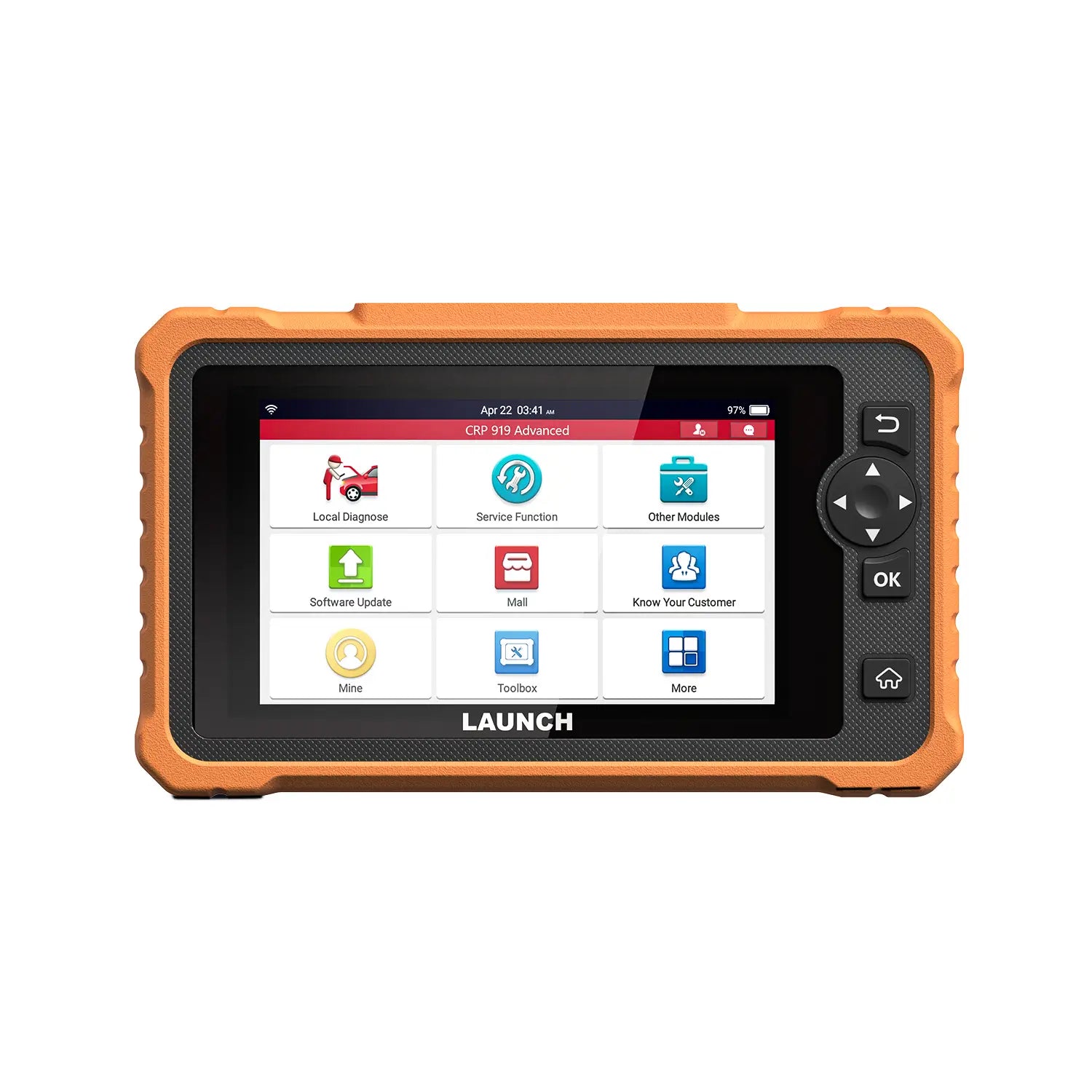
CRP919 Advanced delivers smooth performance with Android 10.0, 4GB RAM, and 64GB storage. Its 7-inch display simplifies live data analysis, while the 6,300mAh battery keeps you powered throughout the day.
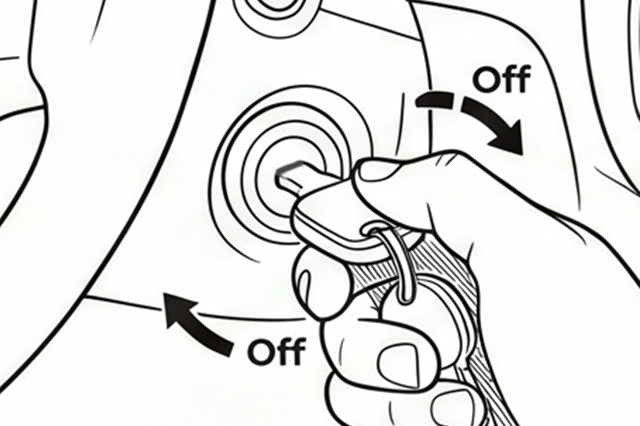
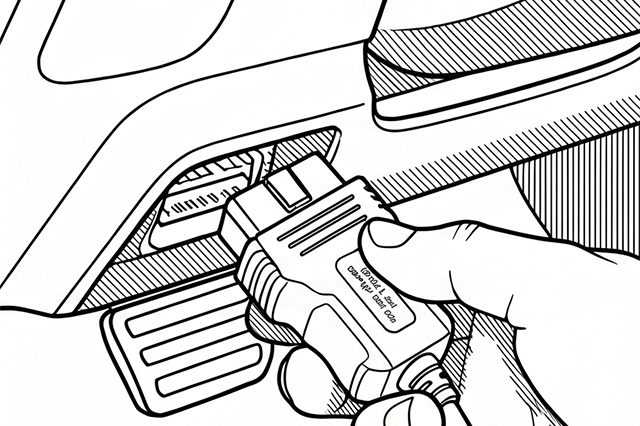
How To Use It

Turn the ignition off.

Locate the vehicle’s 16-pin Data Link Connector (DLC).

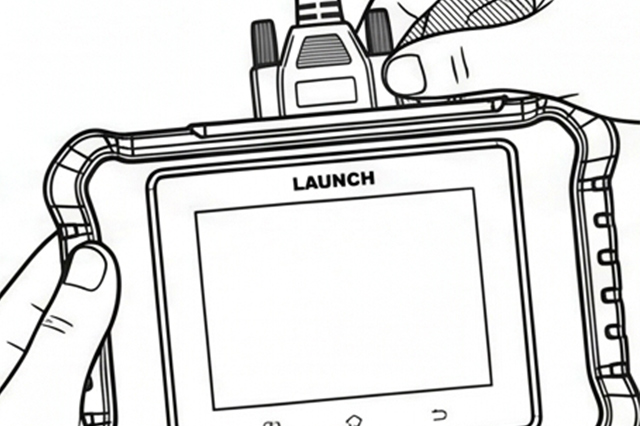
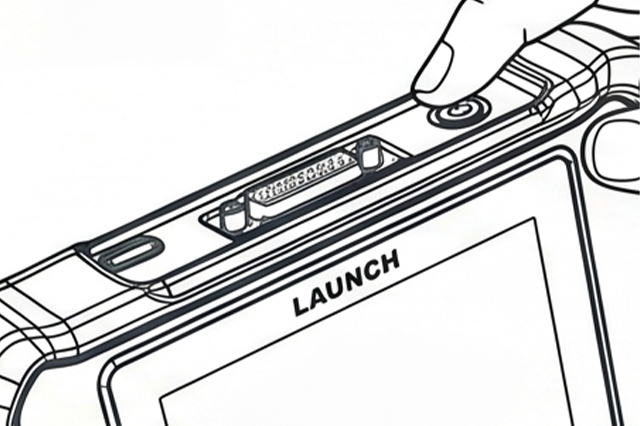
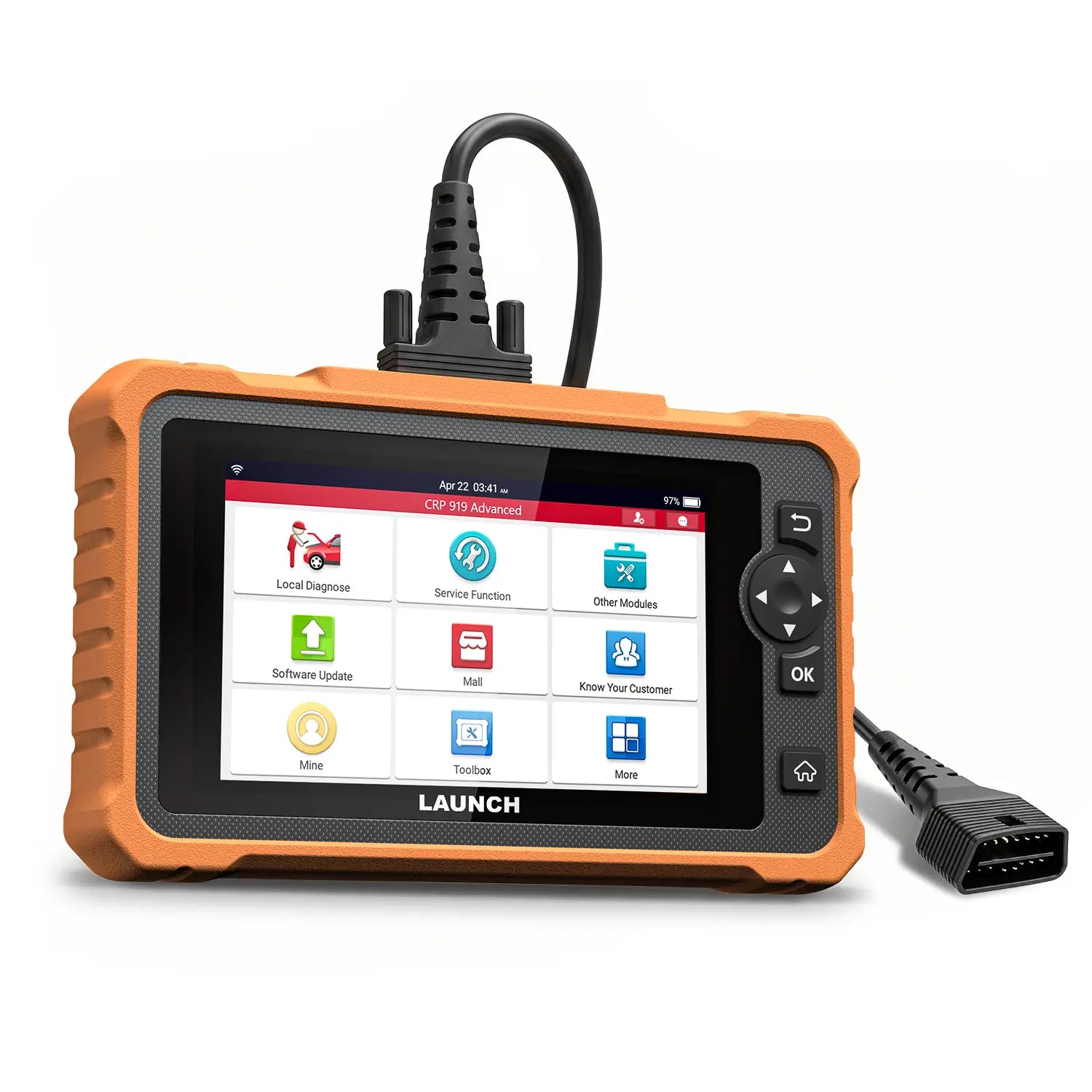
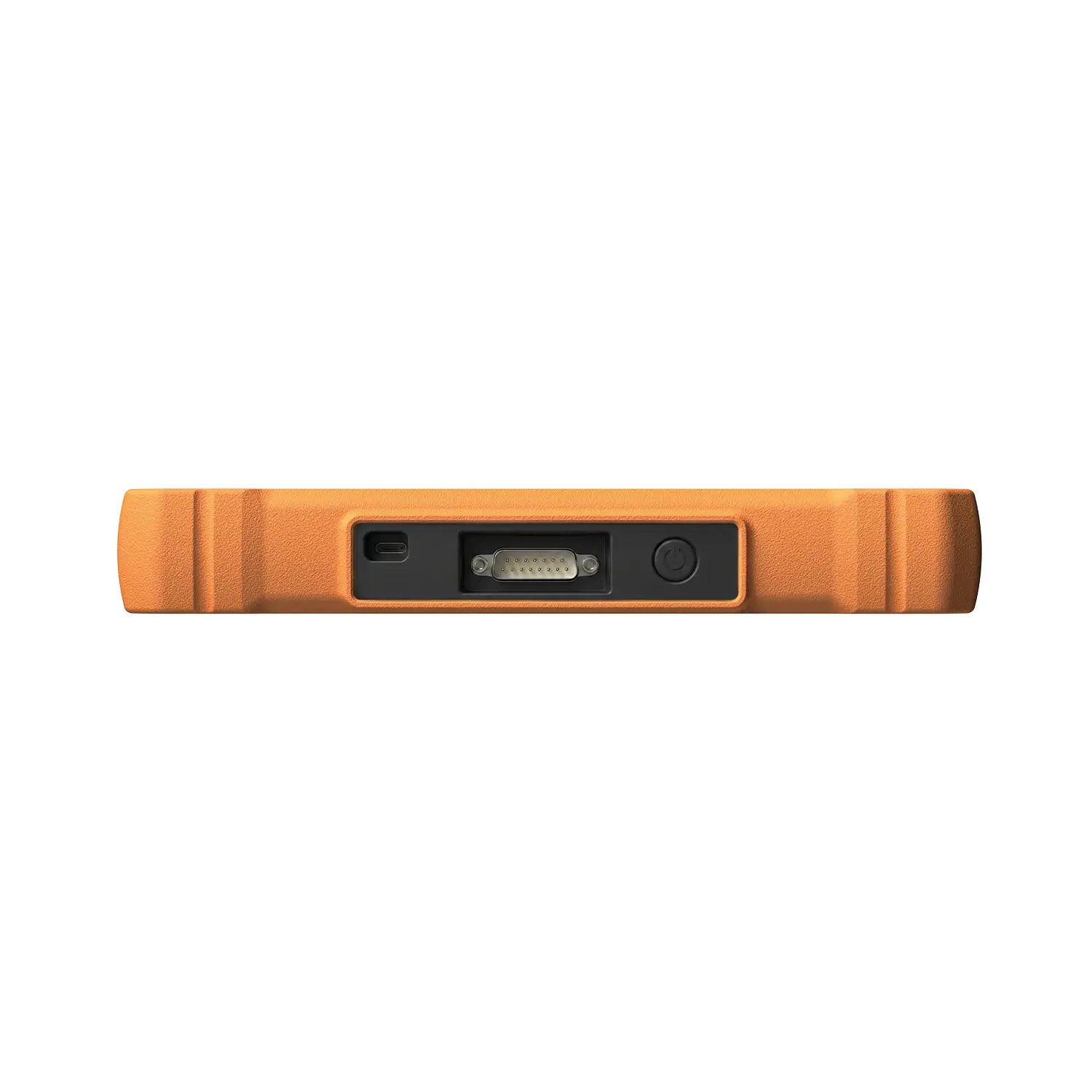
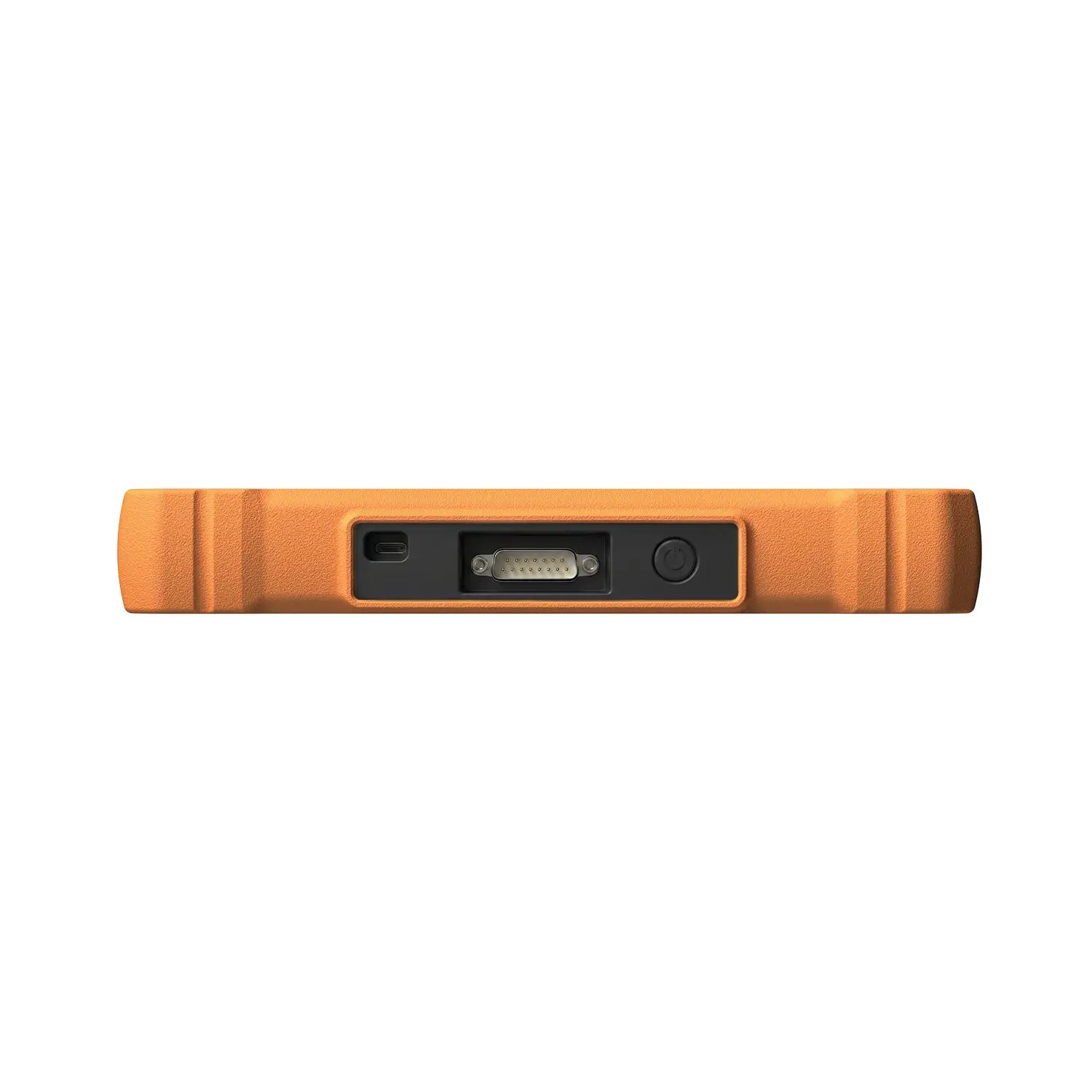
Plug one end of the diagnostic cable into the vehicle’s DLC port, and the other end to the DB-15 diagnostic connector of the tool, and then tighten the captive screws.

*Notes: A plastic DLC cover may be found for some vehicles and you need to remove it before plugging the diagnostic cable. The cable connector is keyed and will only fit one way. If you have problems connecting the cable connector to the DLC, rotate the connector 180° and try again.
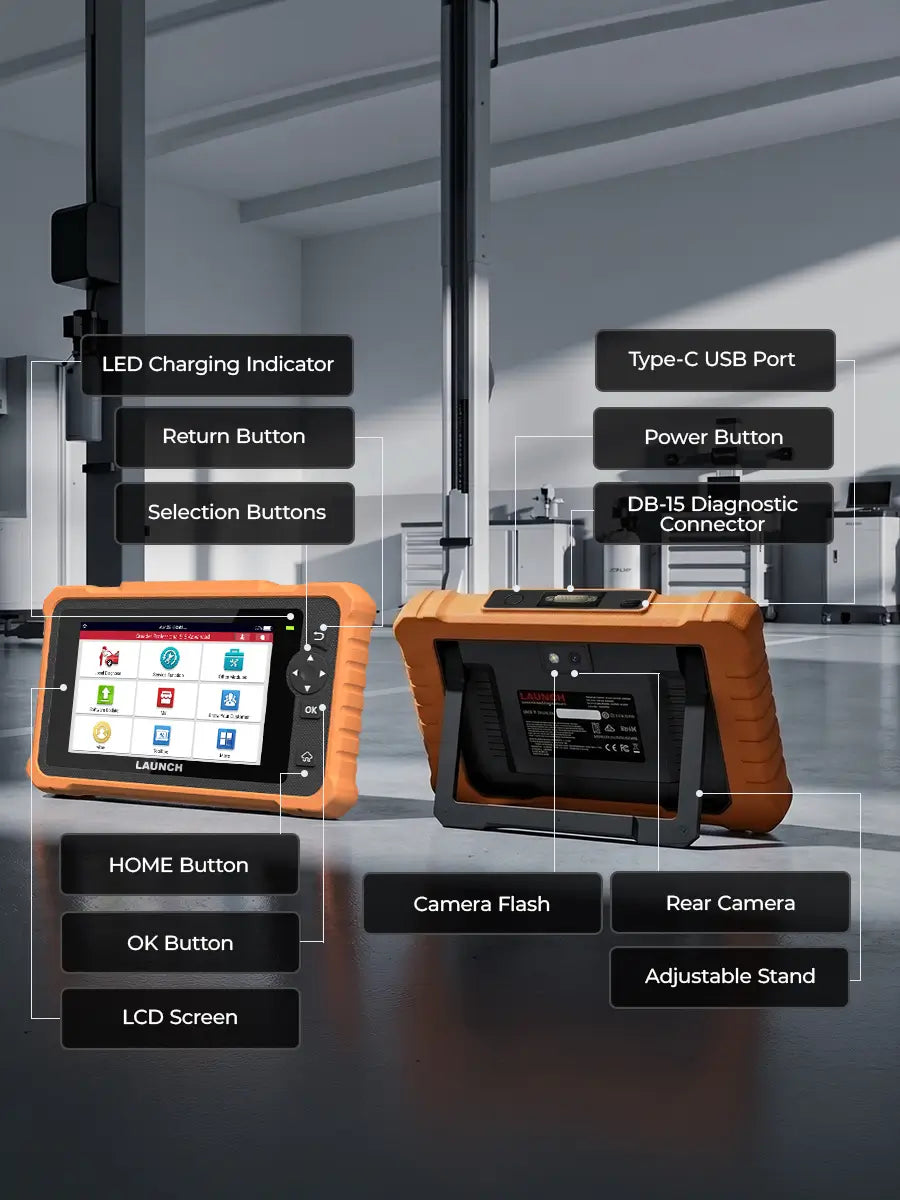
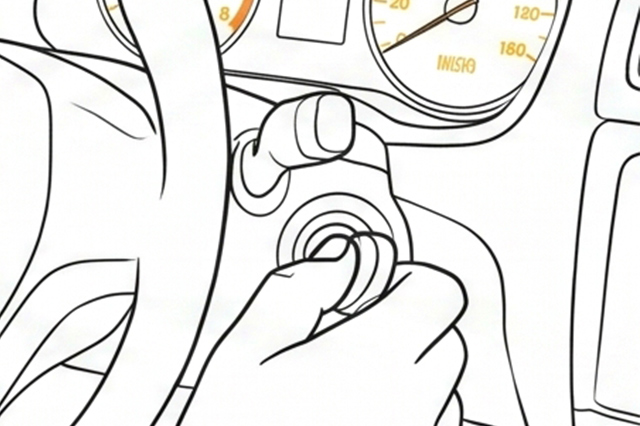
Turn the ignition on. Engine can be off or running.

Press the power button for several seconds to turn the tool on and enter the Main Menu.

What's In The Box

Cart

loading