Home / Brand-Specific Diagnostic Tools / LAUNCH Creader Elite X500
1 / 8
3000mAh
Battery
4″
Screen
2.4&5.0Ghz
WIFI
1.3 GHz Quad-Core
Processor
Android 8.1
Operating System
2GB+64GB
Memory
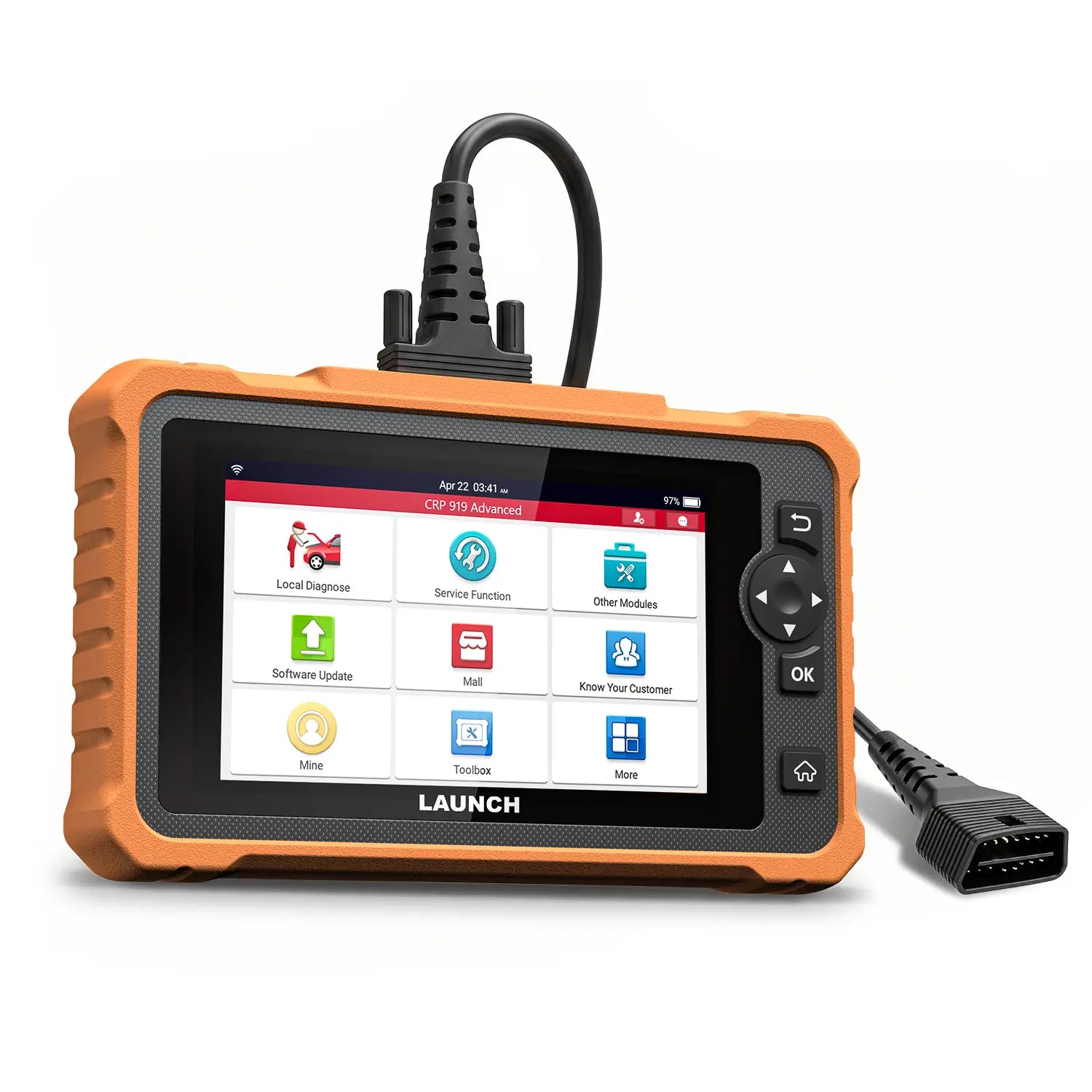
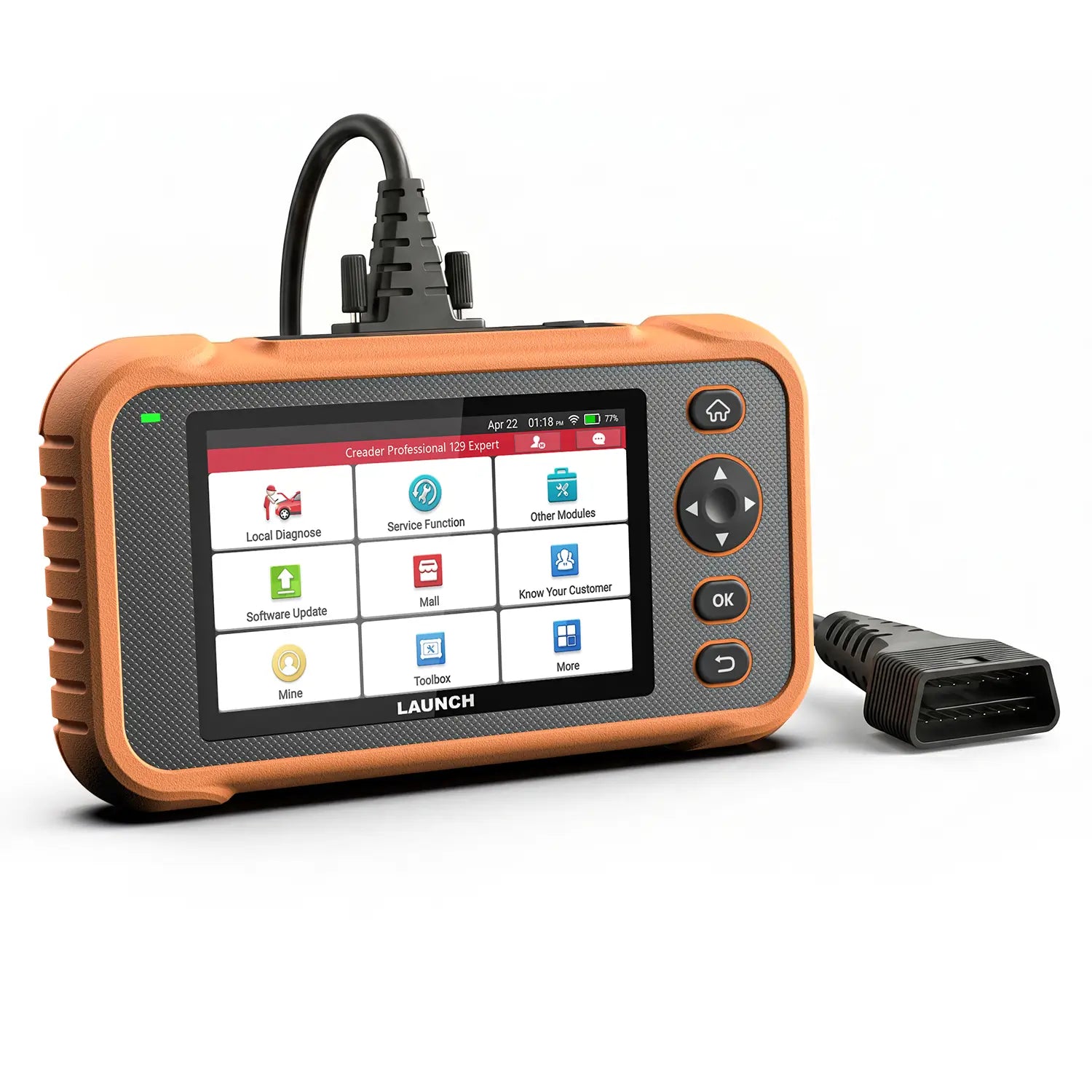
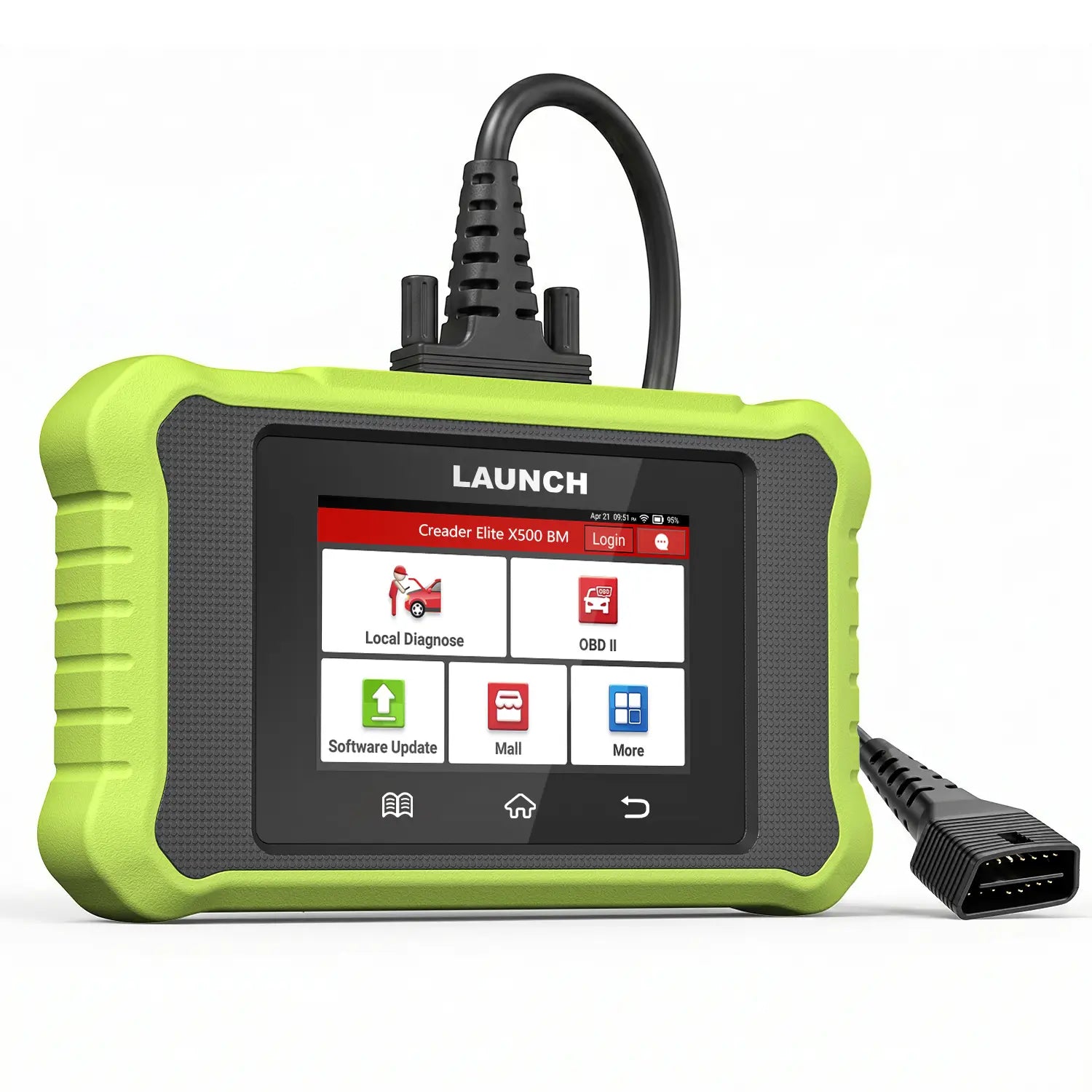
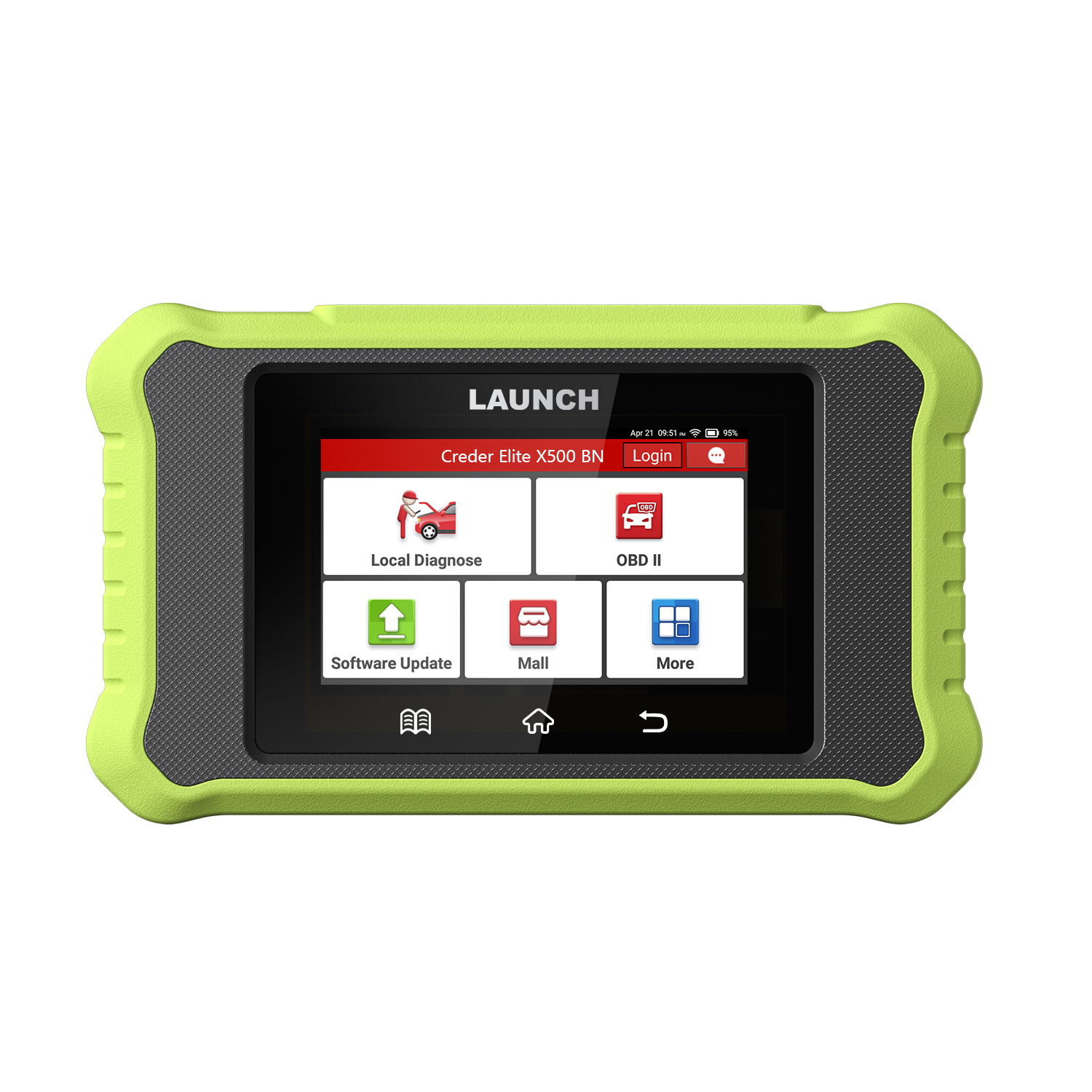
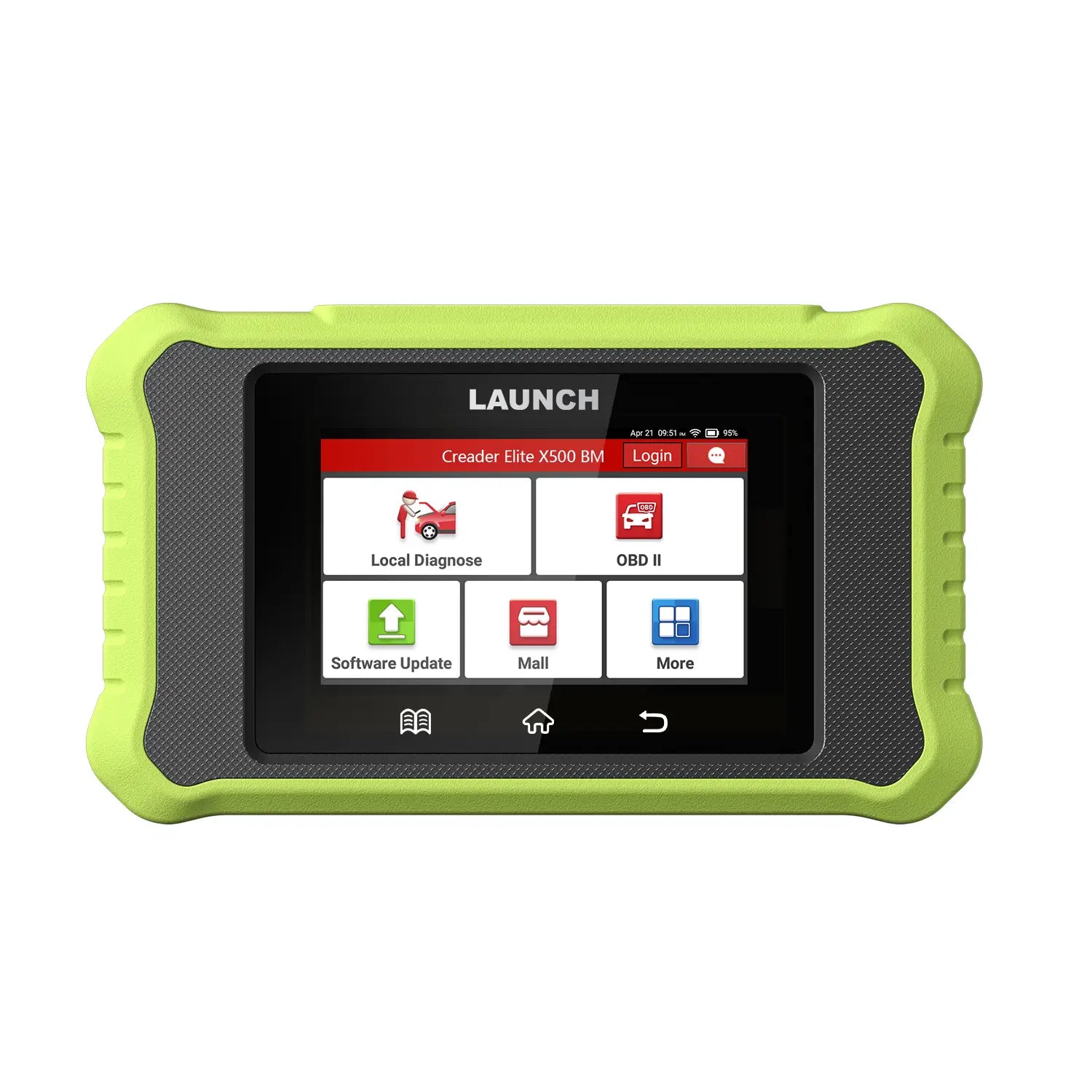
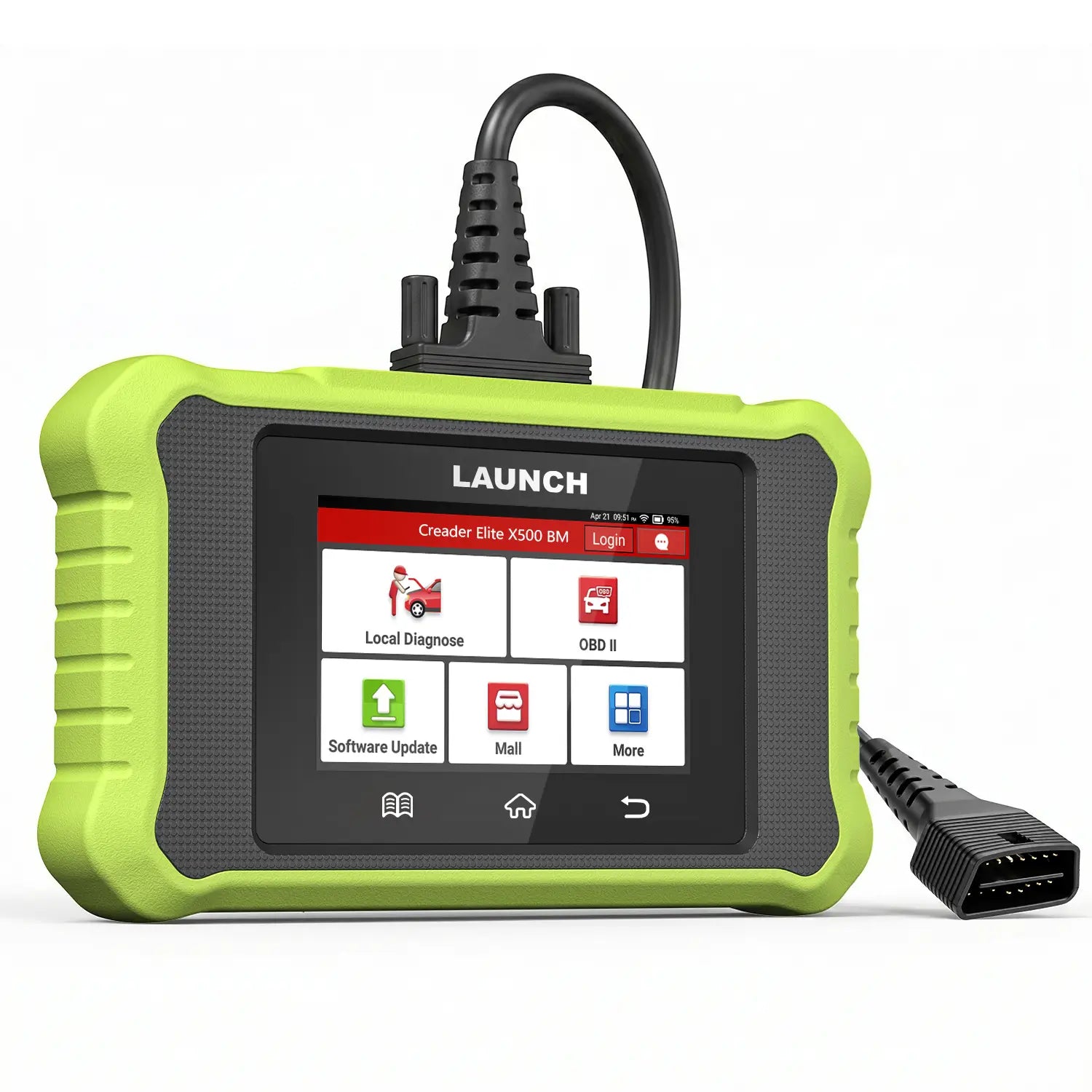
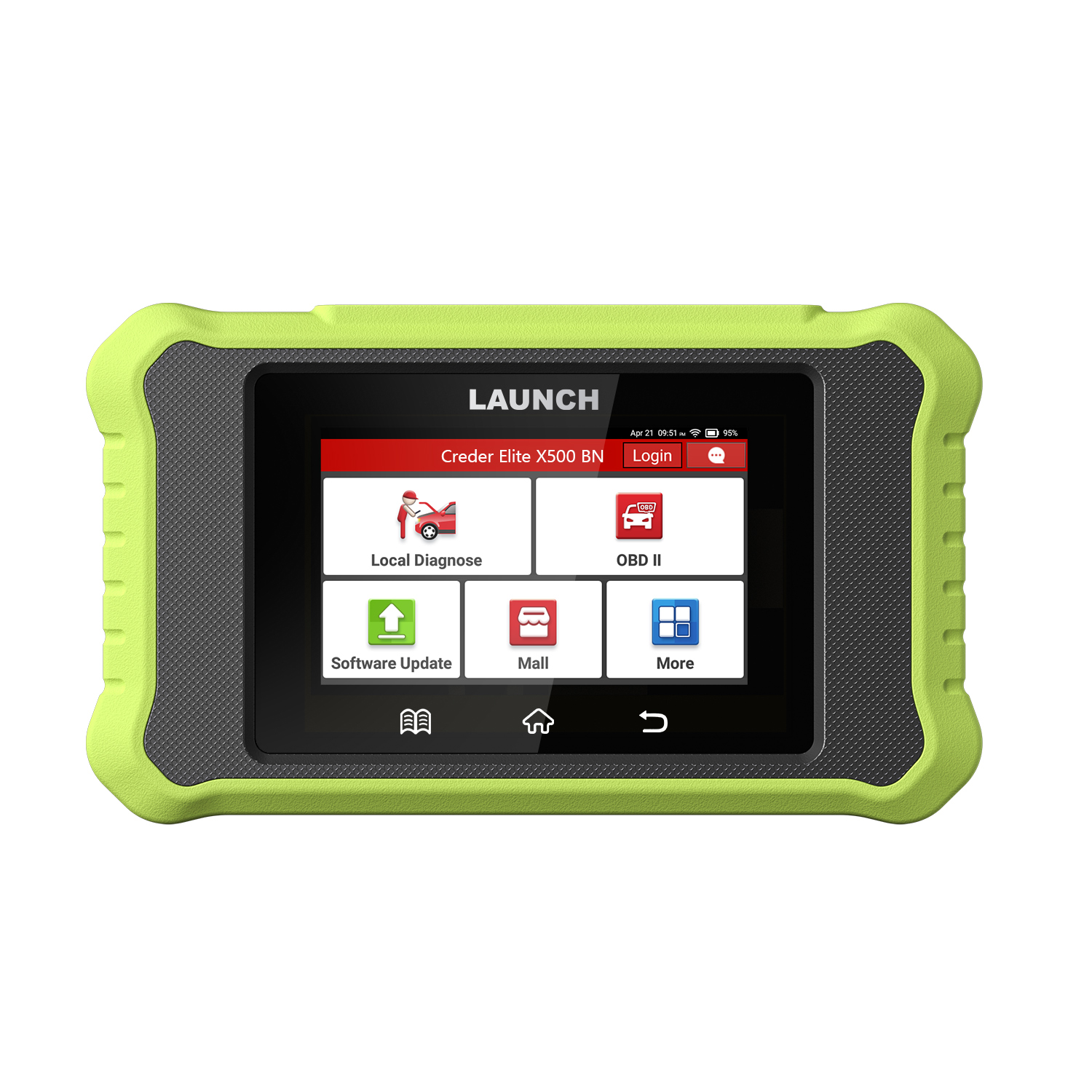
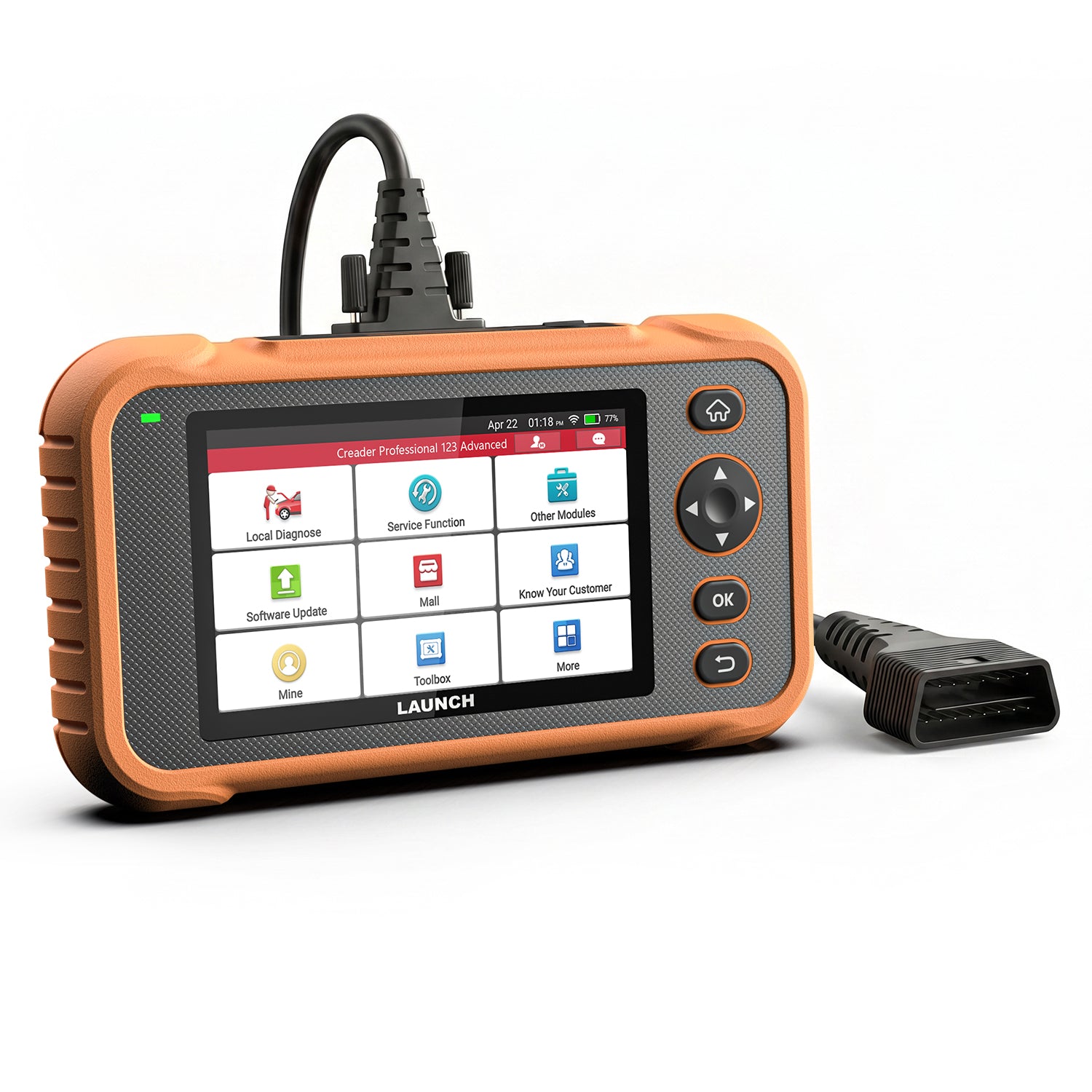
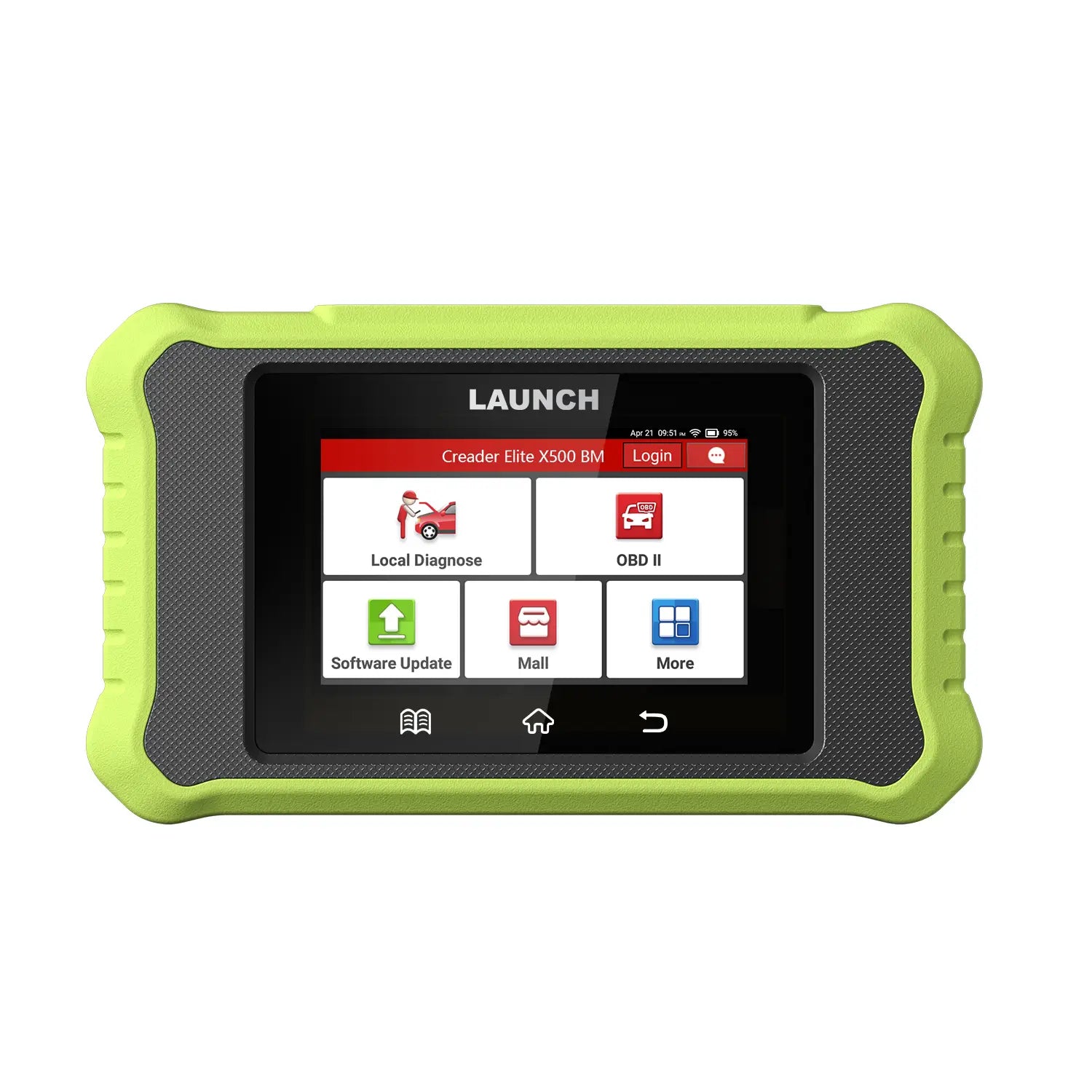
LAUNCH Creader Elite X500
RM189.90 MYR
Shipping fees will be calculated at checkout.

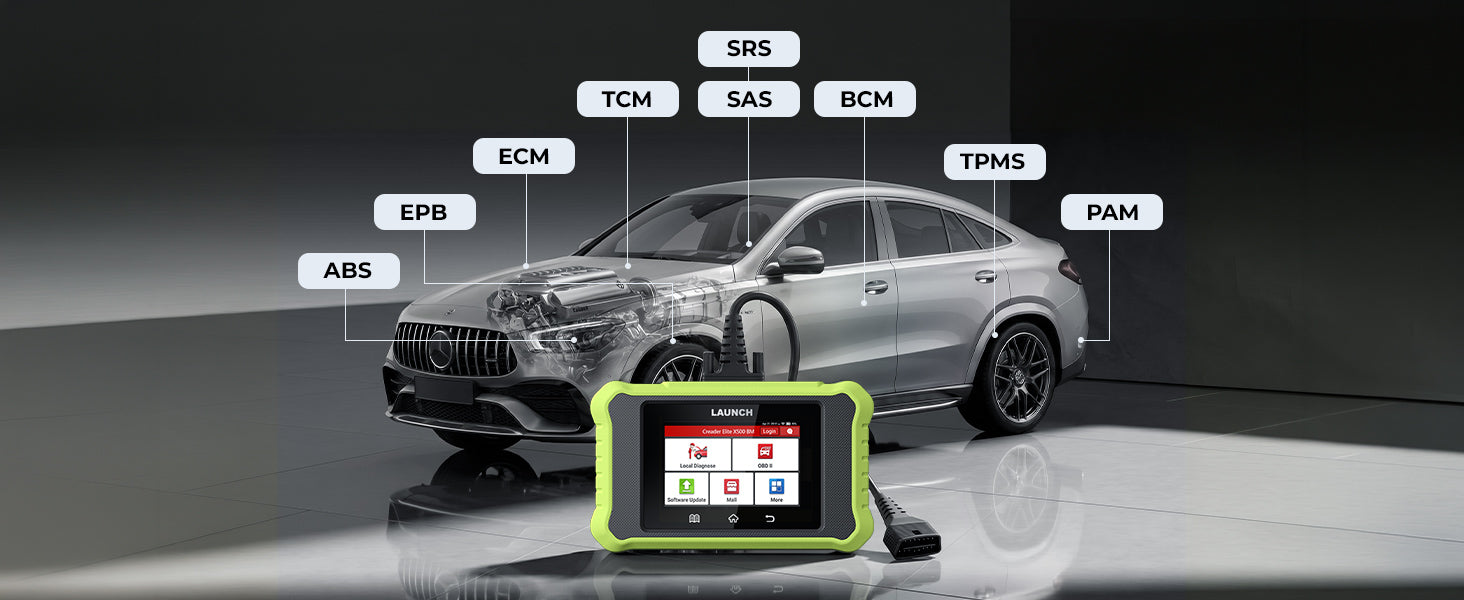
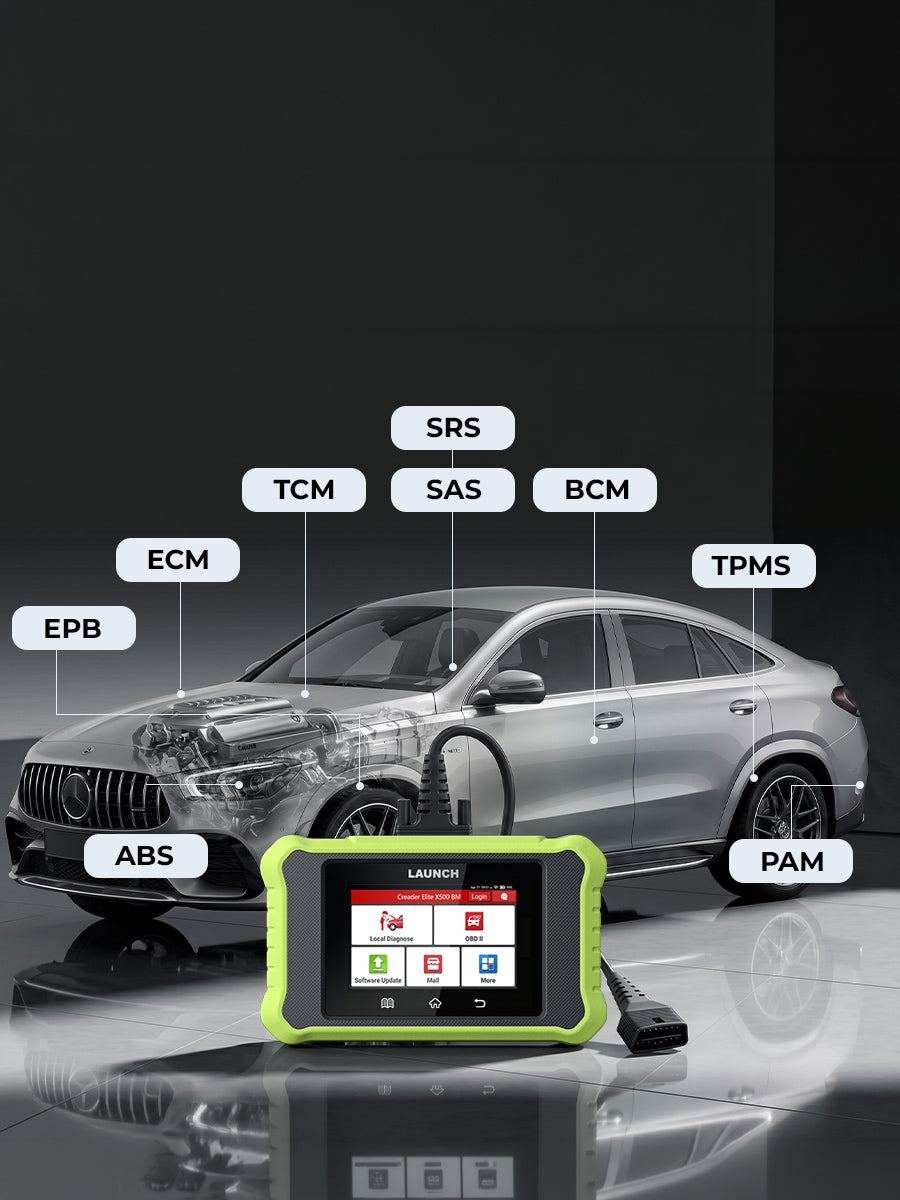
Full System Diagnostics: Scan all modules (PCM, ECM, BCM, etc.) to pinpoint faults and ensure total vehicle health and safety.

Complete OBDII Functions: Quickly reset engine codes for 1996+ vehicles. Full O2, EVAP, and I/M tests to ensure road-ready performance.

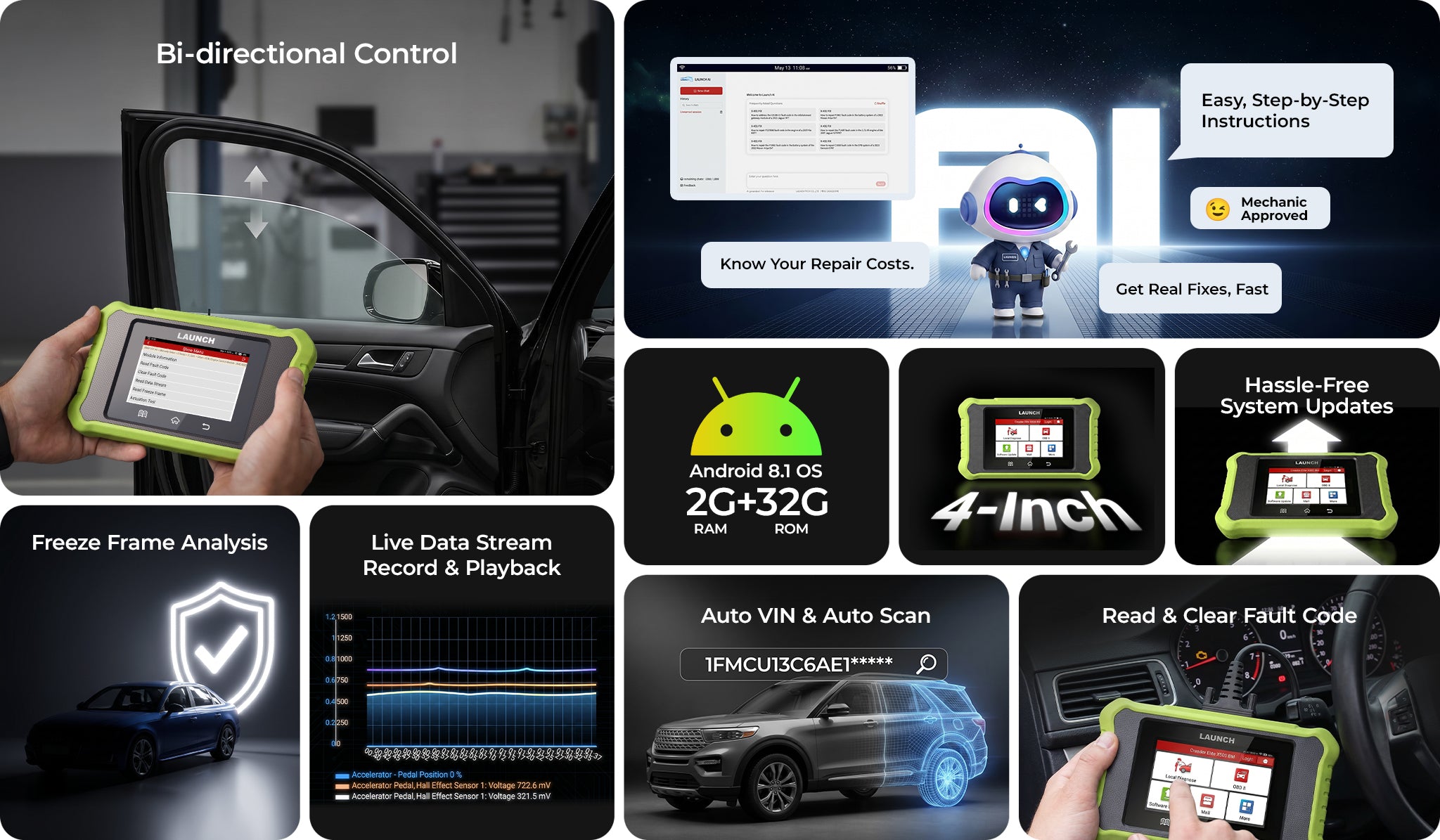
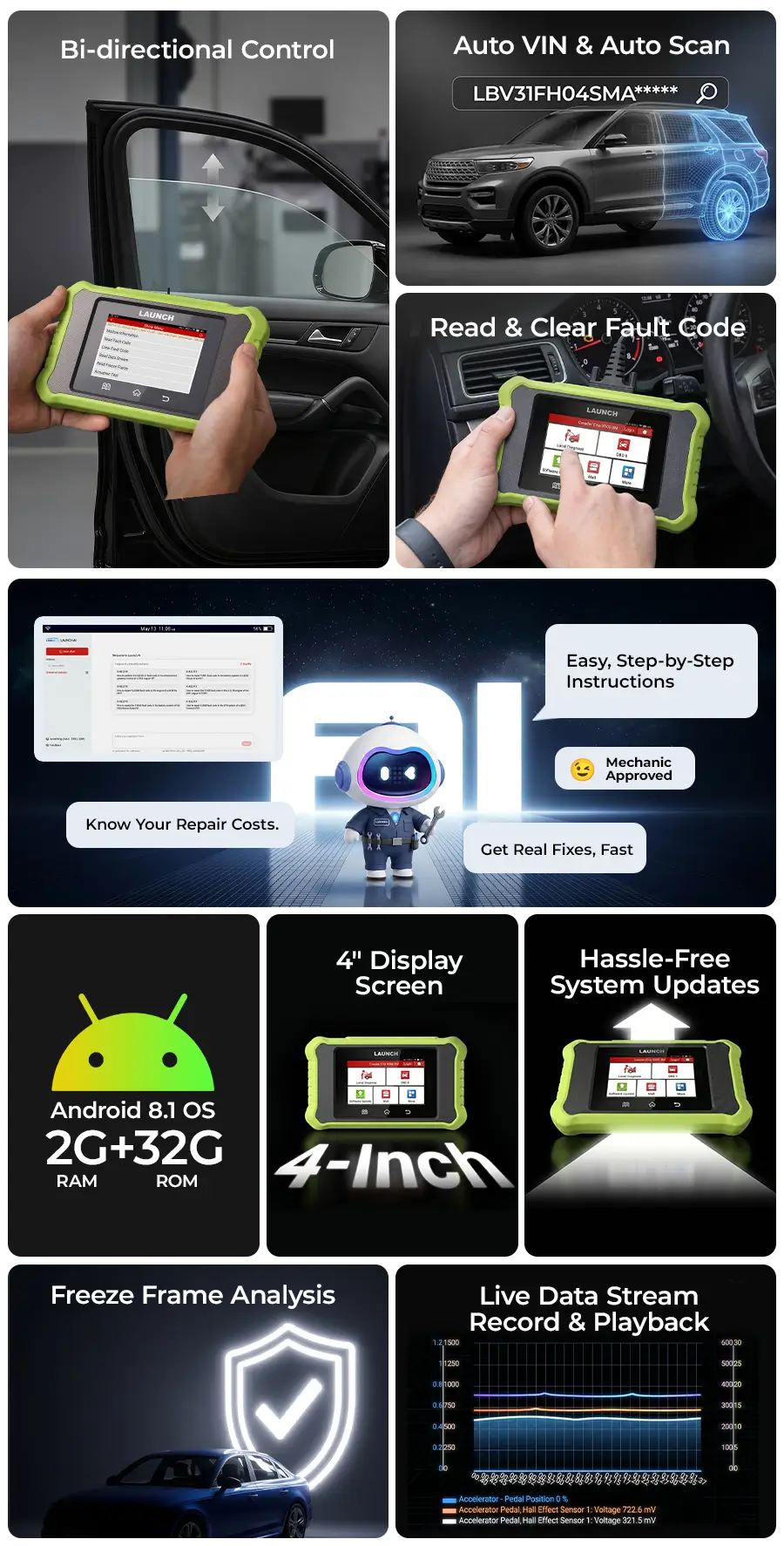
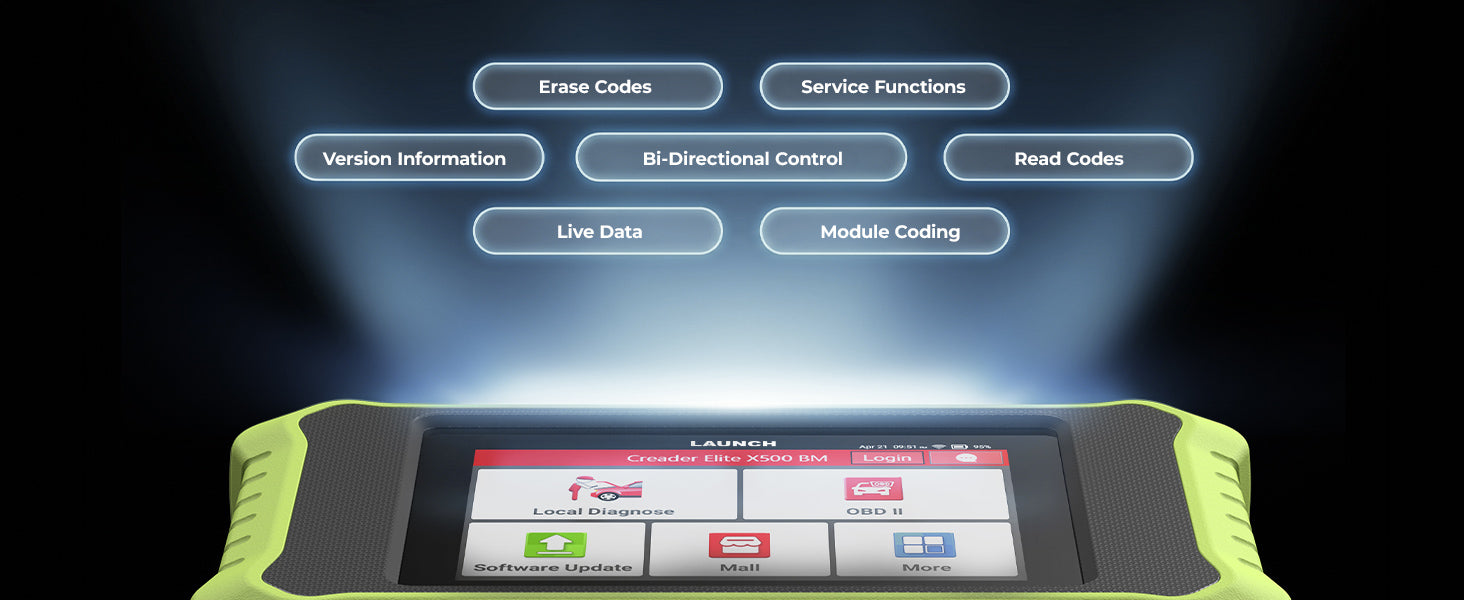
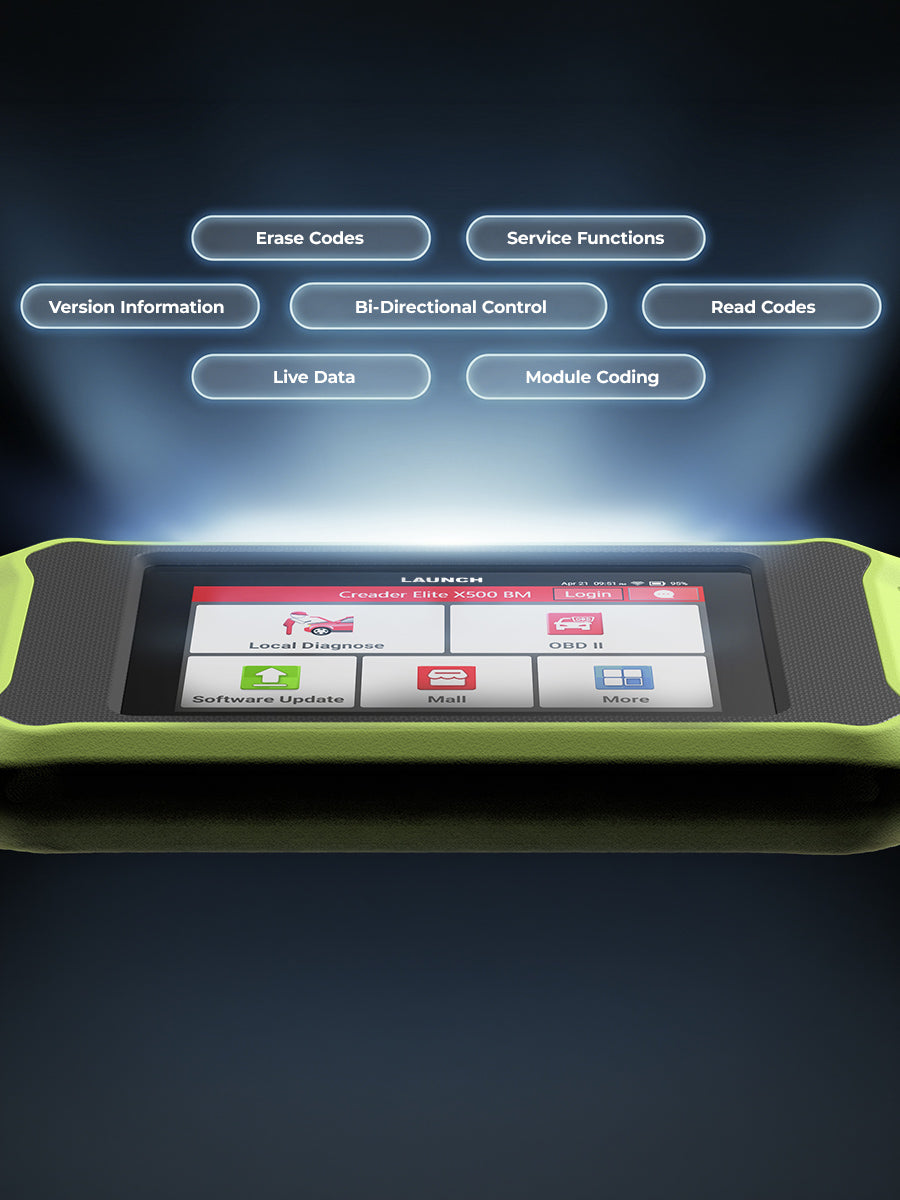
Bi-Directional Control: Send direct commands to test fuel pumps, fans, and windows. Instantly isolate faulty parts without manual labor.

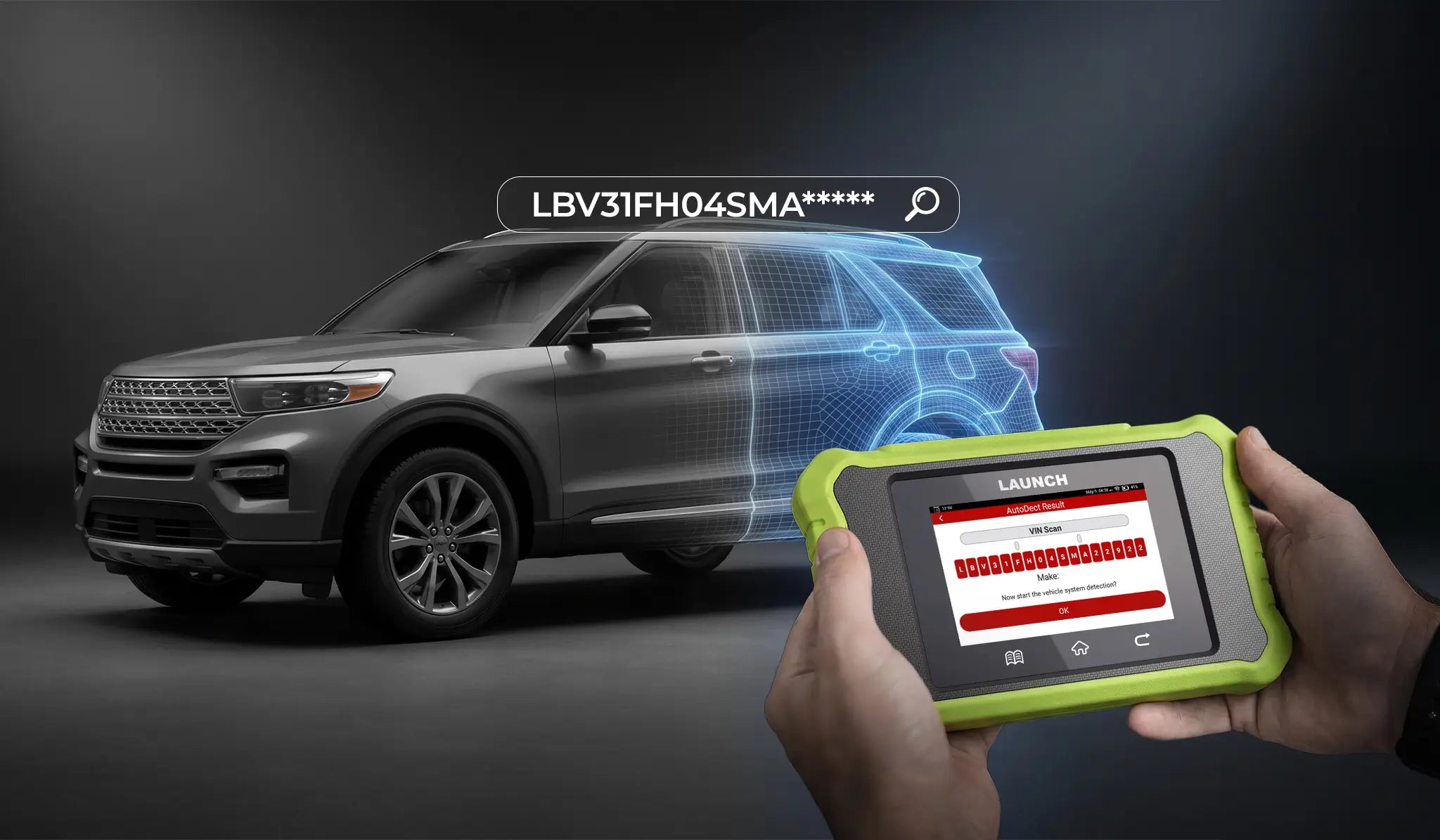
Auto VIN Detection: One-touch vehicle identification (2006+ models). Eliminates manual entry for faster, more accurate diagnostics.

Universal Coverage: Supports global brands including the latest CAN FD and DoIP models. One tool for almost all makes and models.

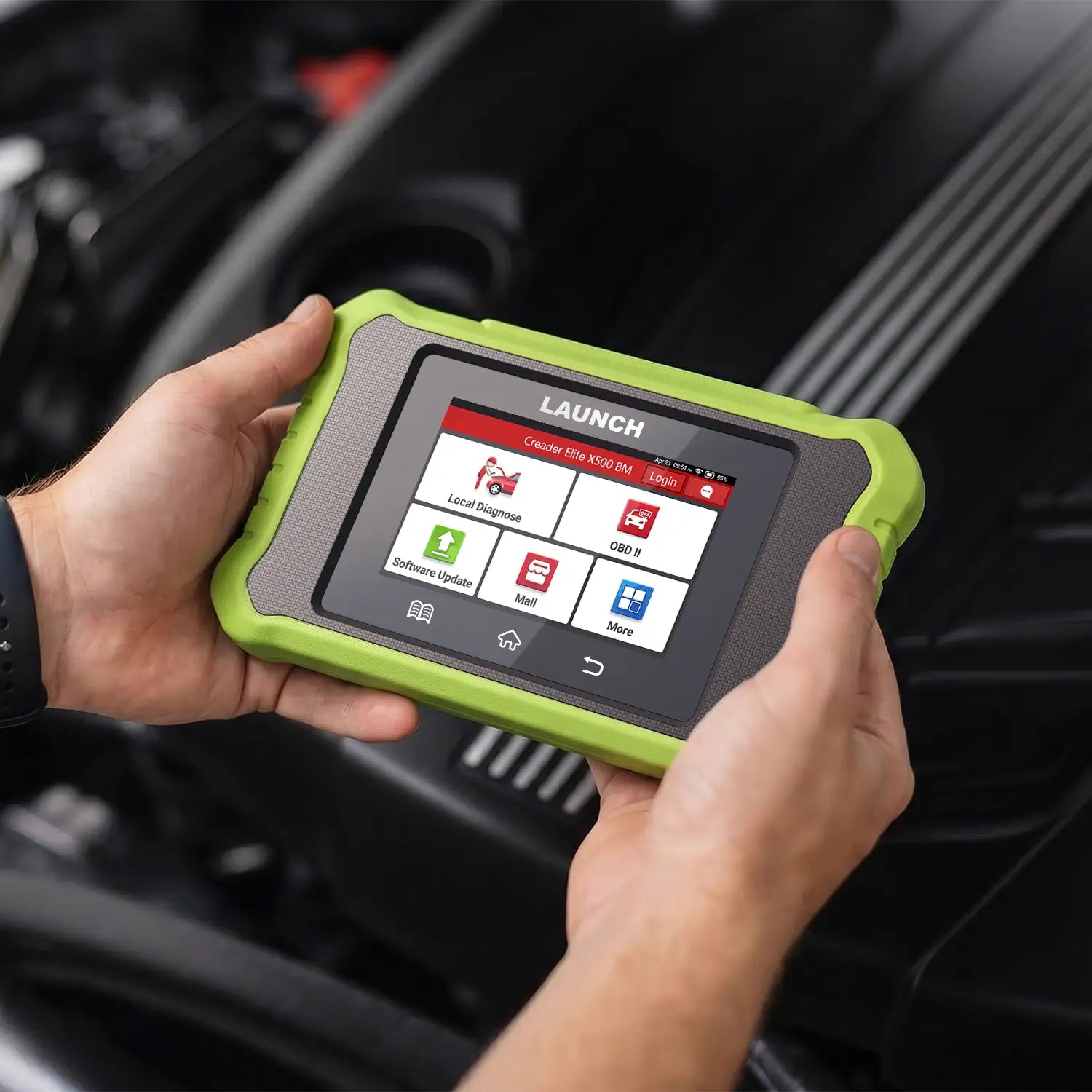
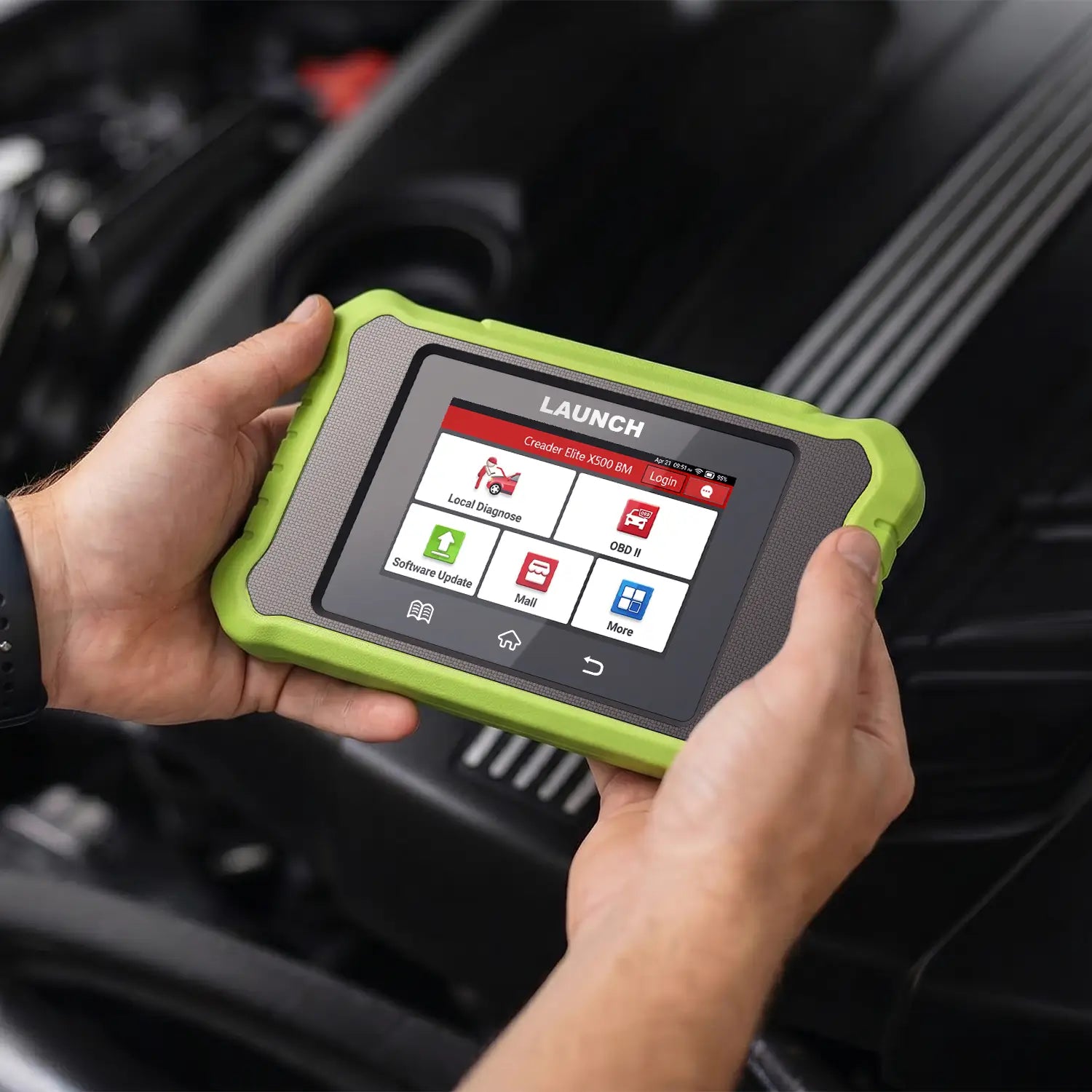
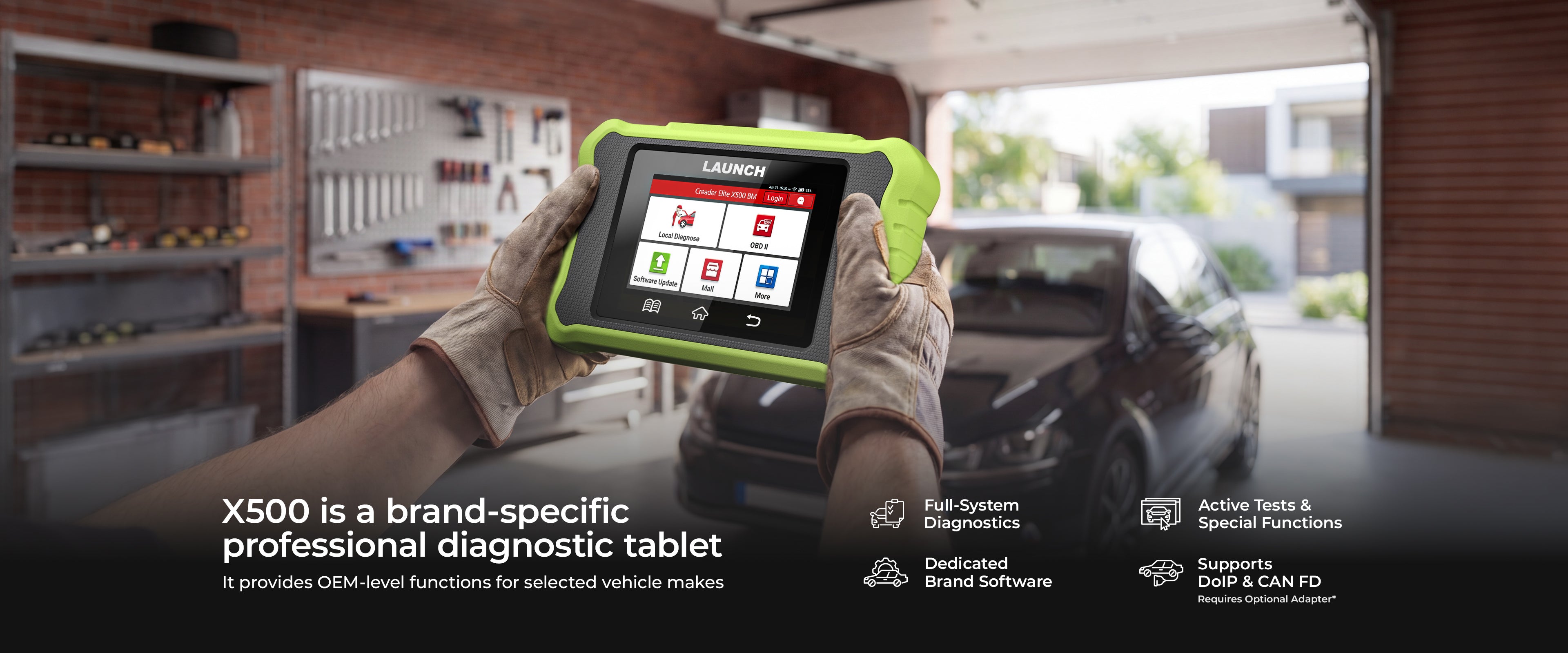
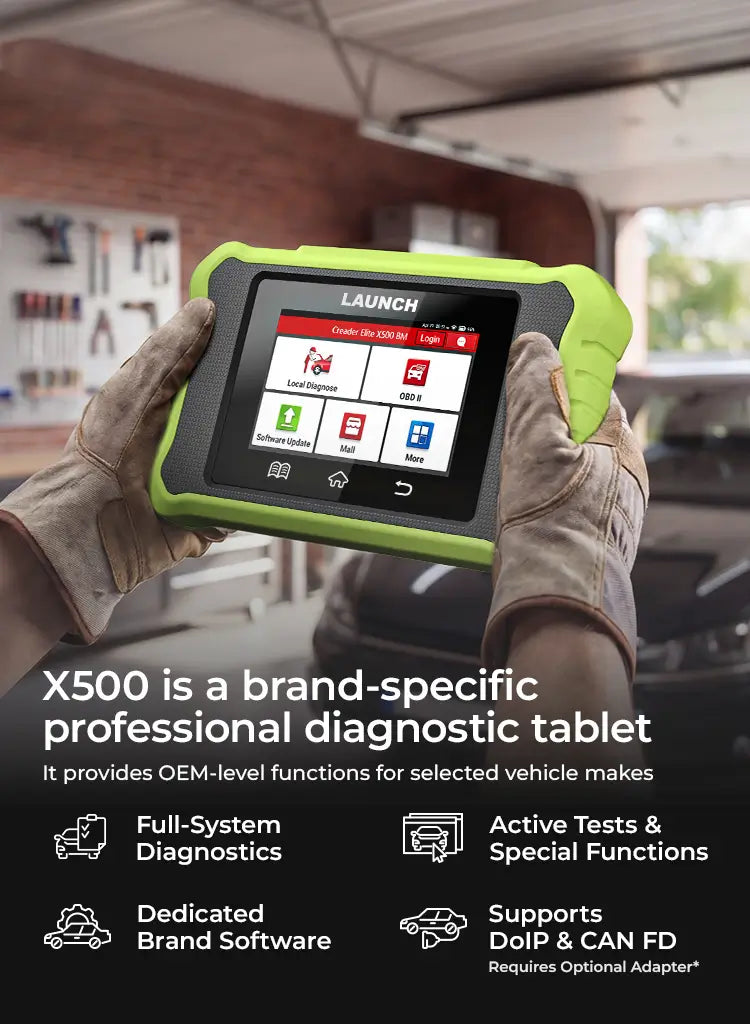
High-Performance Design: Android 8.1 with 4" touchscreen. Delivers OE-level access, expert resets, and live data graphing in one platform.

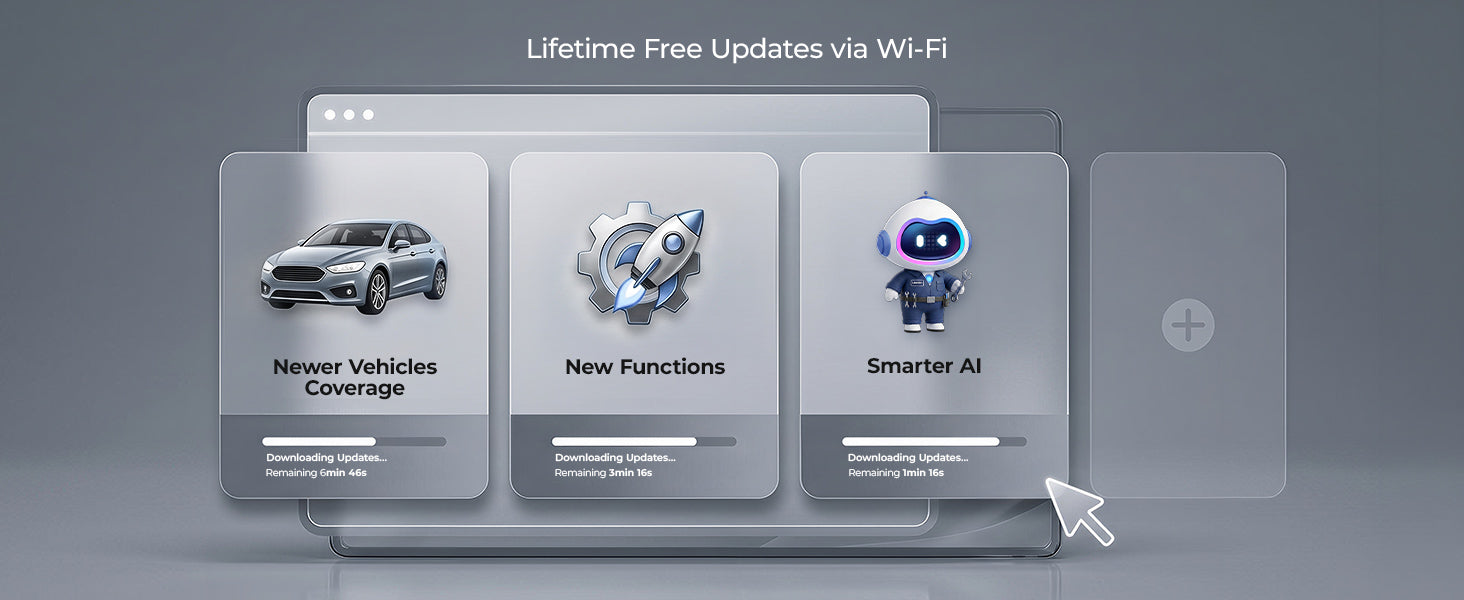
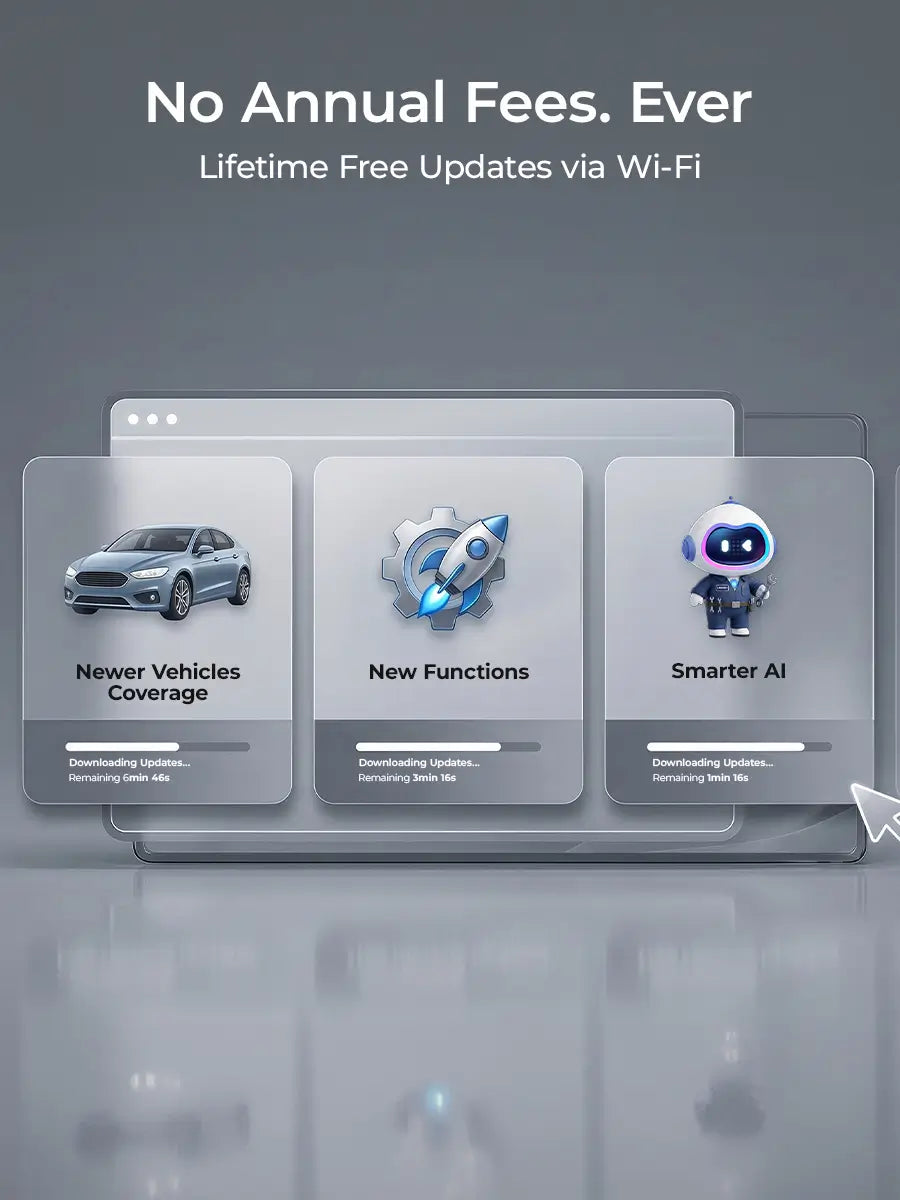
One-Touch Updates: A single tap automatically updates software, firmware, and vehicle data. Keeps your device current effortlessly.

Vehicle Type : BM
Quantity
Description
Safety & Certification
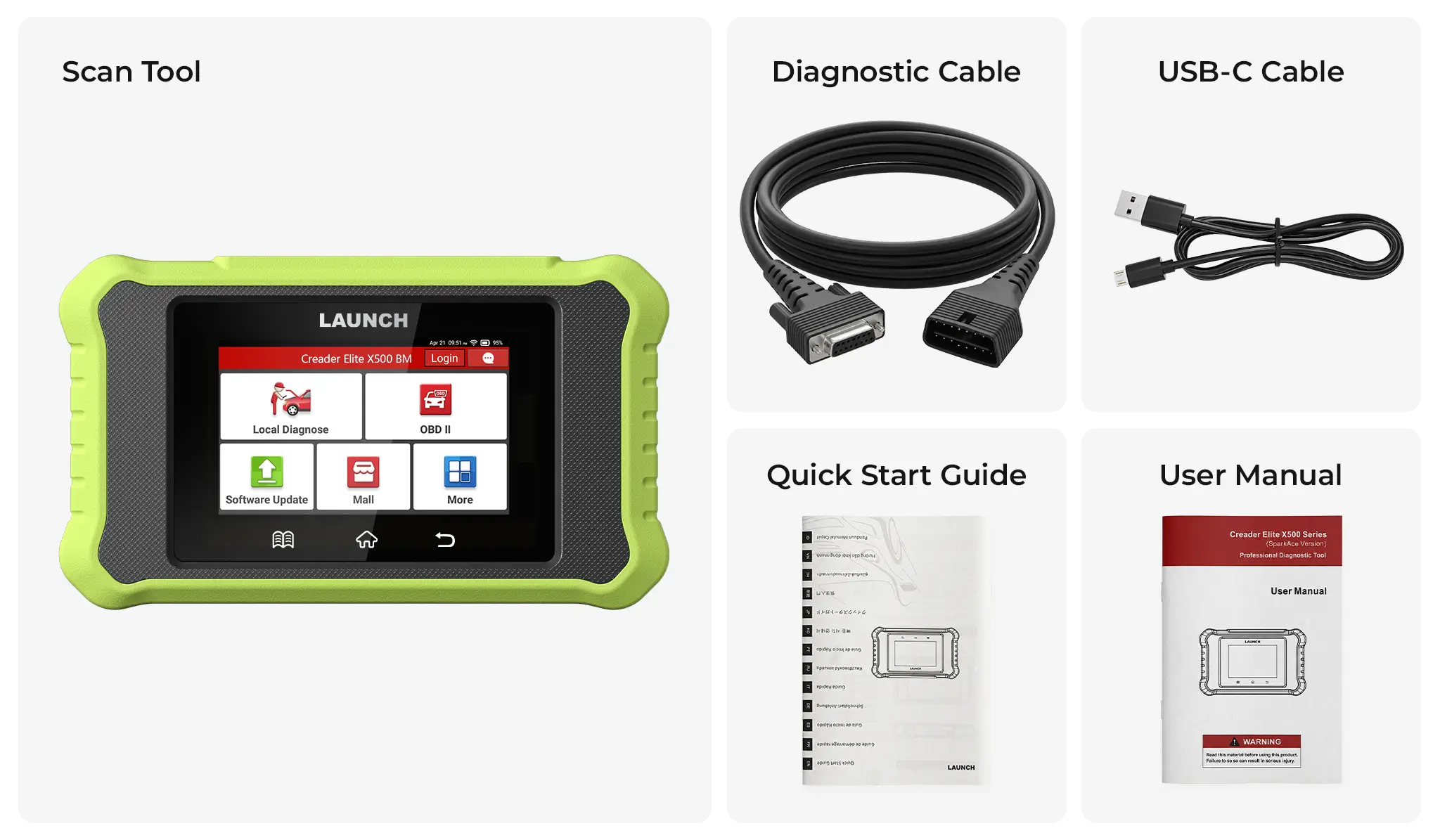
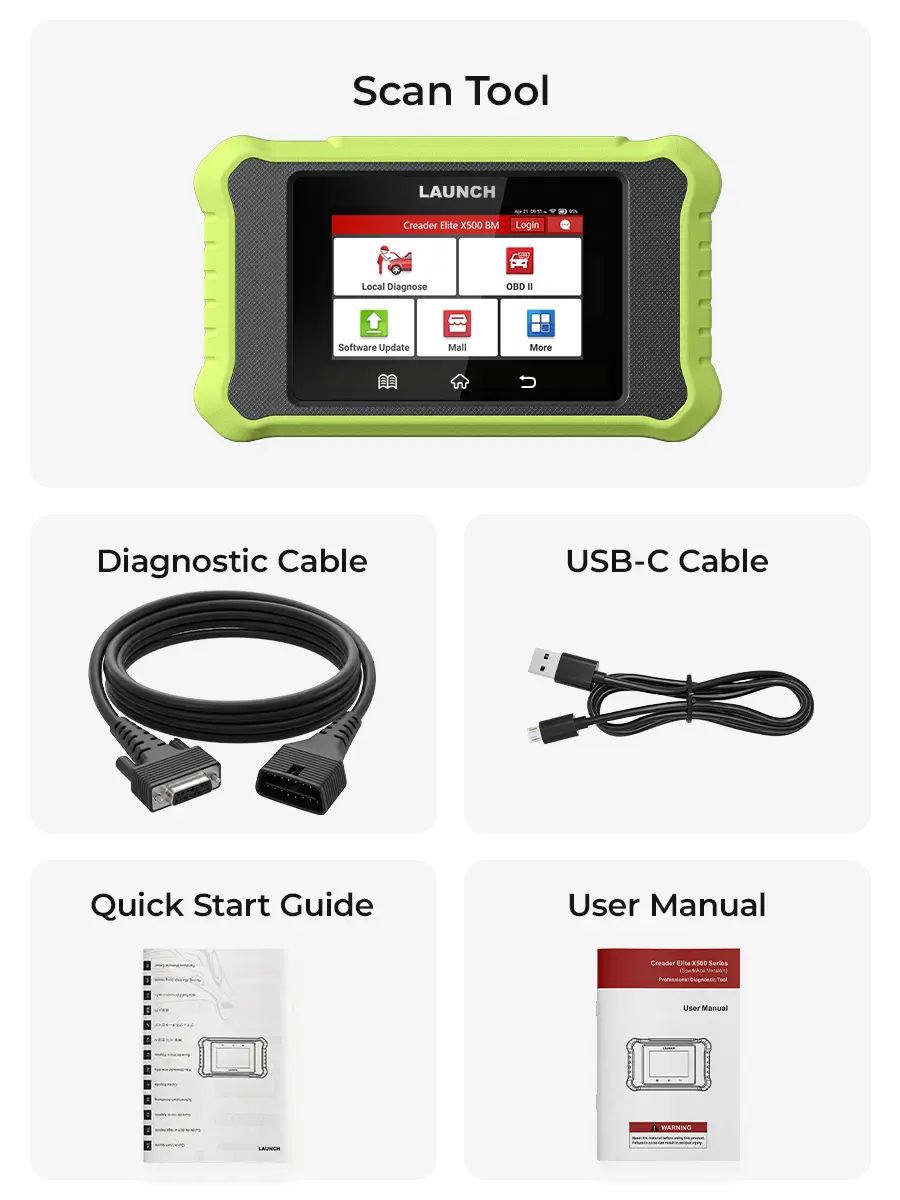
What's in the Box?
2-Year Warranty
30-Day Return
Free Shipping
2-Year Industrial Warranty backed by free lifetime technical support to guarantee zero workshop downtime.
30-Day Risk-Free Field Test: 100% refund if it fails to protocol-match your workshop's specific vehicle database.
Free shipping on all orders—no hidden fees, no extra costs.

Complete Mastery Under the Hood

Full-System Diagnostics for Faster Repairs

Scan all vehicle systems with complete access to fault codes, ECU data, and real-time performance metrics—helping you pinpoint issues early and accelerate the repair process.

Full OBDII & Advanced Diagnostic Functions

Go beyond basic code reading with live data, freeze frame data, and vehicle information. Advanced features like active tests and reset functions help you diagnose and repair your vehicle more efficiently.

Comprehensive Maintenance Functions

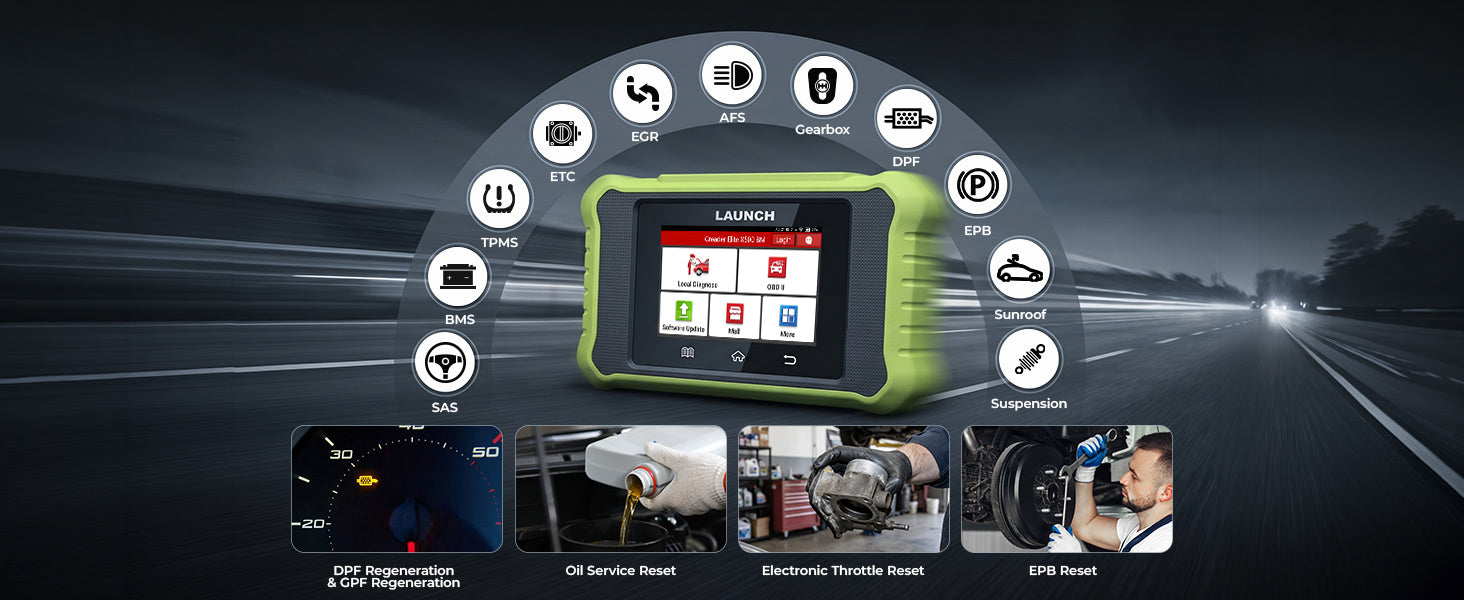
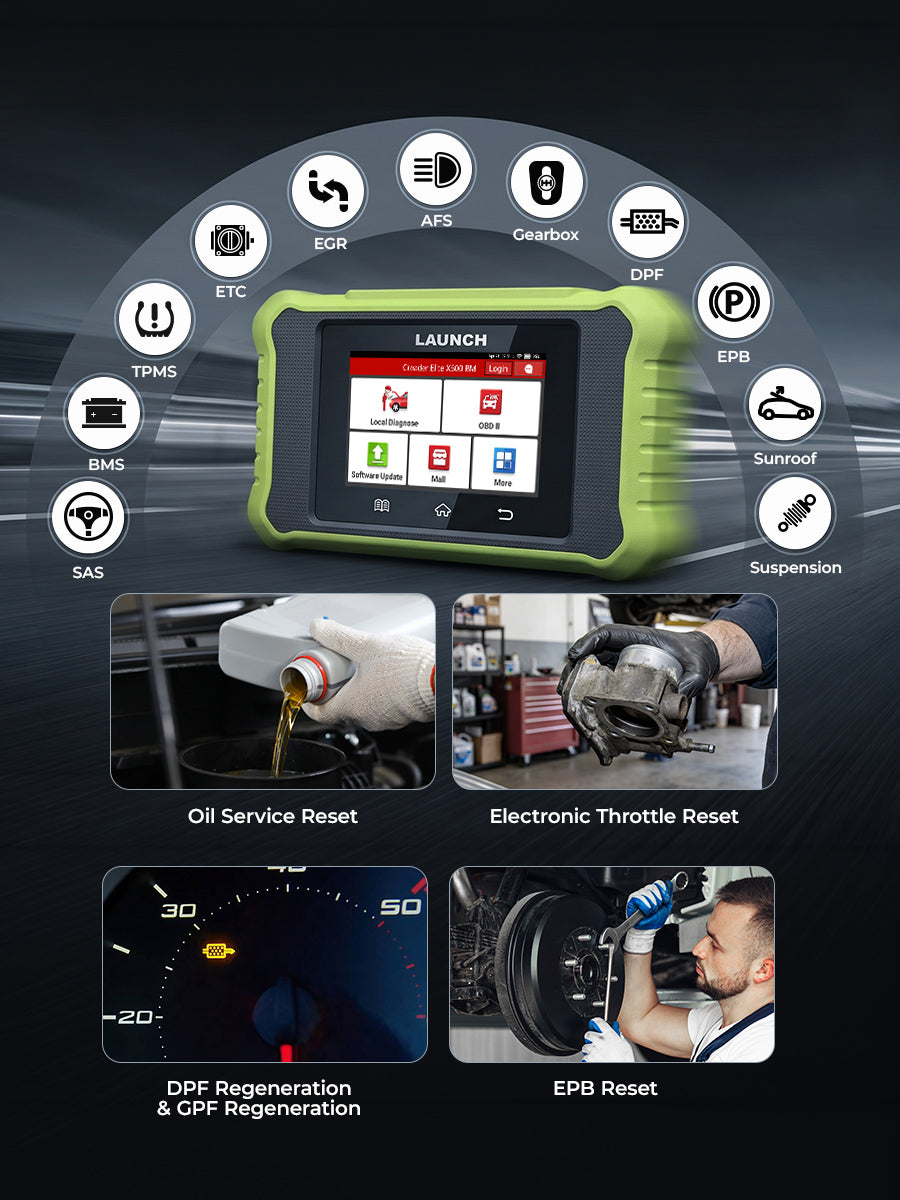
LAUNCH Creader X500 Elite supports essential dealer-level special functions, including ABS Bleeding, SAS Reset, Battery Registration, Oil Reset, EPB/TPMS Reset, Injector Coding, Throttle Relearn, and Transmission/Suspension Adaptation.

Intelligent VIN Auto-Detection

Automatically scan and retrieve key vehicle information—including make, model, year, and VIN—eliminating manual entry and ensuring accurate data for faster, more efficient diagnostics.

Faster Diagnostics, Wider Compatibility

LAUNCH Ceader X500 Elite natively supports DoIP and CAN FD protocols, ensuring ultra-fast, stable communication with modern vehicles. Diagnose the latest vehicle platforms efficiently and unlock authorized secure gateways with ease.
48V 15Ah
Battery
45Km/h
Max Speed

Covers Major Motorcycle Brands Worldwide

LAUNCH Creader X500 Elite supports leading motorcycle brands from Europe, America, and Japan—including Harley-Davidson, Honda, and more.

Diagnostic Reports & Data Recording

After each scan, a complete report (VIN, DTCs, live data, and system status) is automatically generated. With online access and historical data comparison, technicians can easily track performance changes, catch intermittent or progressive faults, and reference verified repair cases for faster, more accurate diagnostics.
LAUNCH AI – Fault Diagnosis & Repair Guidance

LAUNCH AI interprets fault codes and streamlines diagnostics by providing clear explanations, likely causes, related symptoms, and step-by-step repair guidance, with wiring diagrams and technical references when available for faster, more confident repairs.
DTC Library
Access a built-in DTC database with detailed fault code definitions.
Firmware Management
Easily manage and update device firmware to ensure optimal performance
Screenshot & Data Recording
Capture screenshots for later review and analysis
DTC Library
Access a built-in DTC database with detailed fault code definitions.
Firmware Management
Easily manage and update device firmware to ensure optimal performance
Screenshot & Data Recording
Capture screenshots for later review and analysis
1 / 3

Premium User Experience

  • image
    image
    Keep your diagnostic scanner at its peak with a single tap. The system automatically detects, downloads, and installs the latest updates for apps, vehicle software, and firmware—no manual configuration required.

How To Use

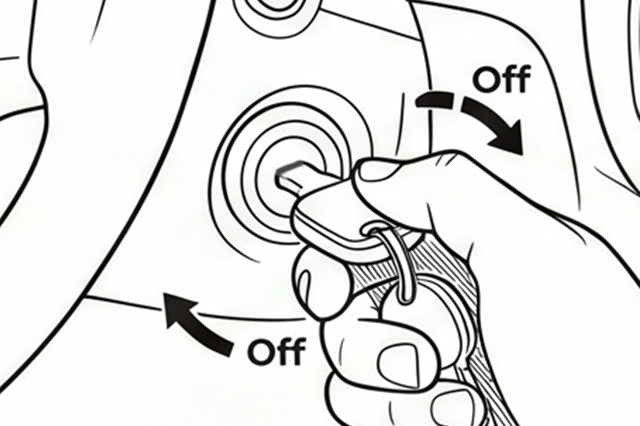
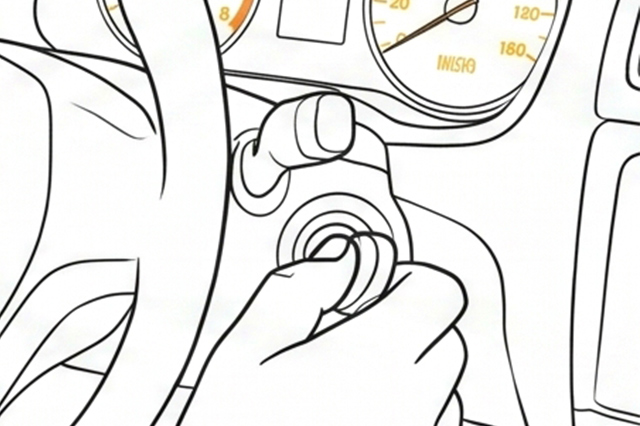
Turn the ignition off.

Turn lgnitionOff. Ensure the vehicle is in a safe, static state.

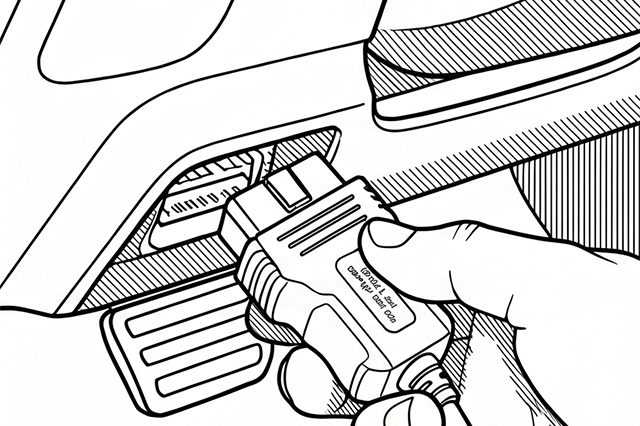
Locate the vehicle’s 16-pin Data Link Connector (DLC).

Typically positioned beneath the driver-side dashboard.

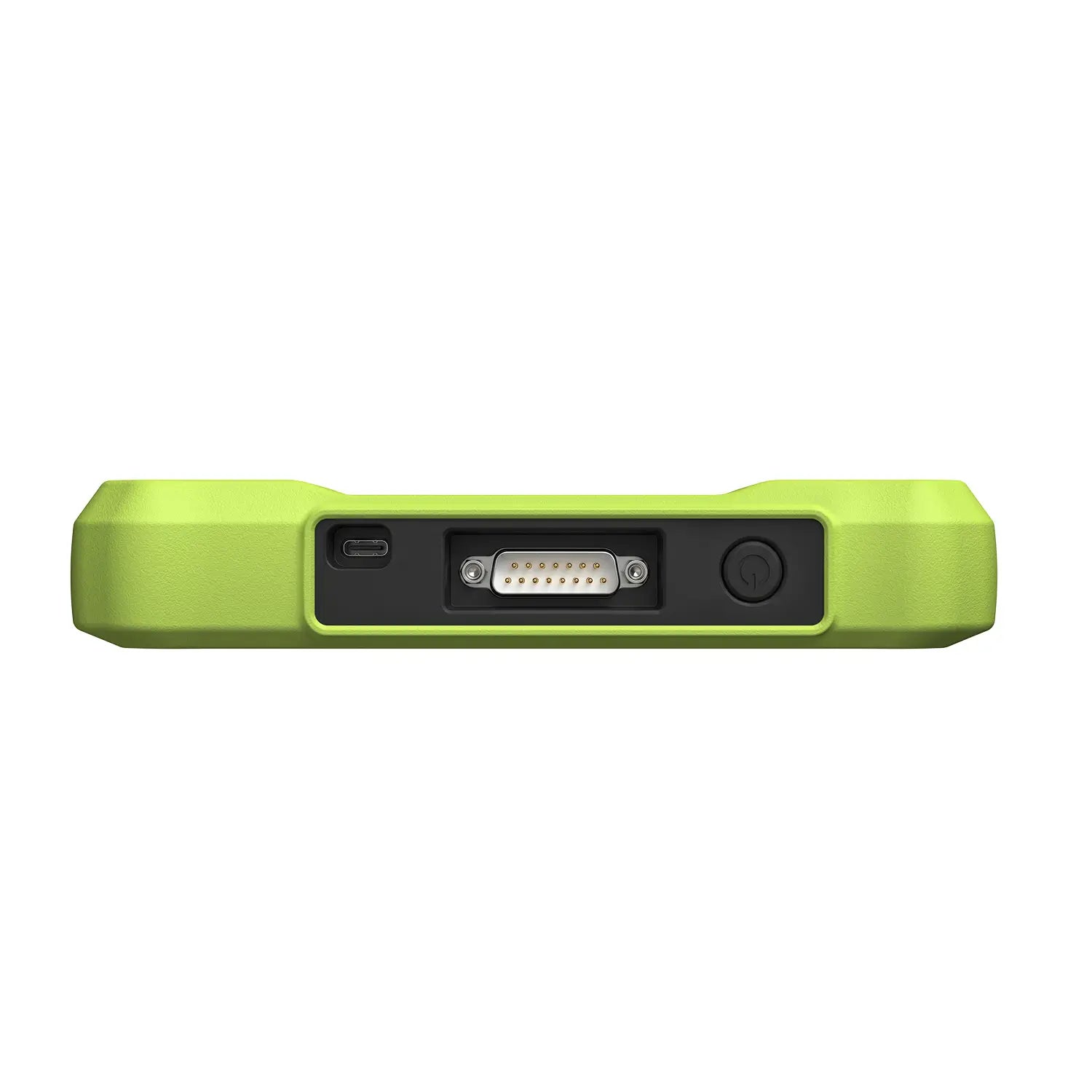
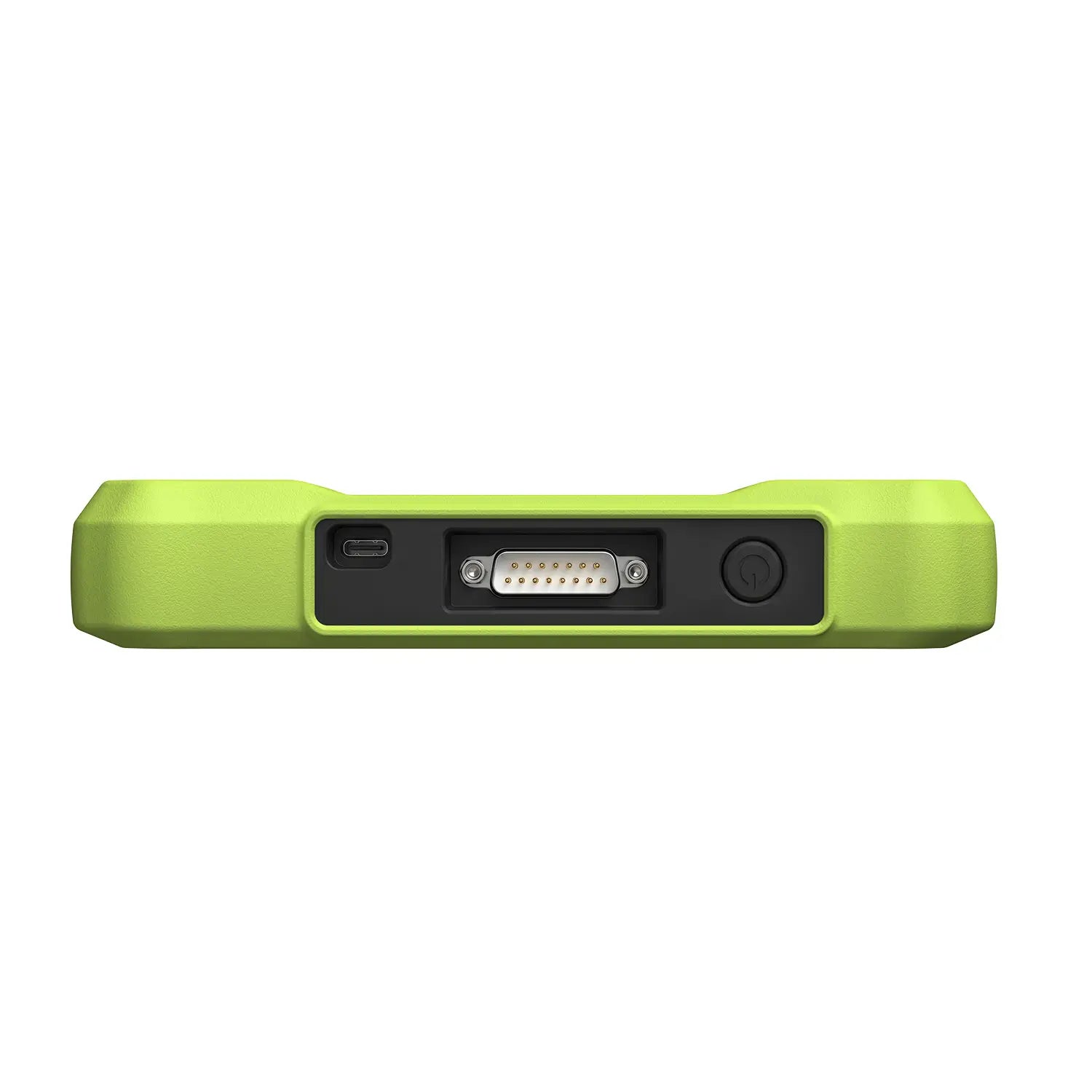
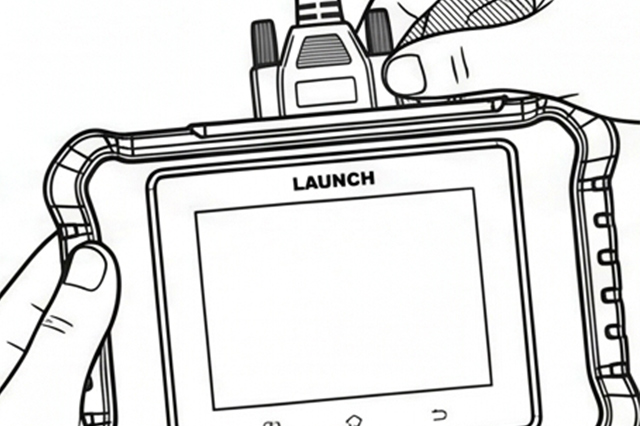
Plug one end of the diagnostic cable into the vehicle’s DLC port, and the other end to the DB-15 diagnostic connector of the tool, and then tighten the captive screws.

*Notes: A plastic DLC cover may be found for some vehicles and you need to remove it before plugging the diagnostic cable. The cable connector is keyed and will only fit one way. If you have problems connecting the cable connector to the DLC, rotate the connector 180° and try again.

Turn the ignition on. Engine can be off or running.

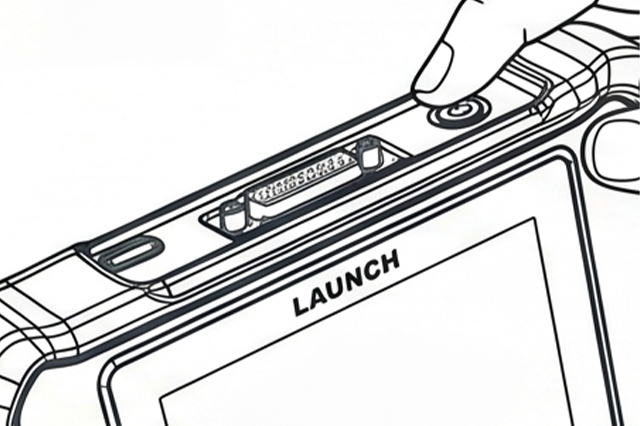
Press the power button for several seconds to turn the tool on and enter the Main Menu.

What's In The Box

Cart

loading