Home / Compare Products / LAUNCH CRP 919 Expert Full System Diagnostic Tool
1 / 6
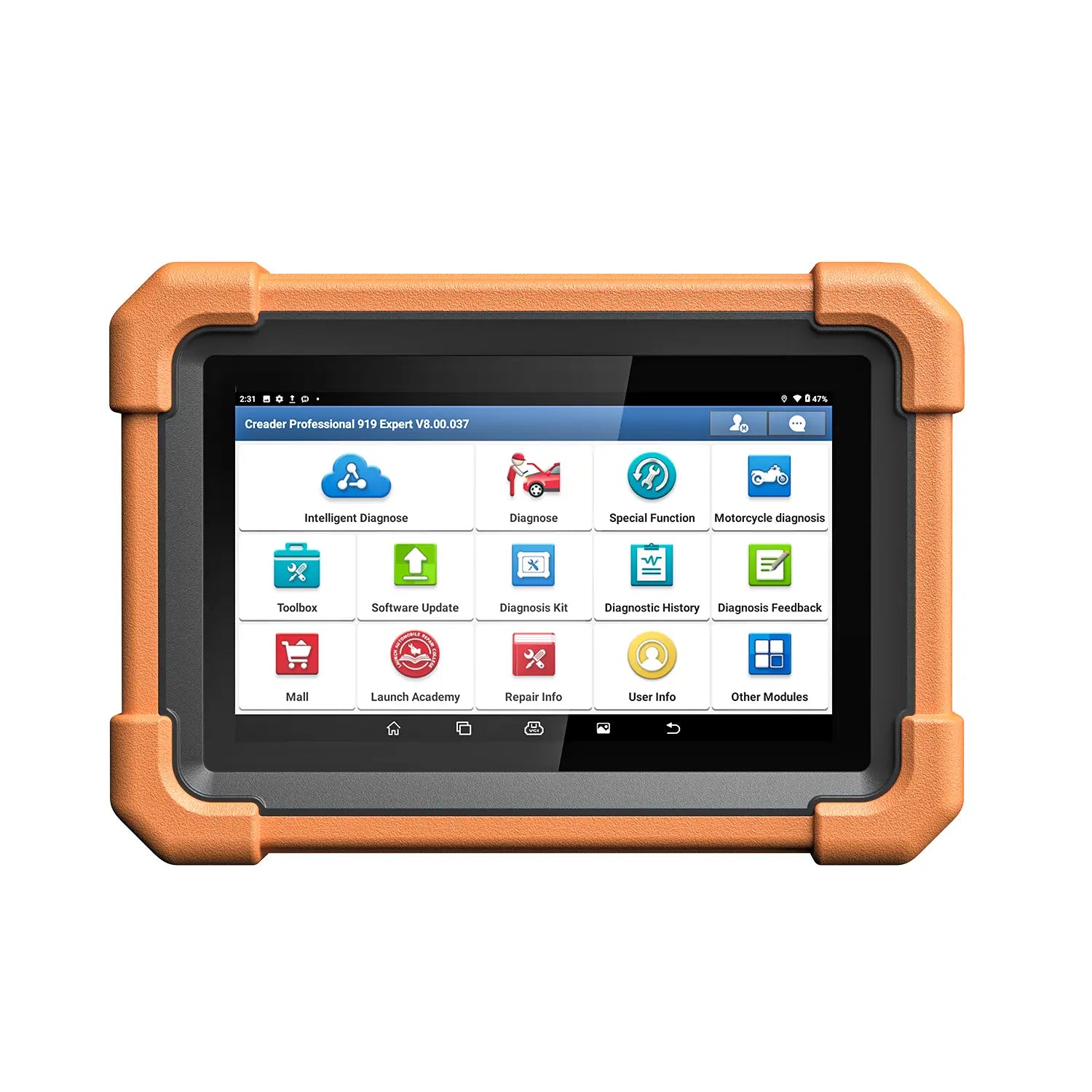
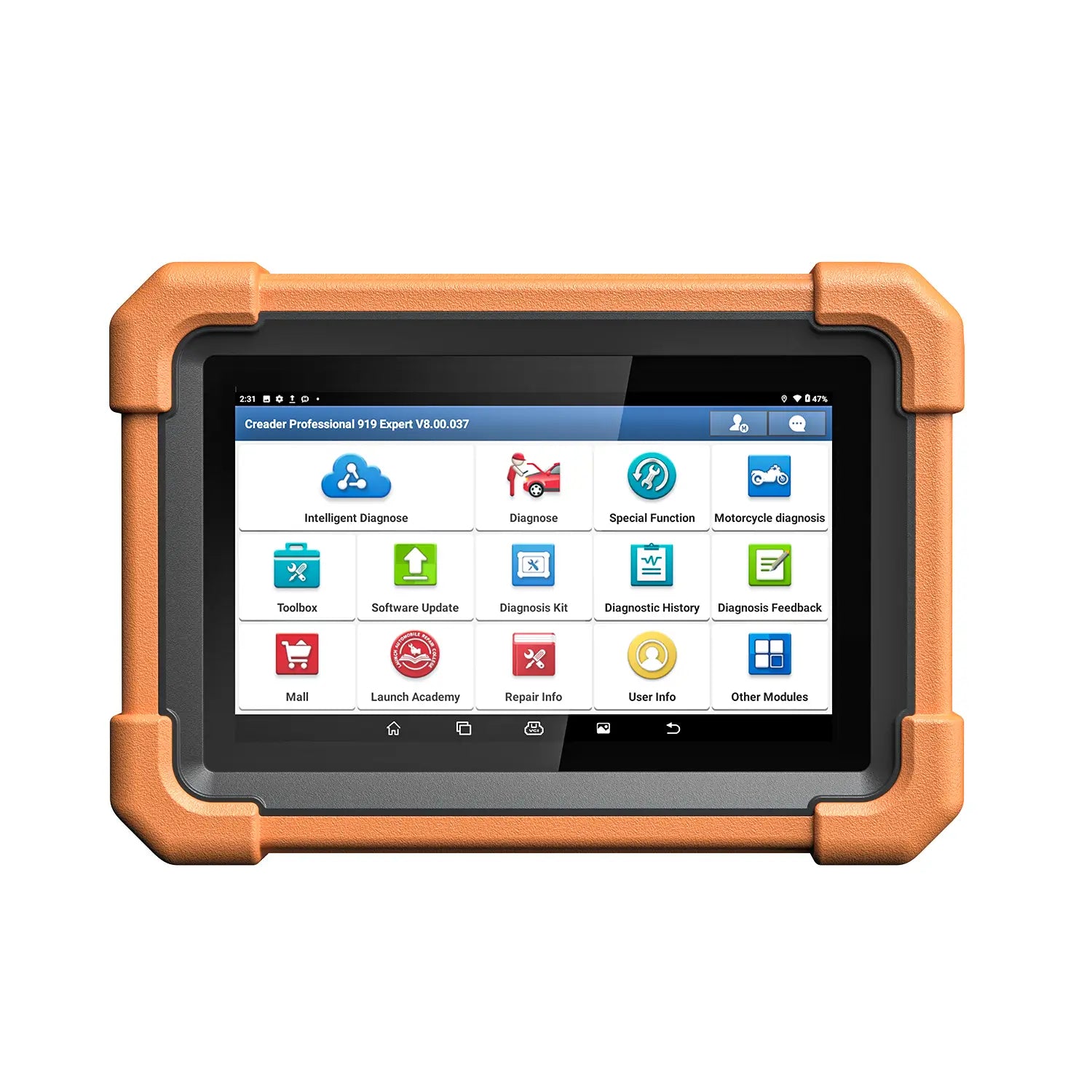
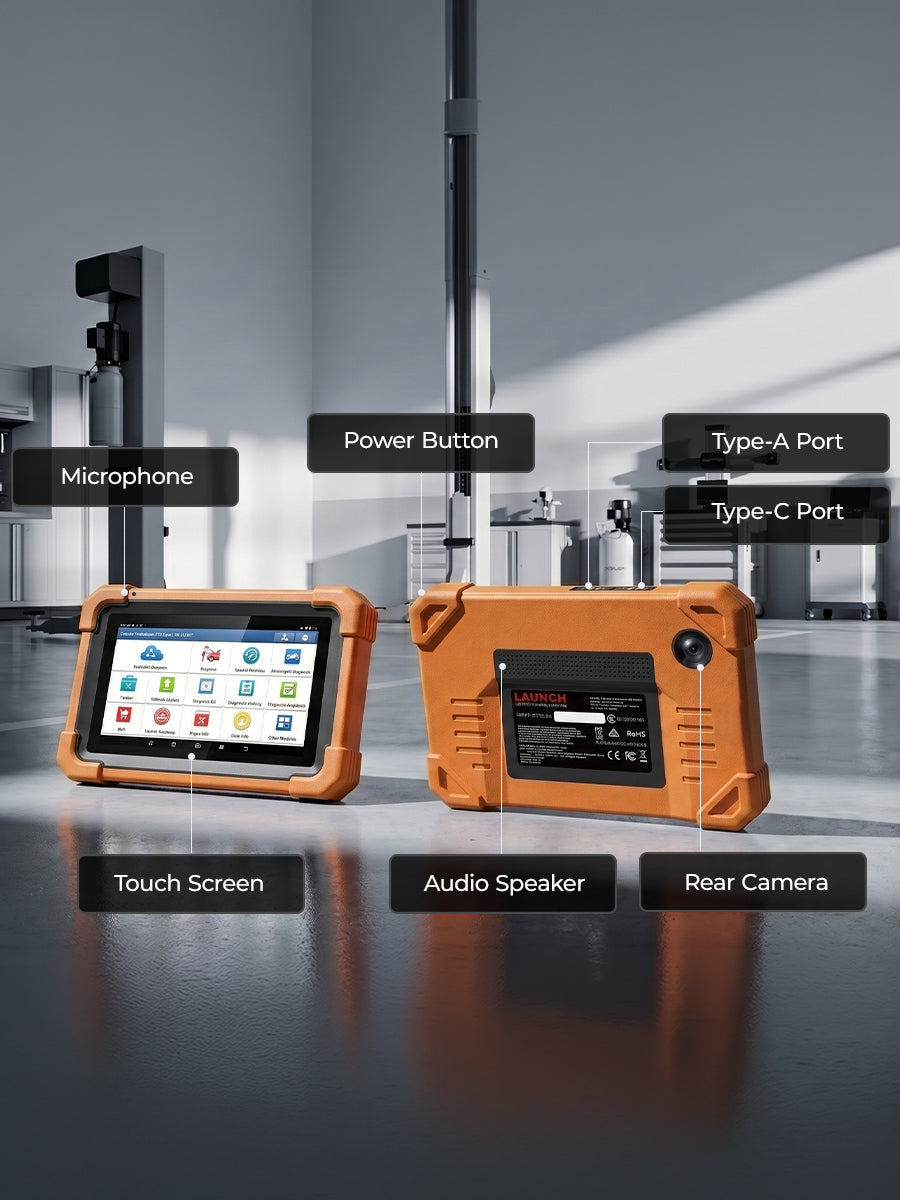
47.88Wh
Battery
7 Inches
Touch Screen
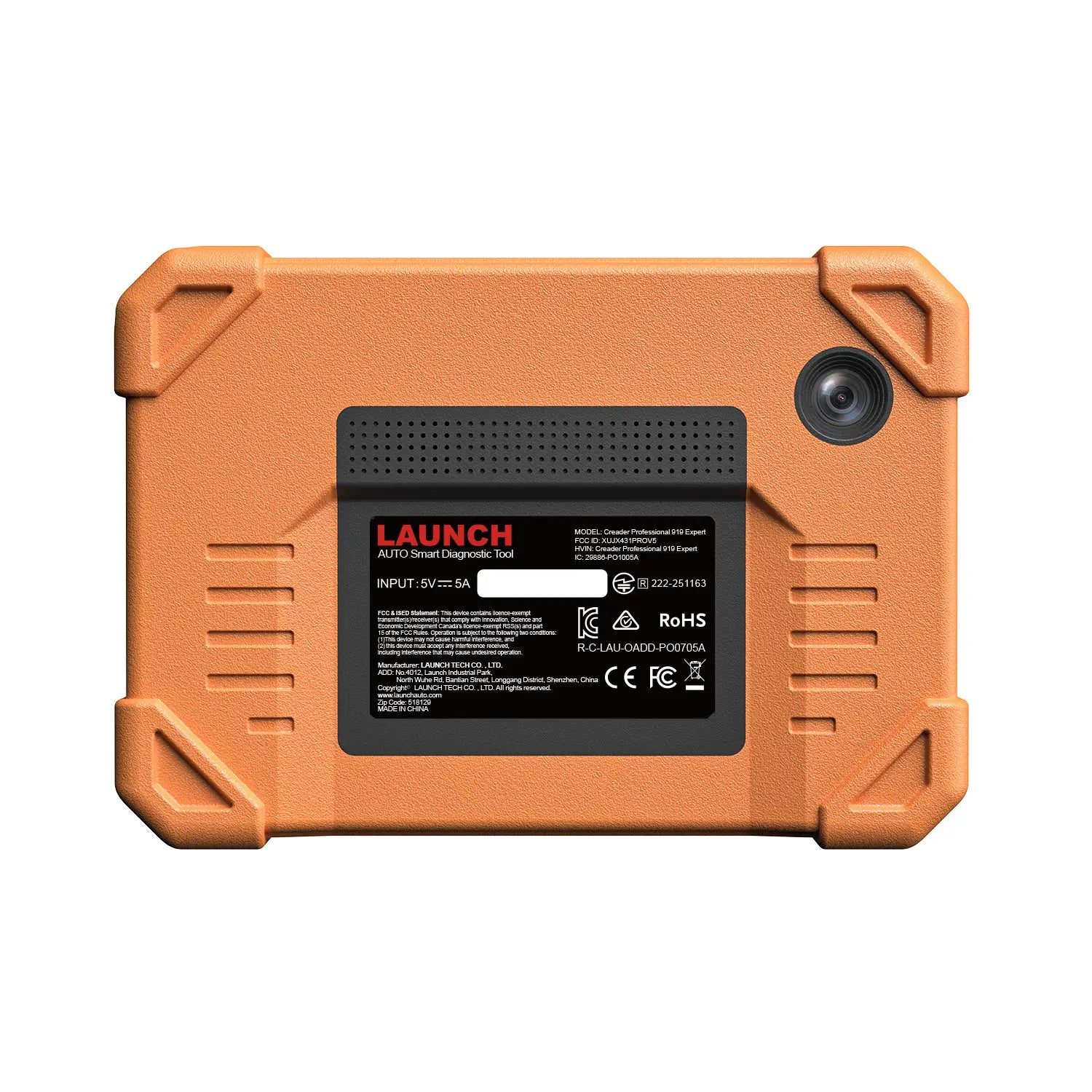
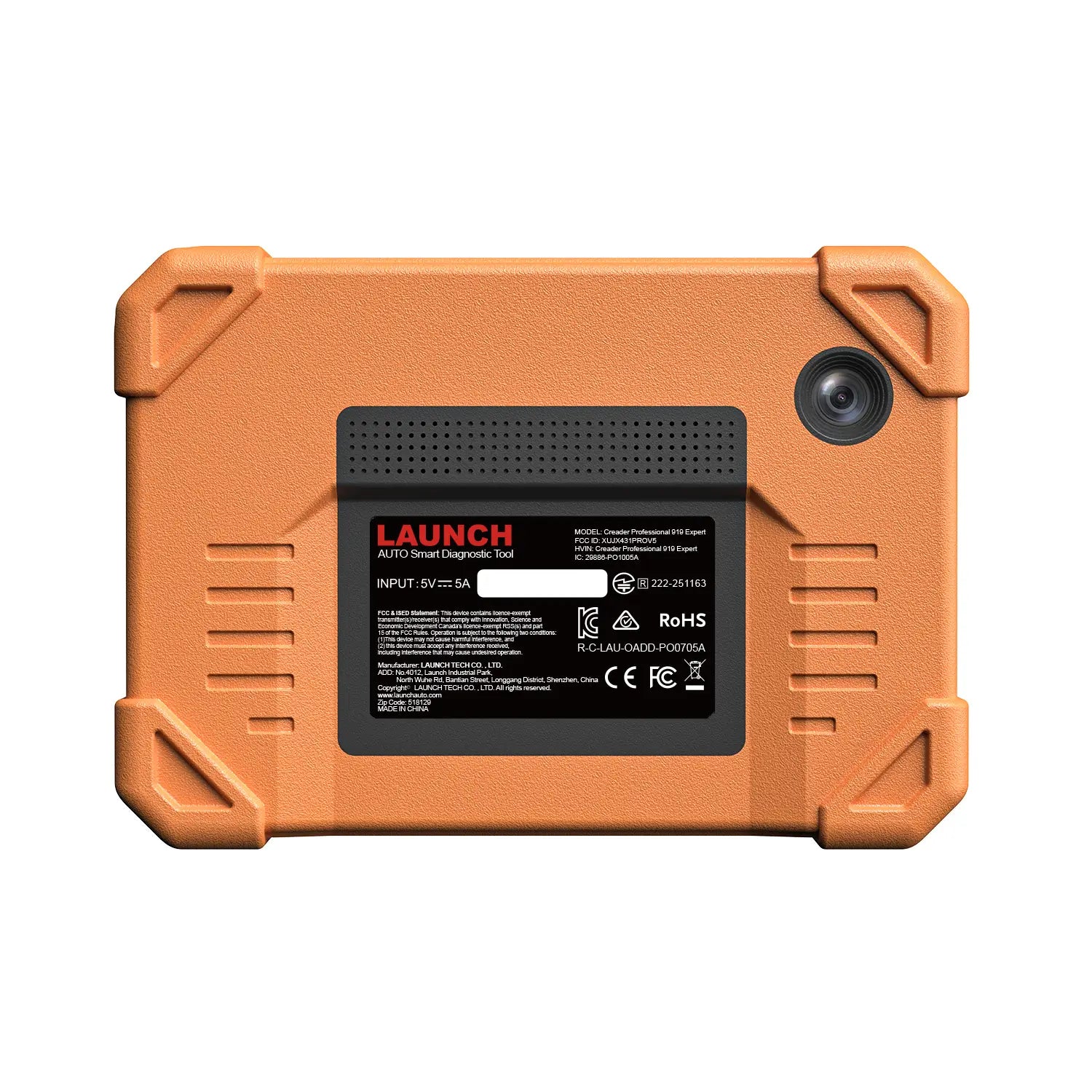
Rear 8MP
Camera
Android 10.0
Operating System
4GB+ 64GB
Memory
2.0GHz 4-core
Processor
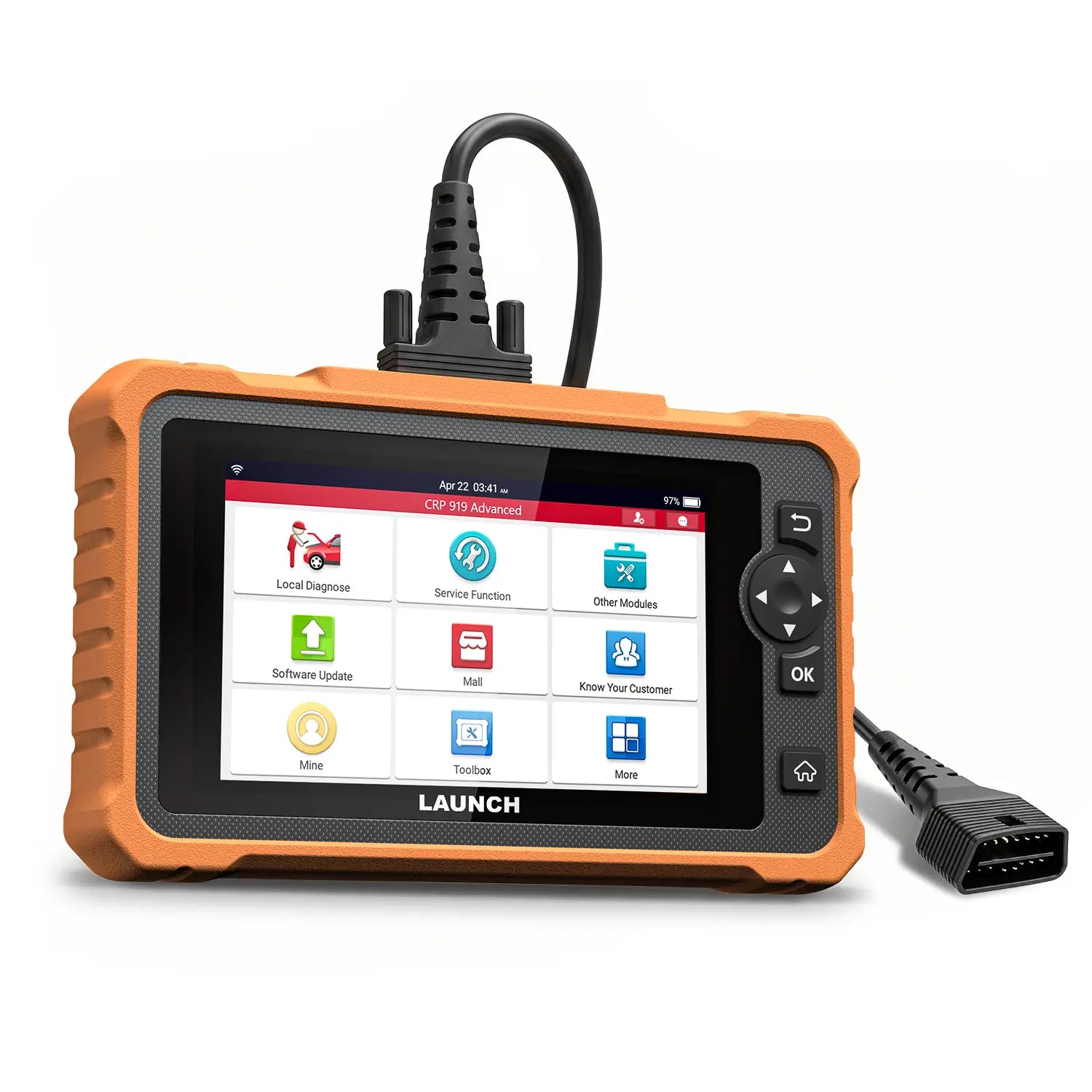
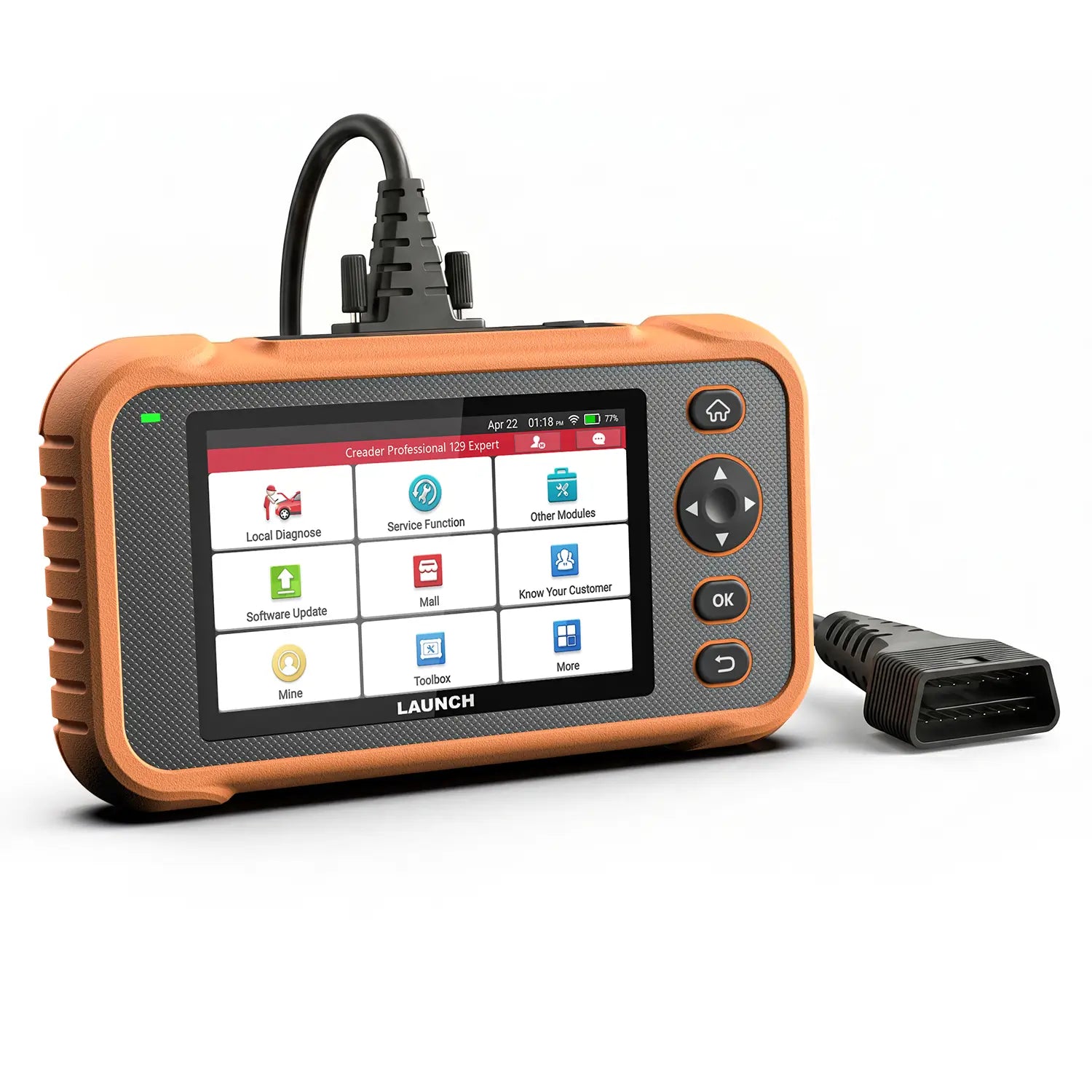
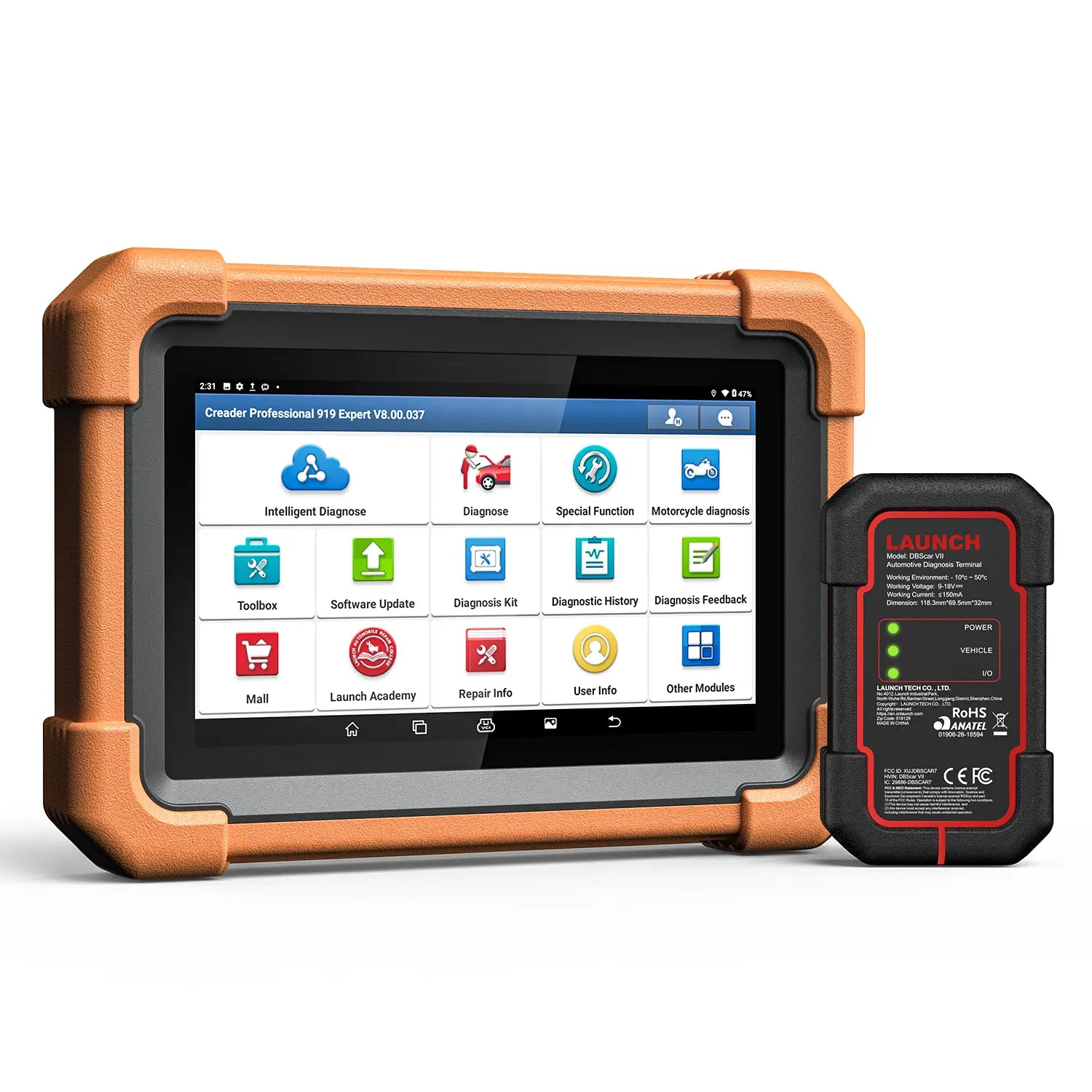
LAUNCH CRP 919 Expert Full System Diagnostic Tool
RM539.90 MYR
Shipping fees will be calculated at checkout.
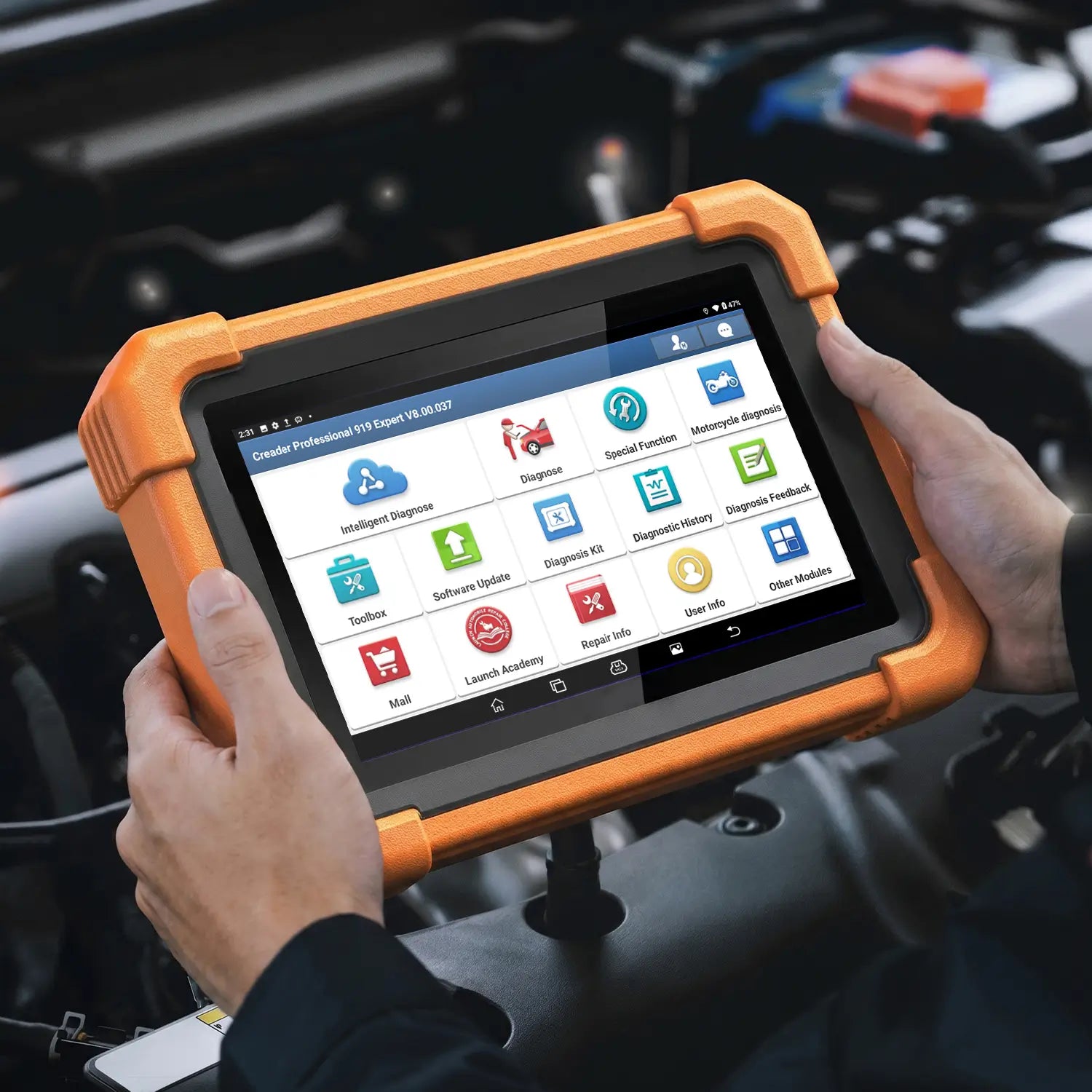
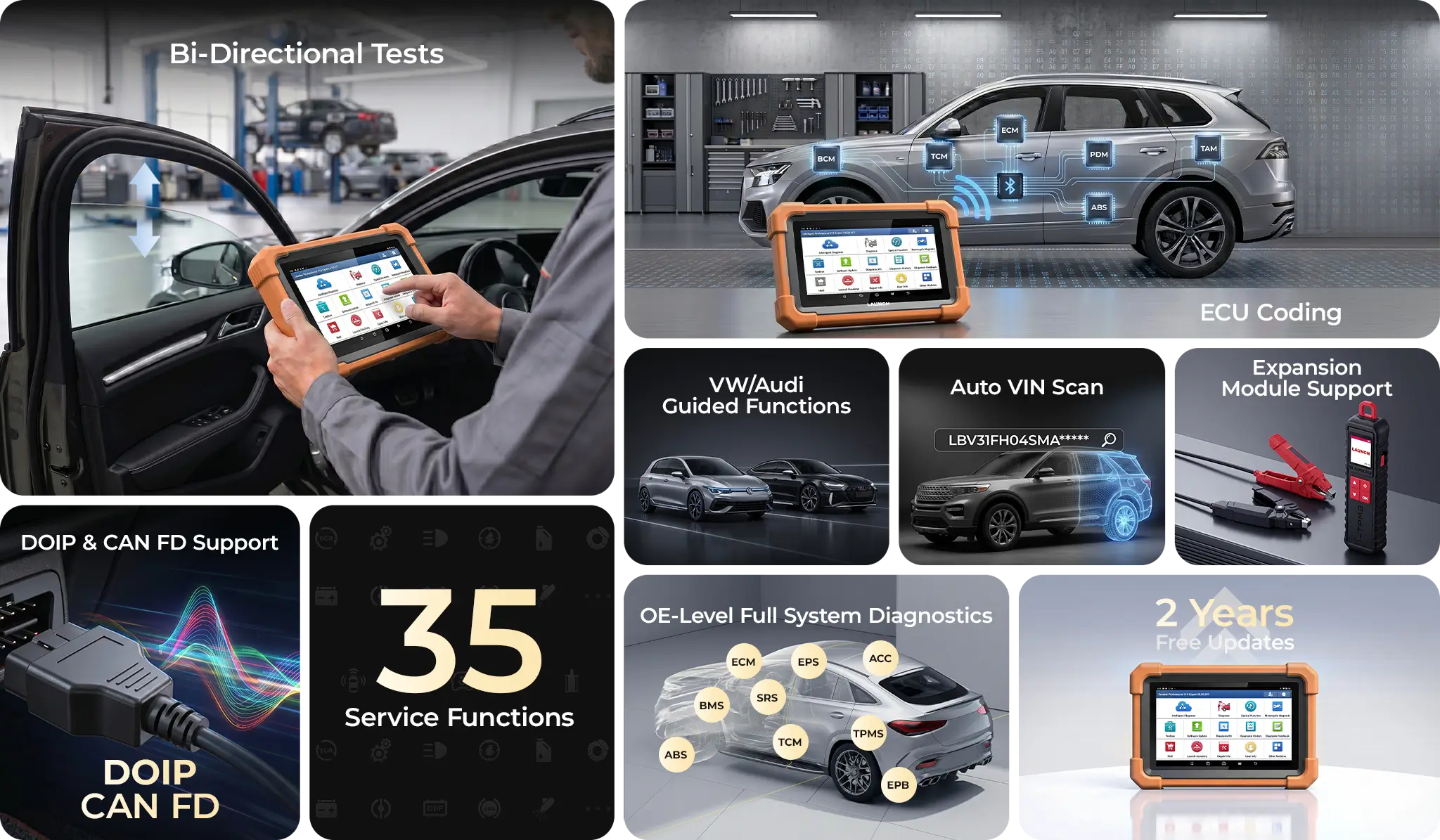
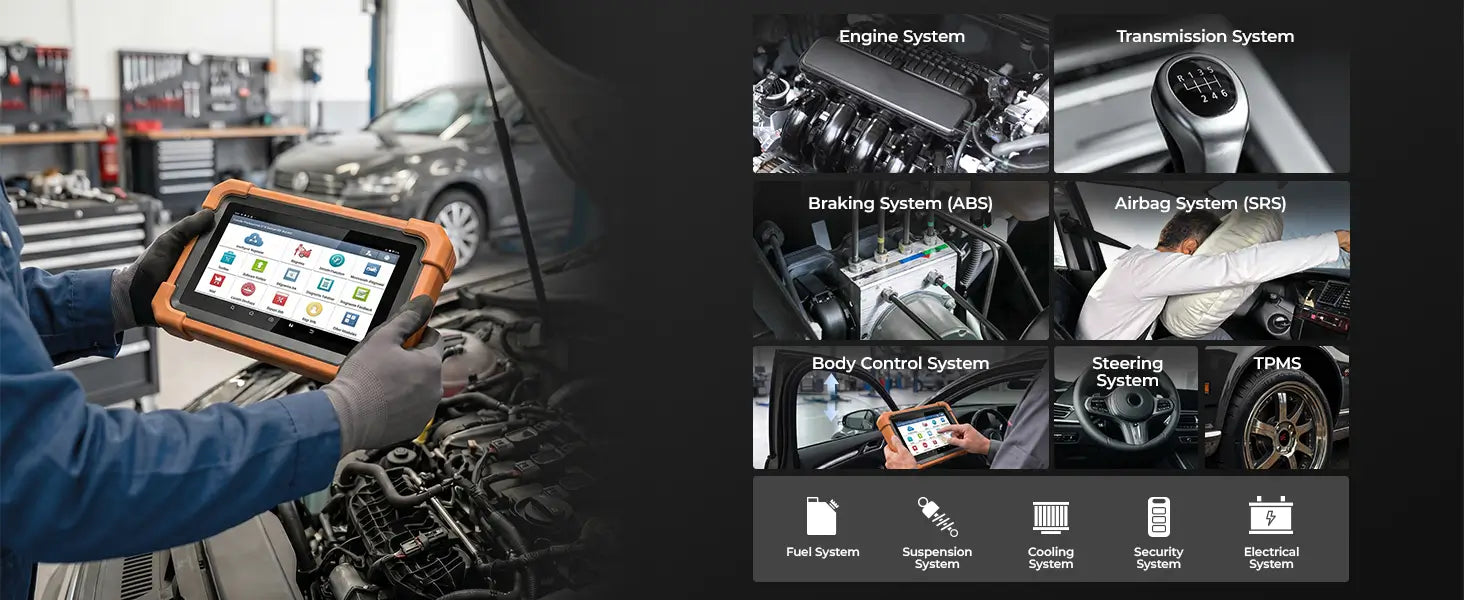
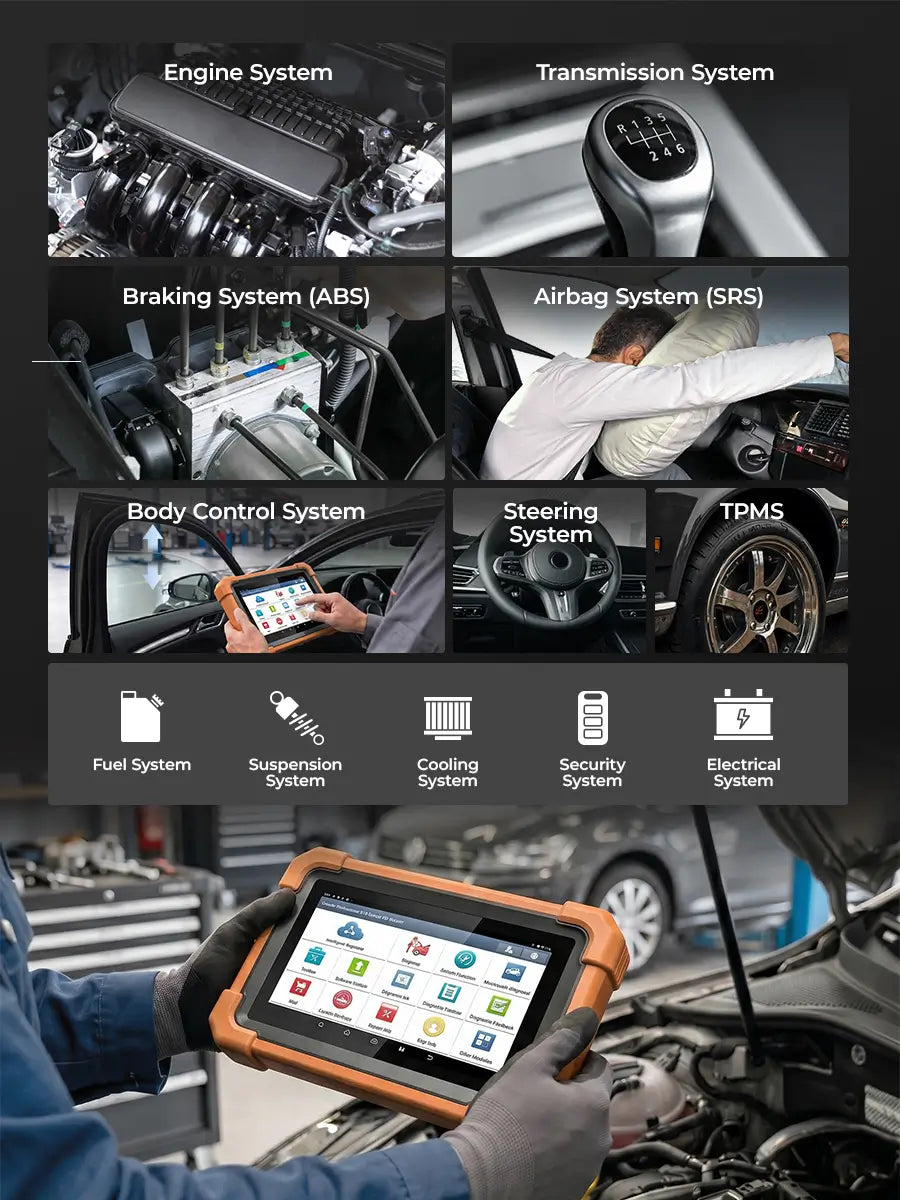
OE-Level Full System Scan: Scans all electronic modules to read/clear codes, view live data, run active tests, and perform advanced ECU matching.
Advanced ECU Coding: Performs professional ECU coding, component matching, and feature customization using high-precision, dealer-level software.
Auto VIN & Guided Functions: Automatically identifies vehicles via Auto VIN and provides step-by-step VAG Guided Functions for hassle-free operations.
One-Click Updates & Mall: One-tap wireless updates with smart filtering for faster upgrades, plus a built-in mall to expand software on demand.
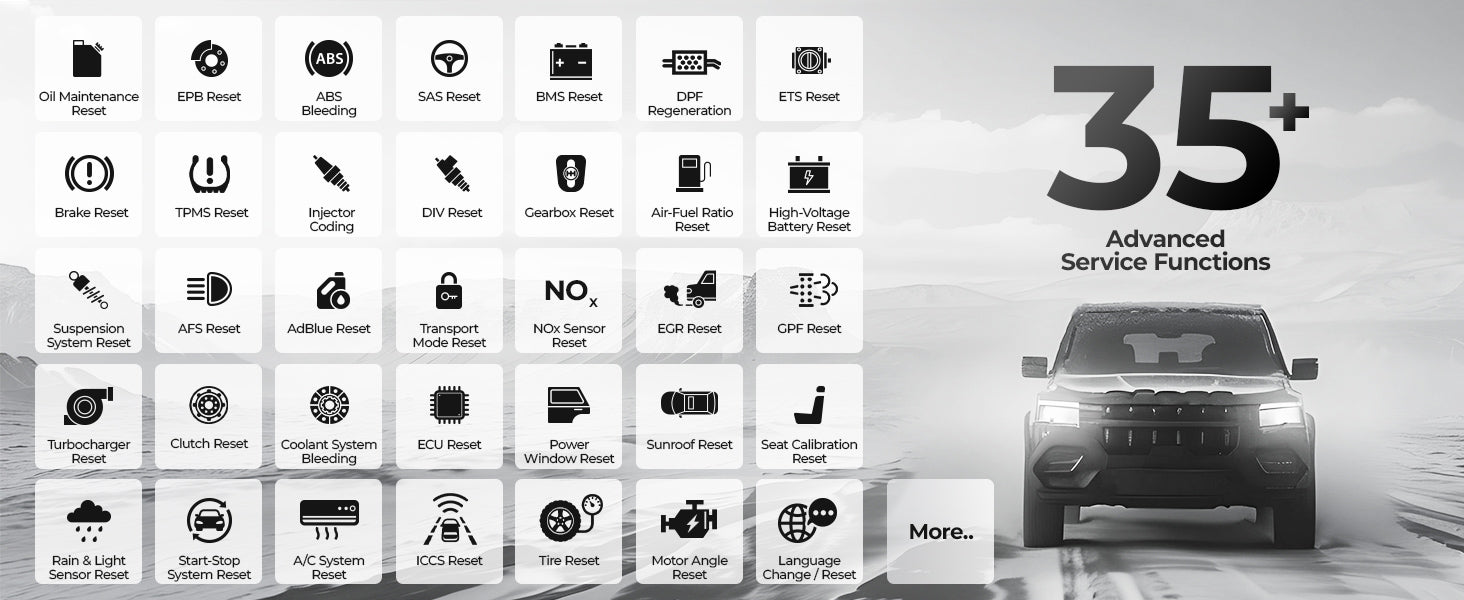
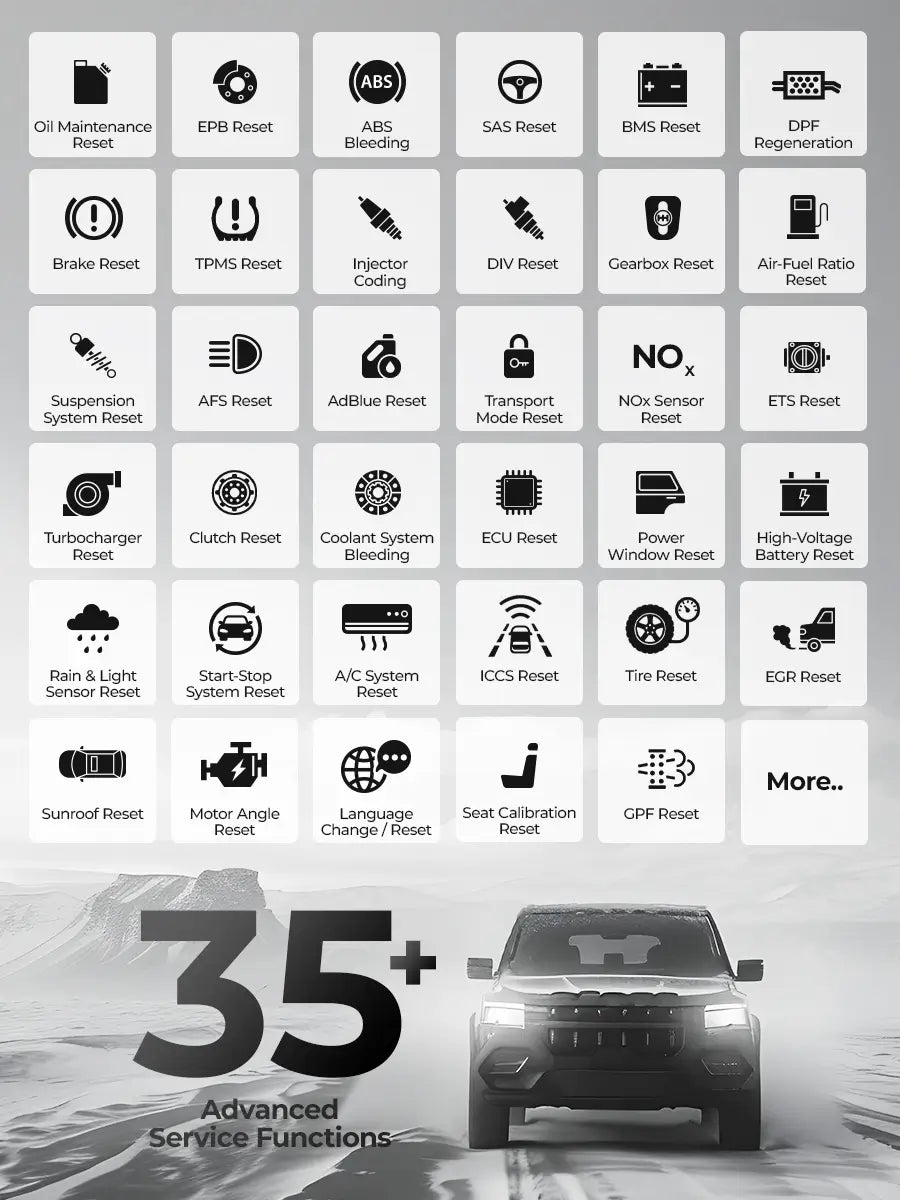
35 Hot Maintenance Resets: Supports 35 services for 160+ brands, including Oil Reset, Throttle, SAS, EPB, TPMS, ABS Bleeding, and BMS.
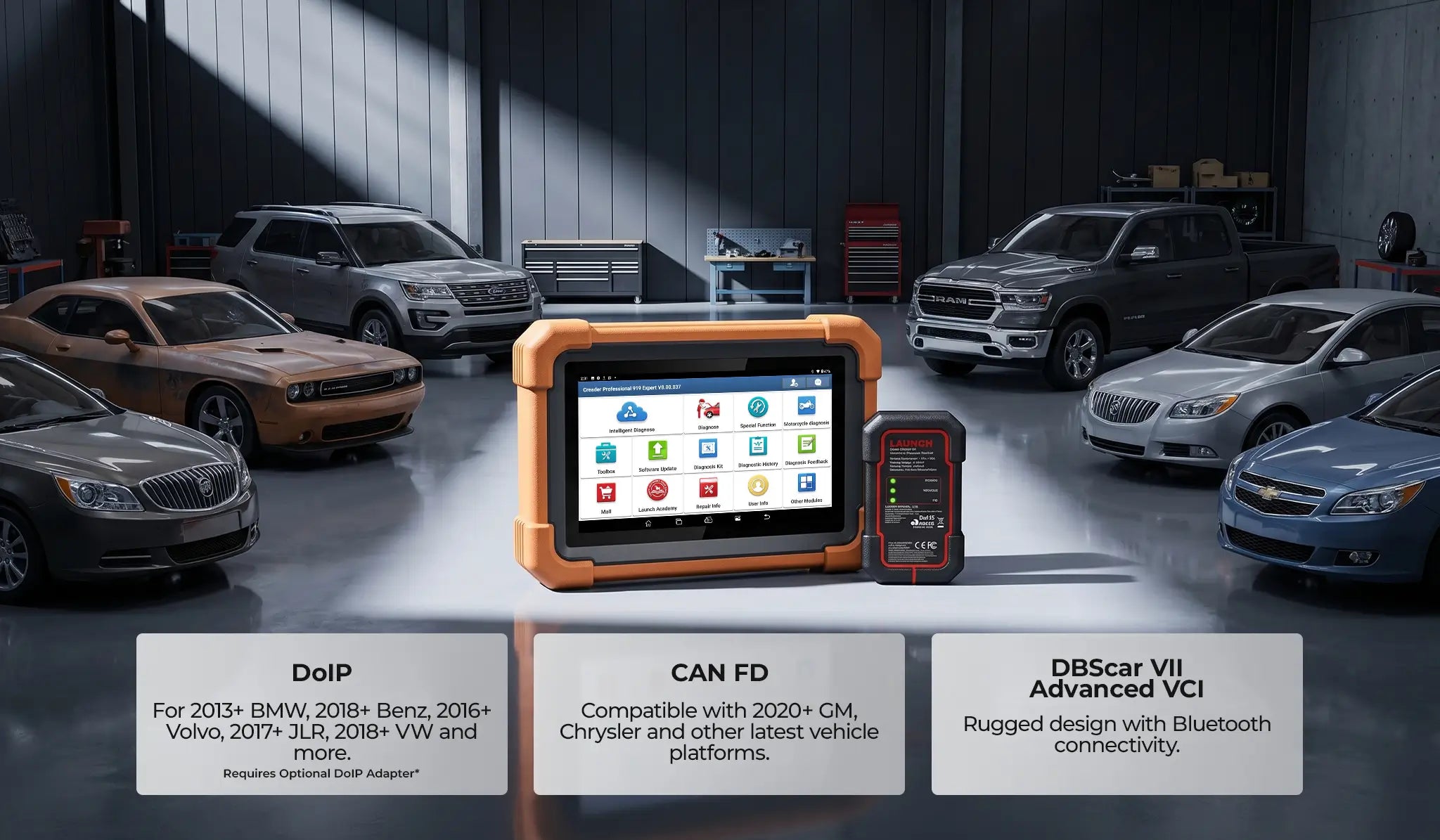
99% Coverage & CAN FD / DoIP: Covers 99% of 1996+ US, Asian, and European models, with native support for high-speed CAN FD and DoIP protocols.
Quantity
Description
Safety & Certification
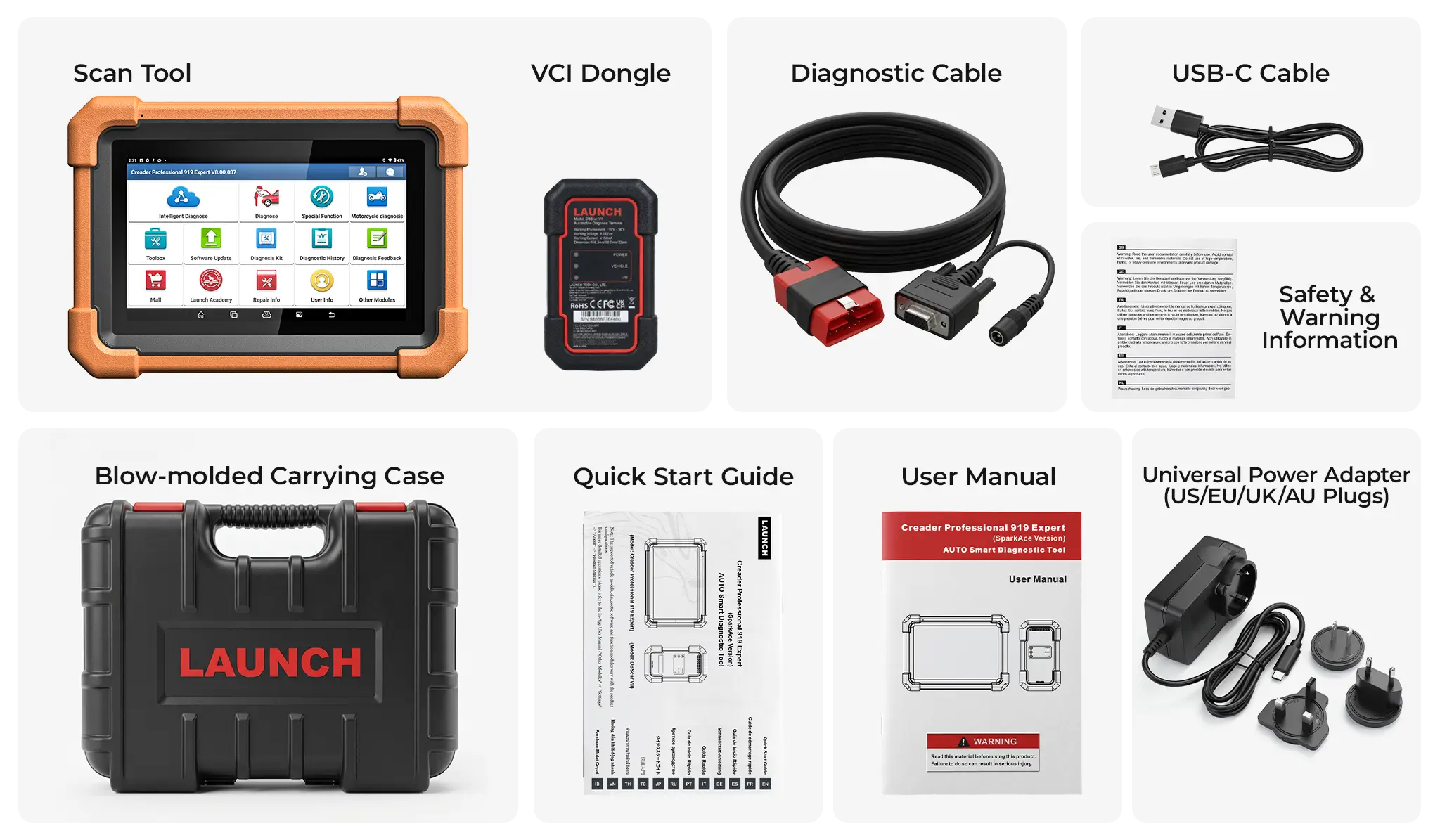
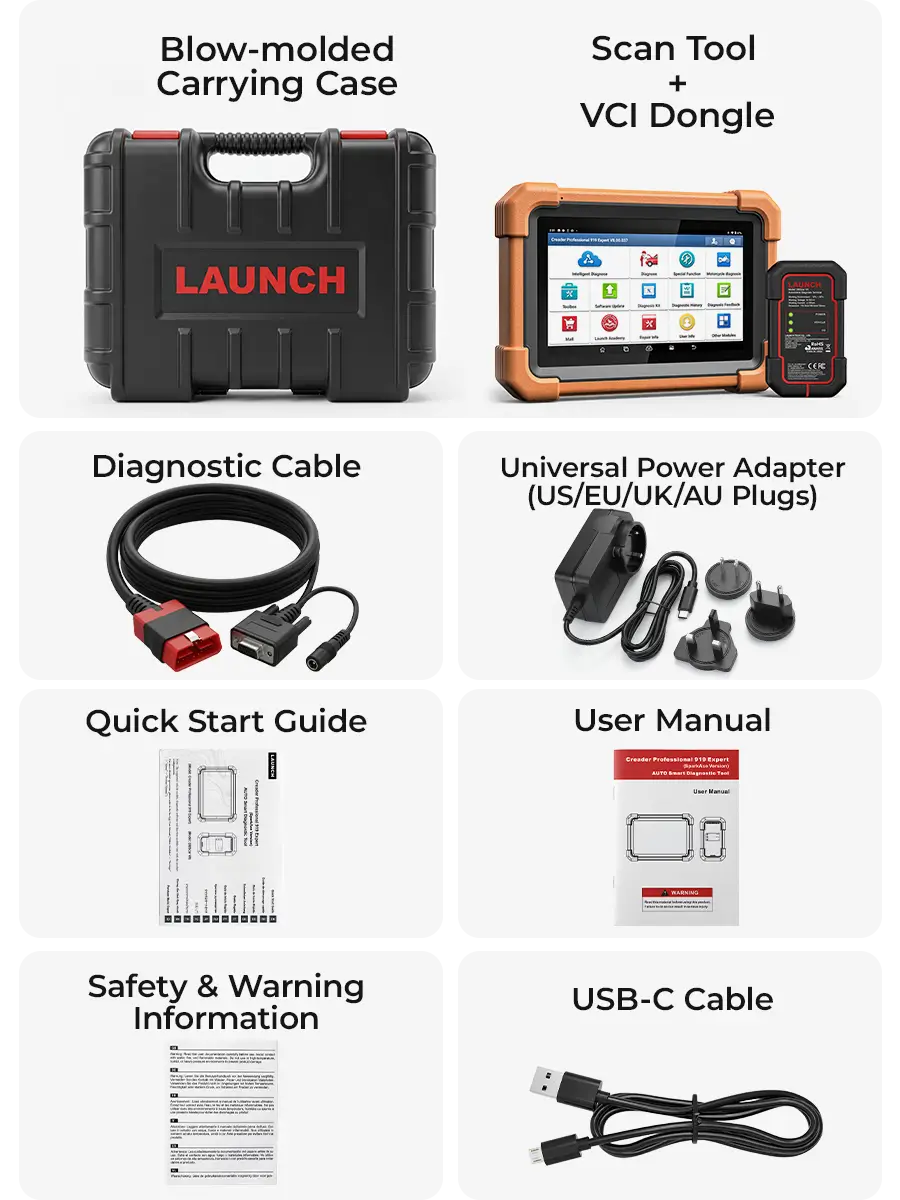
What's in the Box?
2-Year Warranty

30-Day Return
Free Shipping
2-Year Industrial Warranty backed by free lifetime technical support to guarantee zero workshop downtime.
30-Day Risk-Free Field Test: 100% refund if it fails to protocol-match your workshop's specific vehicle database.
Free shipping on all orders—no hidden fees, no extra costs.

All‑In‑One Diagnostic Solution

Next-Level Full-System Diagnostics

Unlock deeper access to vehicle systems with enhanced control and faster processing.

OE-Level Full-System Diagnostics with ECU Coding

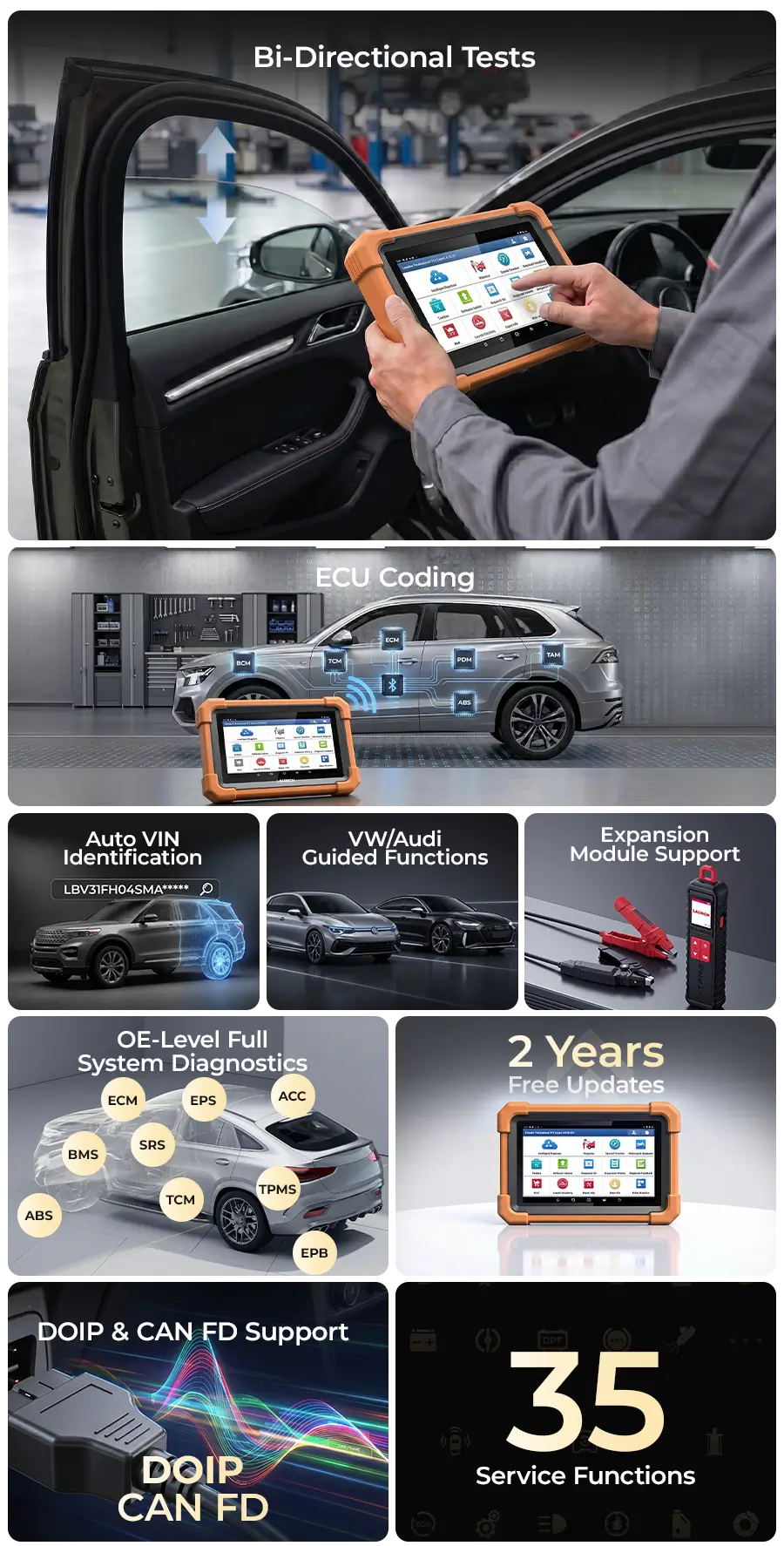
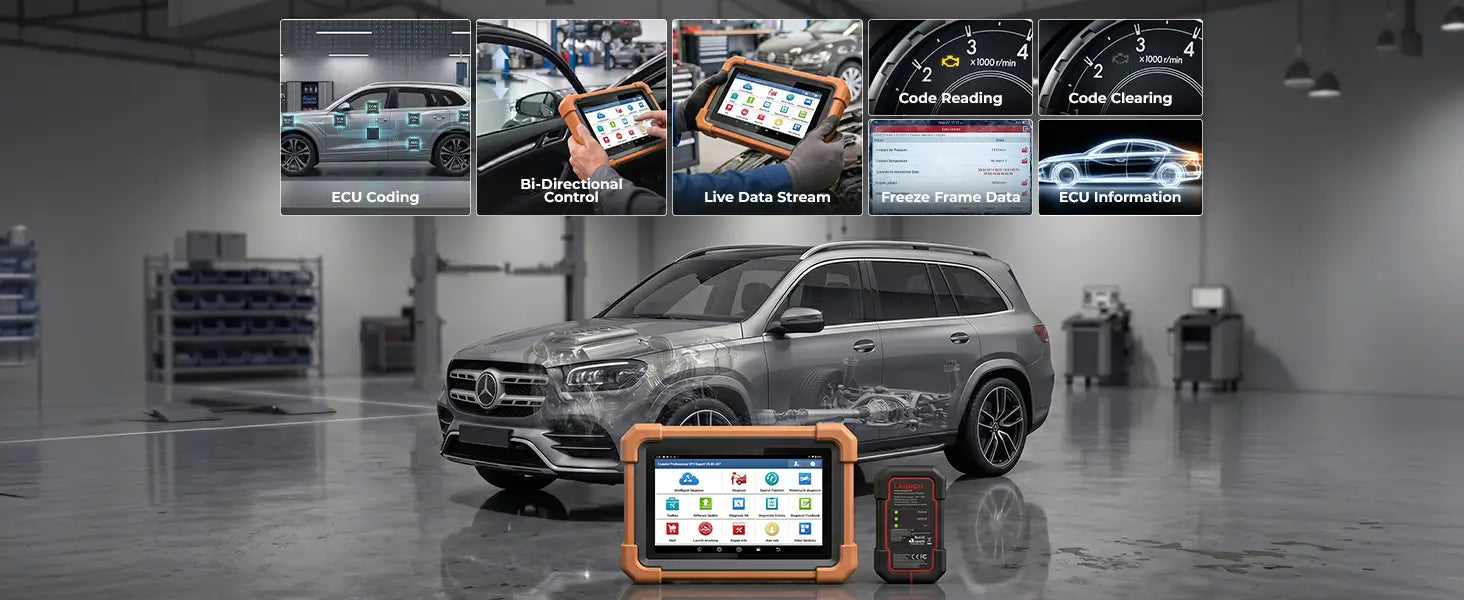
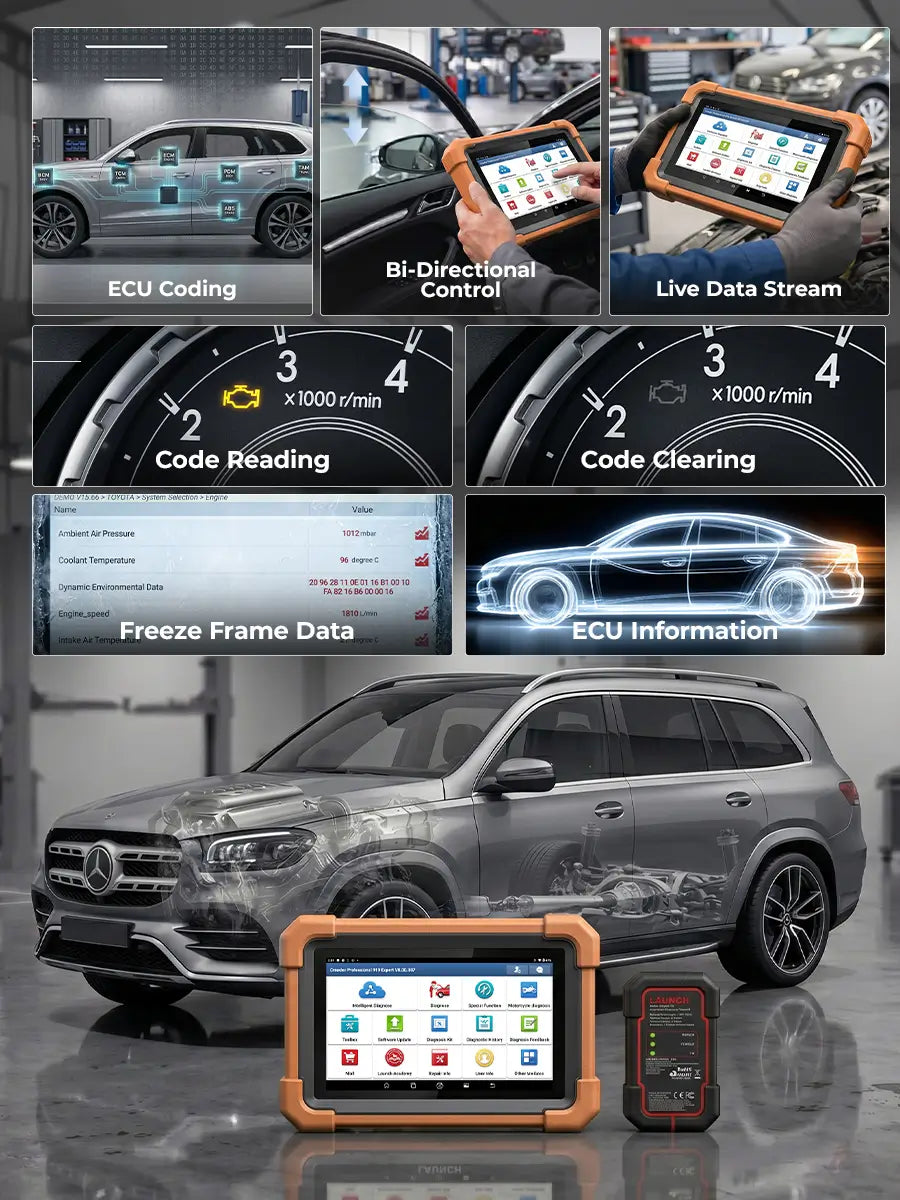
CRP919 Expert provides OE-level all-system scanning, including code reading, code clearing, ECU information, and live data monitoring. With bi-directional control and ECU coding & matching capabilities, it supports advanced diagnostics and module replacement for professional repair work.

Advanced Service & Maintenance Functions

Supports over 35 service functions such as resets, relearns, coding, and ABS bleeding. These tools help restore vehicle systems after maintenance or part replacement to restore vehicle systems after repairs or part replacement.

Instant Fault Pinpointing with Bi-directional Active Tests

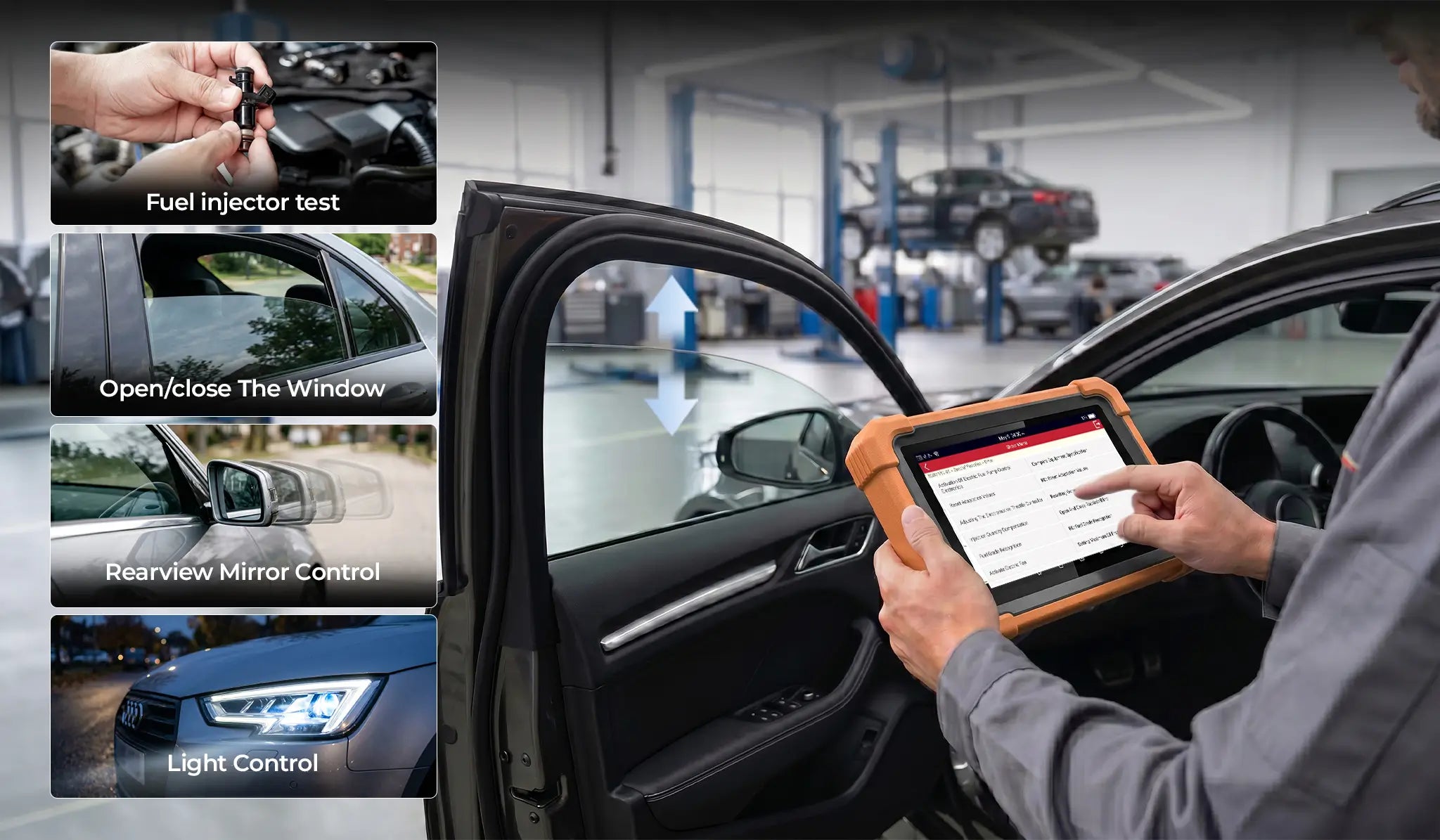
Command your car to perform! With bi-directional control, you can bypass the vehicle’s controls to test components like injectors, AC clutches, and solenoid valves. This "two-way" communication allows you to isolate faults in seconds.

Advanced ECU Coding & Module Matching

CRP919 Expert offers professional ECU coding and adaptation to synchronize new components and personalize vehicle setups. Effortlessly handle module initialization and component matching, ensuring every replacement works perfectly with the vehicle’s central system.

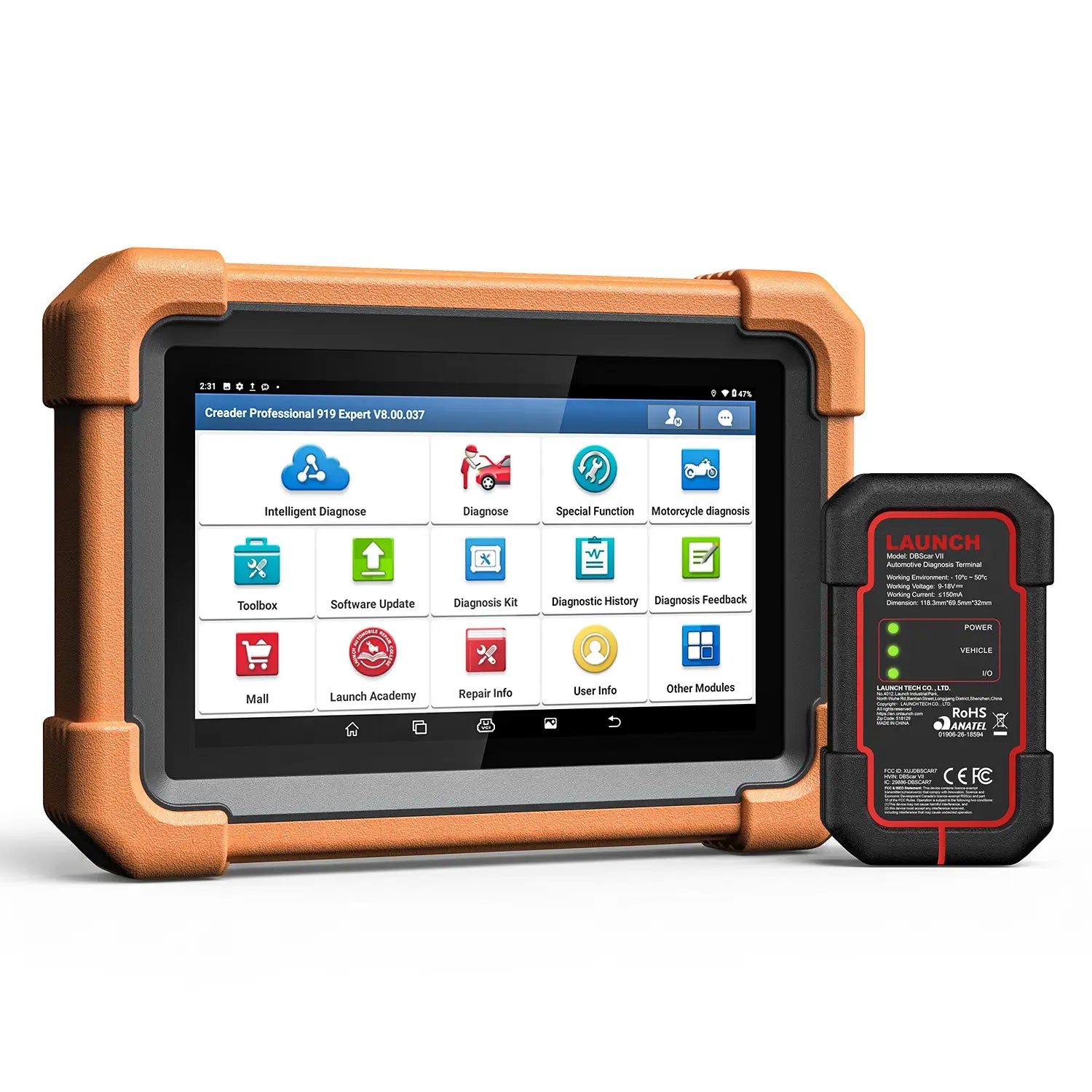
Upgraded DBScar VII VCI

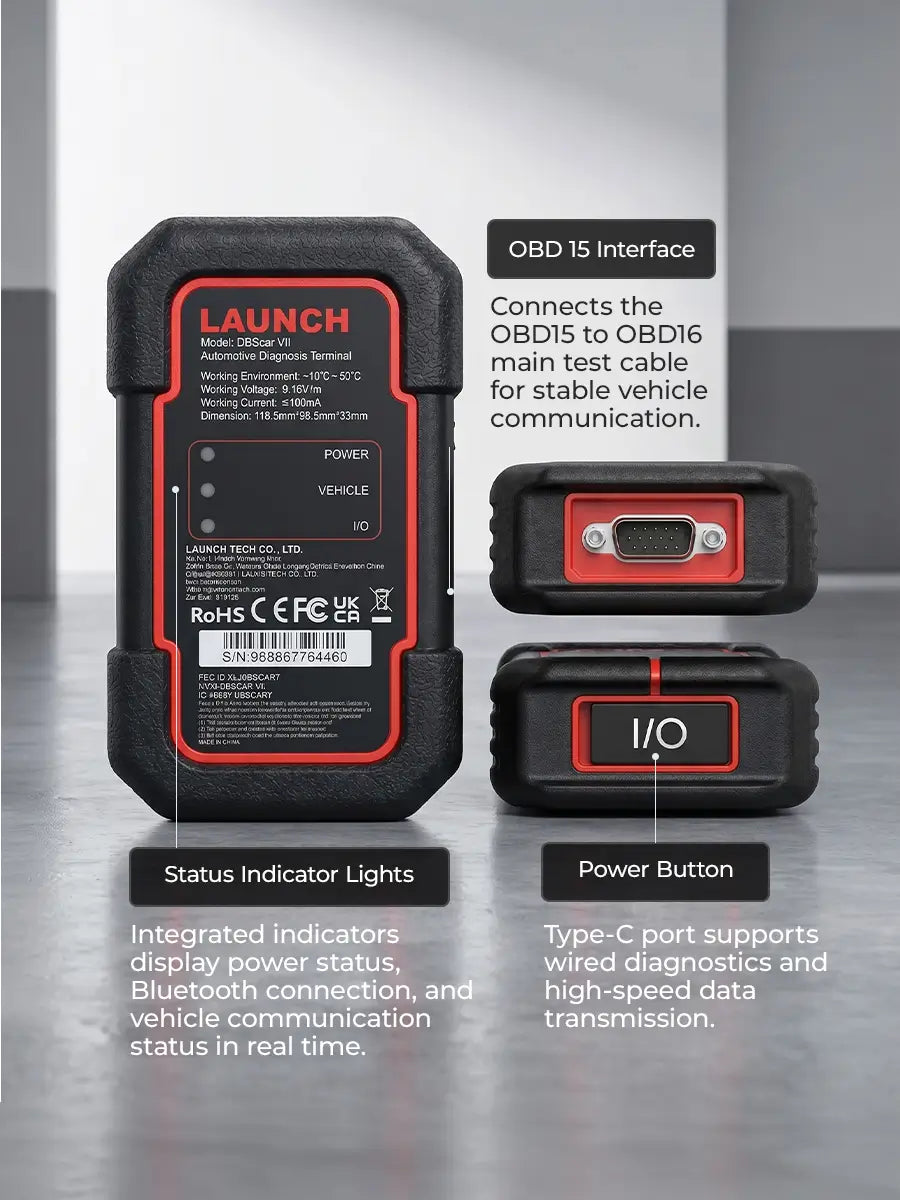
Equipped with the newly upgraded DBScar VII VCI, featuring an industrial-grade drop-resistant design for enhanced durability. Supports CAN FD and extended DoIP protocols (adapter required), ensuring compatibility with newer vehicle architectures. Bluetooth connectivity enables fast and stable wireless diagnostics, while multi-status LED indicators clearly display power, vehicle communication, and data transmission status for efficient operation.

Smart Auto-VIN & Rapid Vehicle Scan

Instantly identify vehicle information through automatic VIN recognition and perform a complete system scan with one tap. Faster processing and broader protocol support ensure seamless diagnostics for modern vehicles.

VW/Audi/Skoda Guided Functions

Supports guided functions for Volkswagen, Audi, Skoda, and other VAG models. The system provides step-by-step instructions based on fault prompts, helping technicians perform maintenance procedures more accurately and efficiently.

250+ Global Vehicle Brands Covered

Supports a wide range of American, European, and Asian vehicle makes and models, ensuring broad compatibility across different vehicle platforms and model years.

Smart Diagnostic Reports

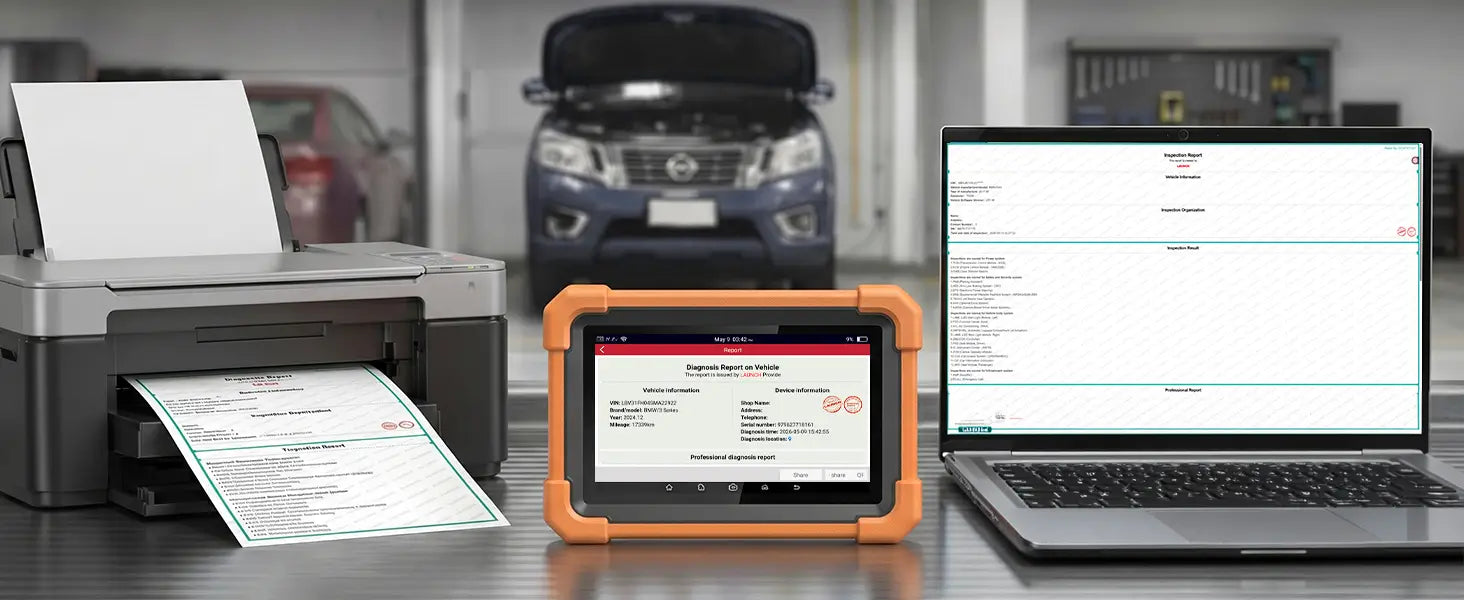
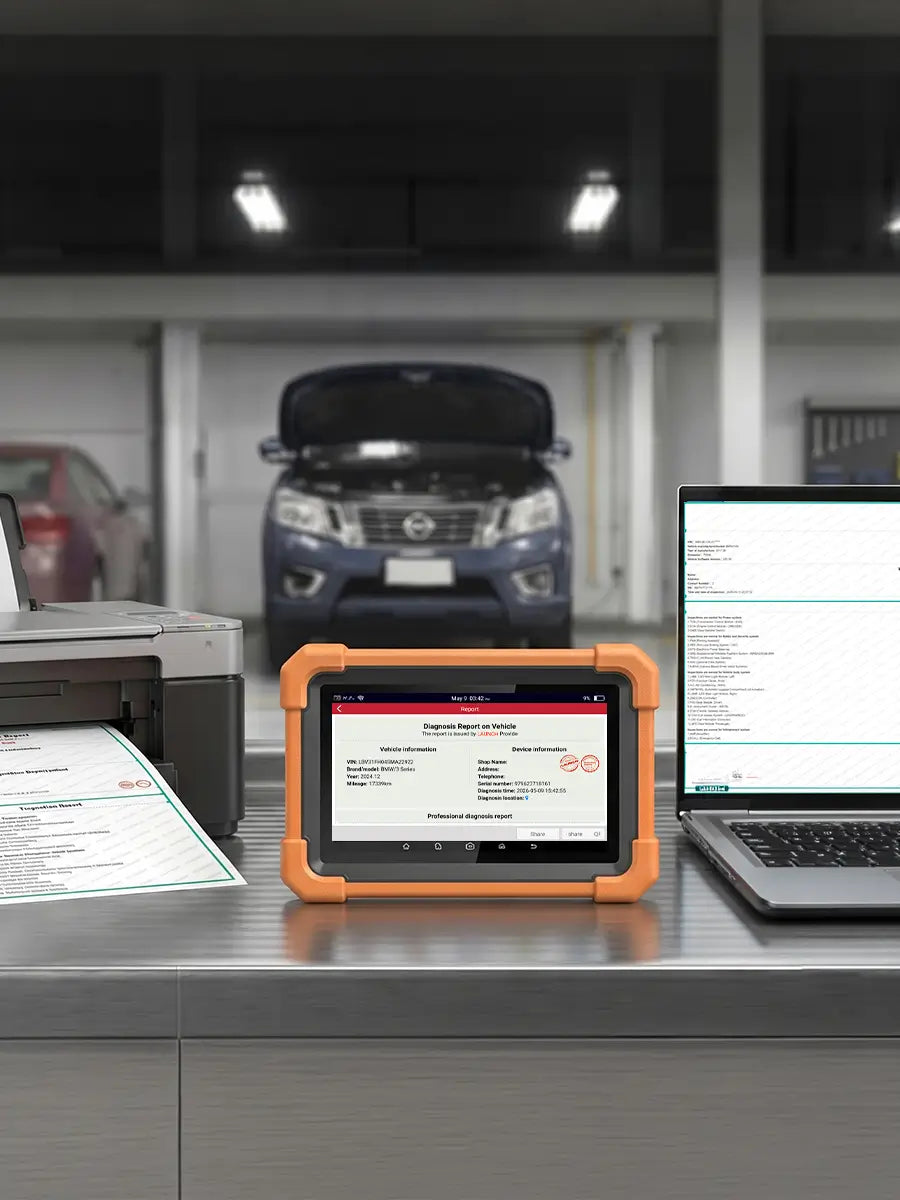
Easily generate and access detailed diagnostic reports after each scan. Review fault codes, system status, and test results anytime. Capture screenshots and instantly share reports for faster communication and service transparency.

Power to Expand & Upgrade

Visual Inspection for Hard-to-Reach Areas
Add VSP‑600 for clear inspection in tight, hidden engine spaces.
Smart Battery Testing Made Simple
Turn CRP919 Expert into a professional battery and charging analyzer.
Total Tire Pressure Management
Pair with X‑431 TSGUN for complete, accurate TPMS service.
Beyond Codes. Into the Signal.
Add O2‑2 Scopebox for precise waveform analysis and faster diagnostics.

Premium User Experience

  • image
    image
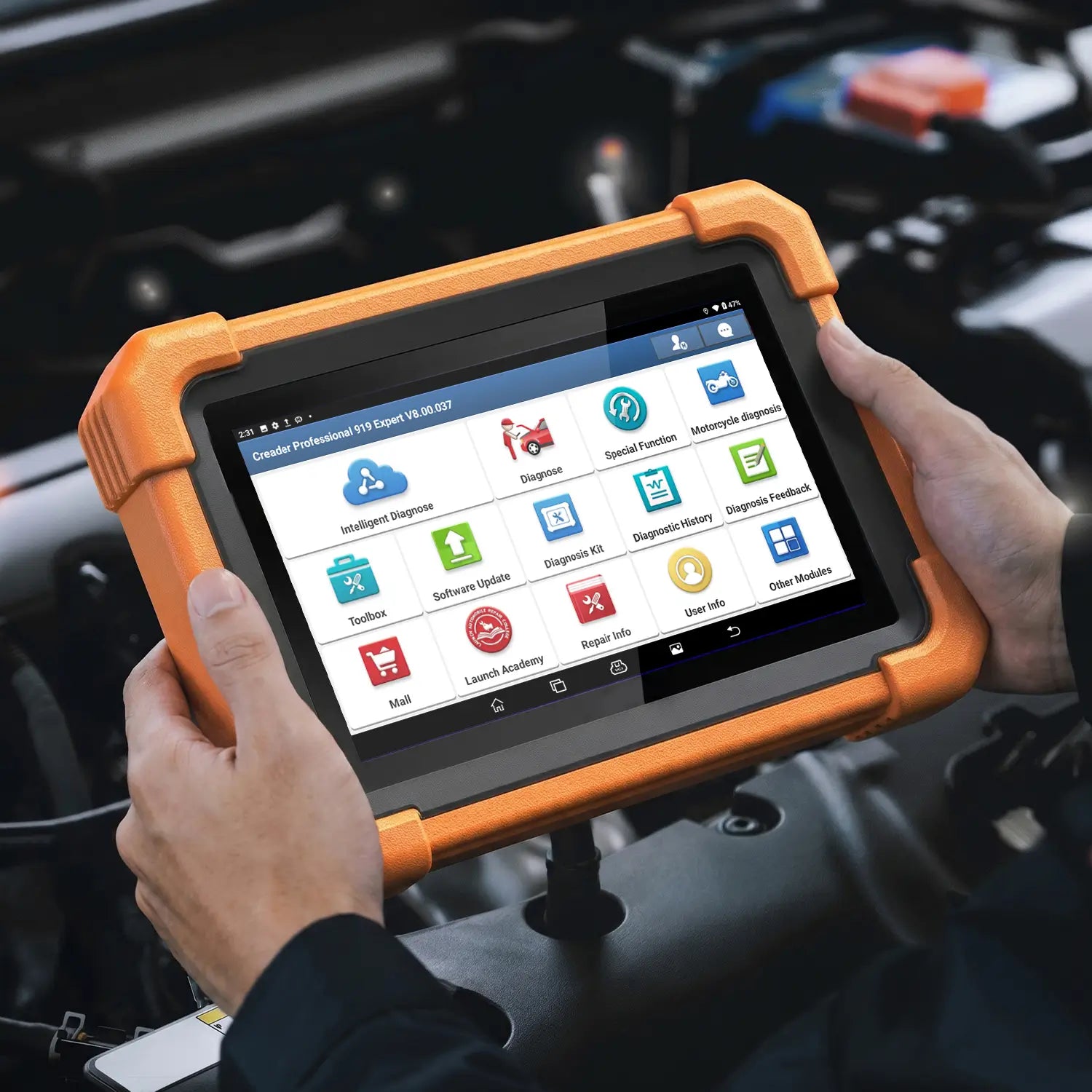
    Generate detailed diagnostic reports after each scan. Review results anytime, replay past sessions for accurate analysis, capture screenshots, and instantly share reports for faster communication.

Technical resources & Knowledge base

Equipment Information Center
Access product manuals and FAQs directly from the device. Manuals are available in 8 languages for quick reference and support.
General Automotive Resources
Browse automotive maintenance videos and technical resources to expand repair knowledge and improve diagnostic efficiency.
Total Tire Pressure Management
Get tire service tips, DTC assistance, and maintenance guides for accurate diagnostics and professional repairs.

How To Use It

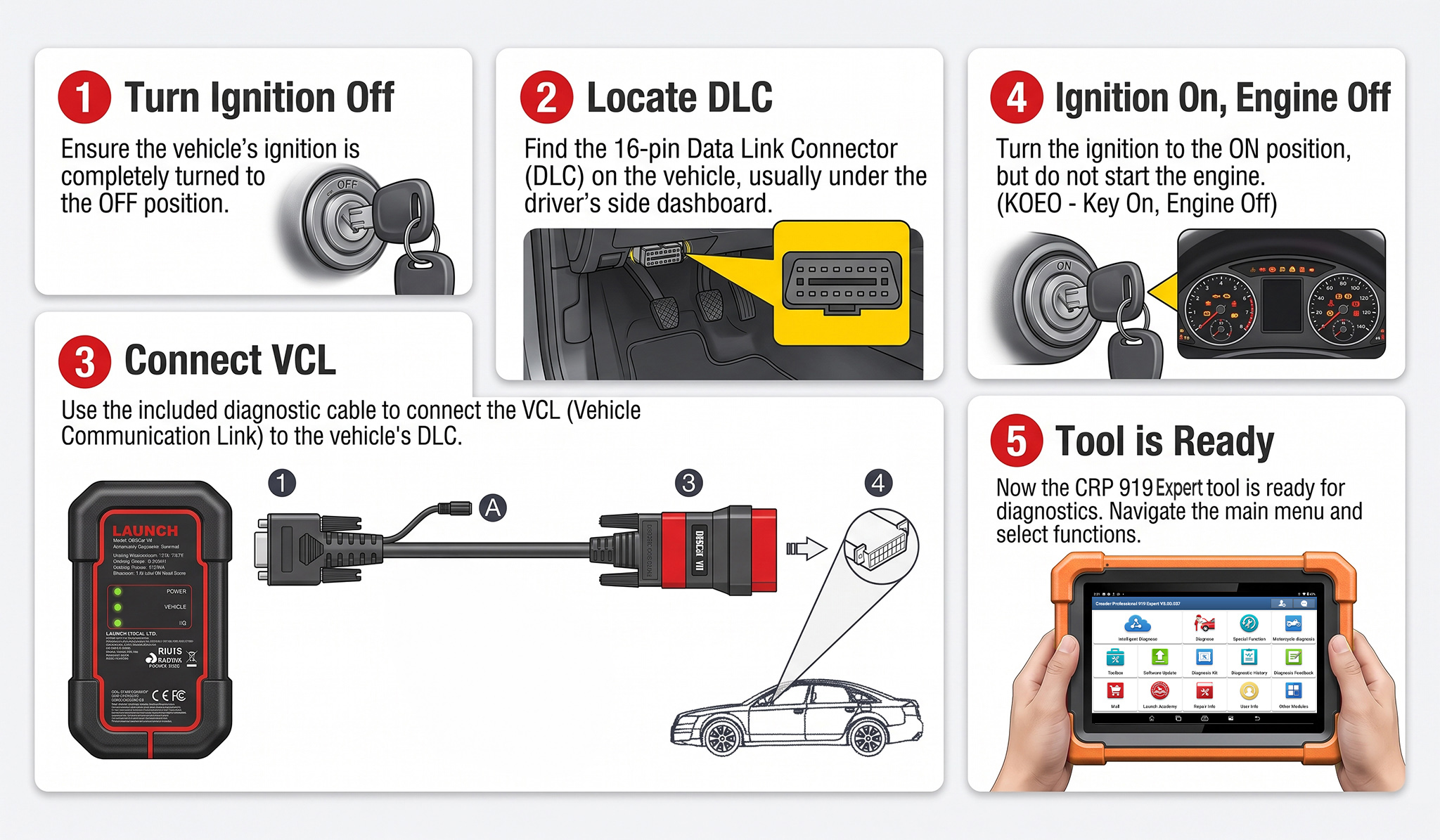
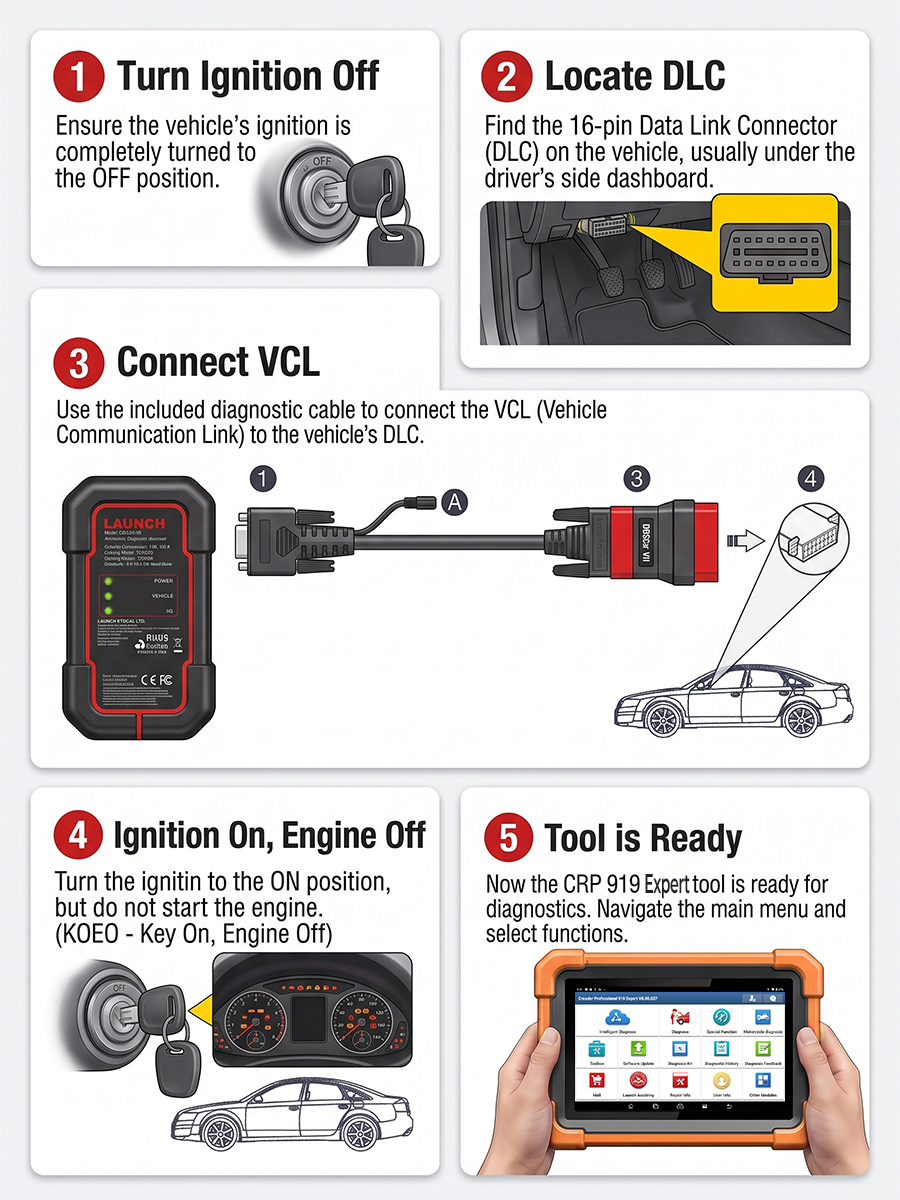
Turn the ignition off.

Locate the vehicle’s 16-pin Data Link Connector (DLC).

Plug one end of the diagnostic cable into the vehicle’s DLC port, and the other end to the DB-15 diagnostic connector of the tool, and then tighten the captive screws.

*Notes: A plastic DLC cover may be found for some vehicles and you need to remove it before plugging the diagnostic cable. The cable connector is keyed and will only fit one way. If you have problems connecting the cable connector to the DLC, rotate the connector 180° and try again.

Turn the ignition on. Engine can be off or running.

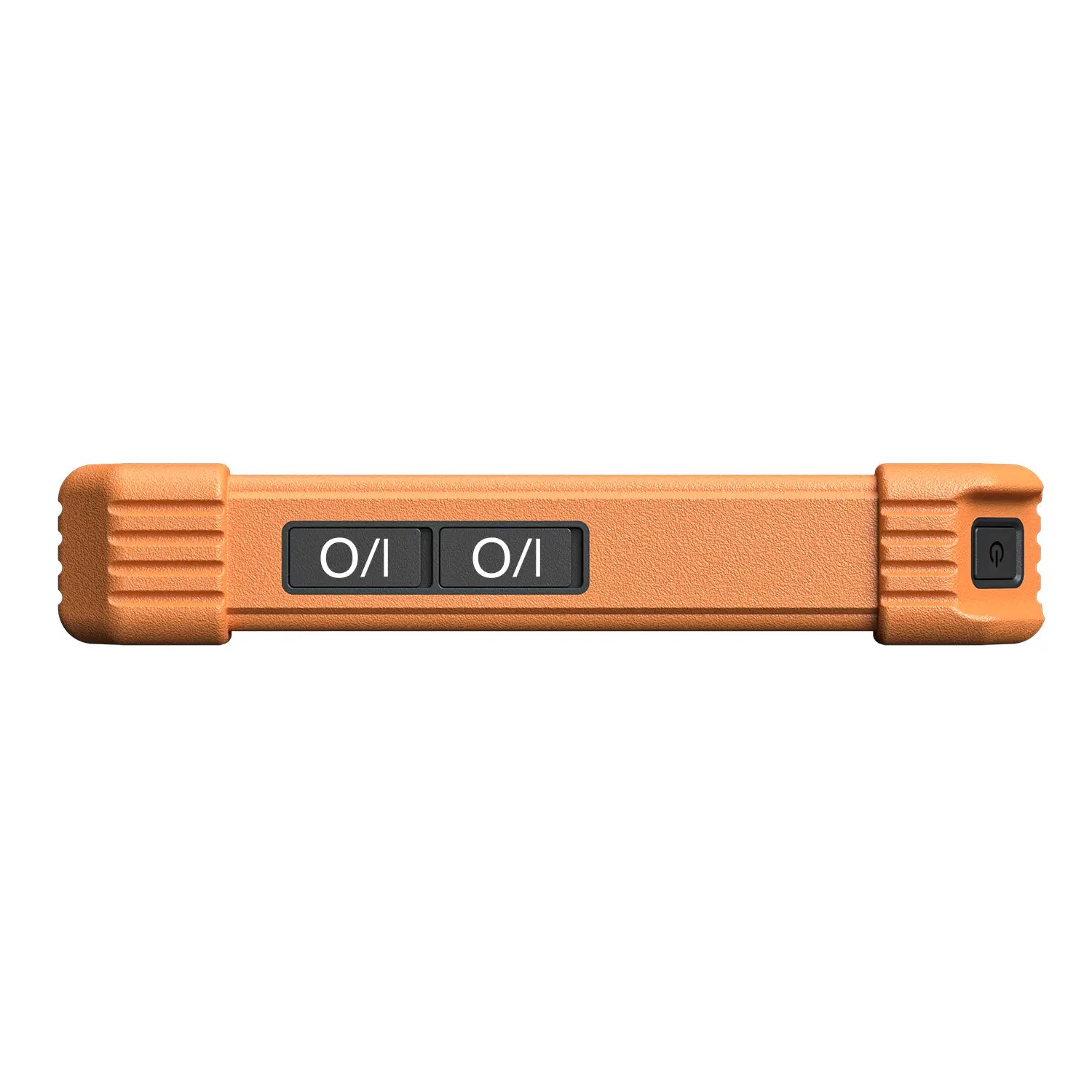
Press the power button for several seconds to turn the tool on and enter the Main Menu.

What's In The Box

Cart

loading